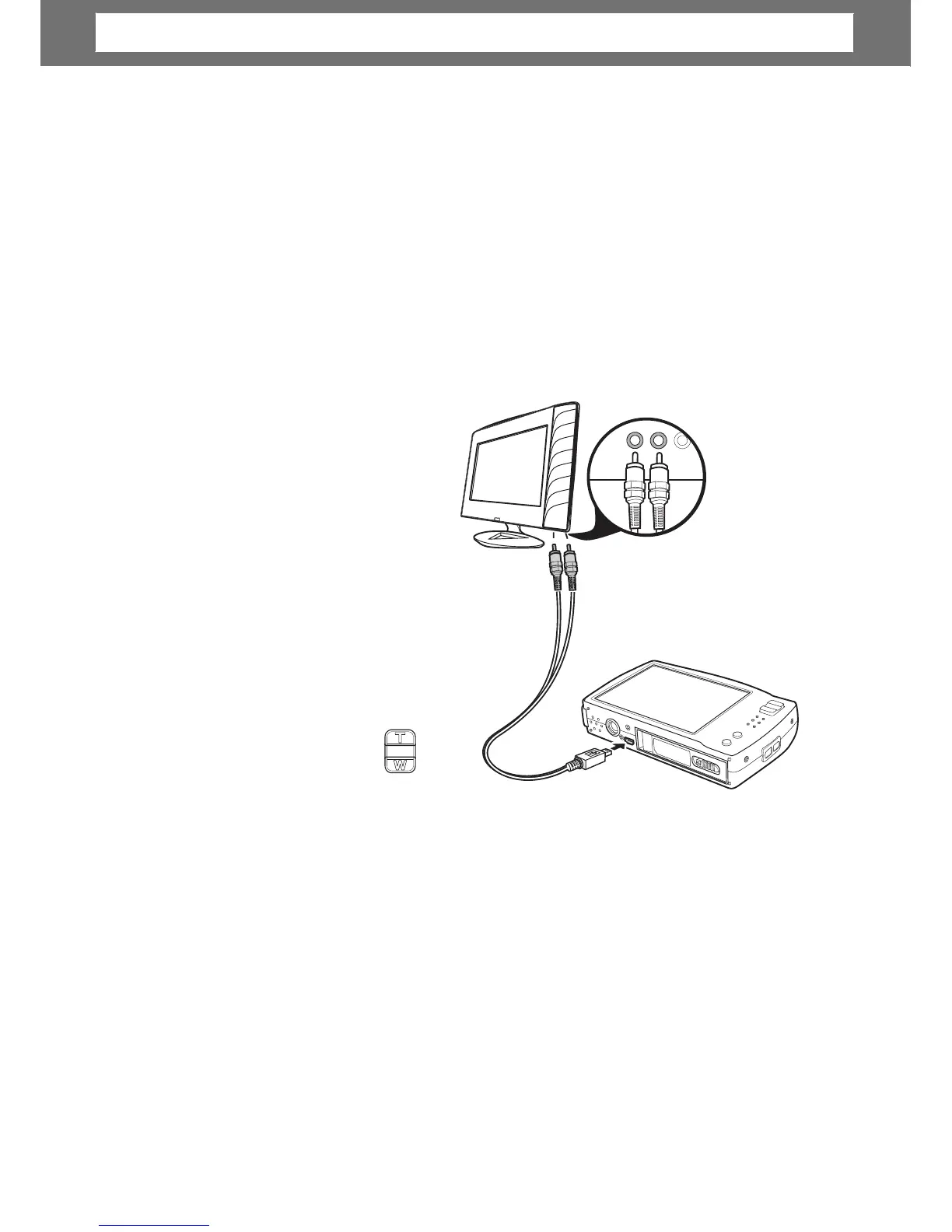
1. Turn on the camera.
2. Set the TV out to match TV’s
video out format. See “Setting
TV Out” on page 56.
3. Connect the USB/AV 3-in-1
cable to the USB port on the
bottom of your camera.
4. Connect the other end of the
cable to the TV’s AV input port.
5. The LCD screen turns black and
all images and video clips are
displayed on the TV.
view
photos
deo
ious
photo and W button to go to
next photo.
For slideshow, press Playback button to start/stop slideshow.
To display/hide function keys on the TV screen, press Display button.
•
•
59
Chapter
7:
Making
Connections













 To Next Page