Zooming Images
The zoom view function works with still images only.
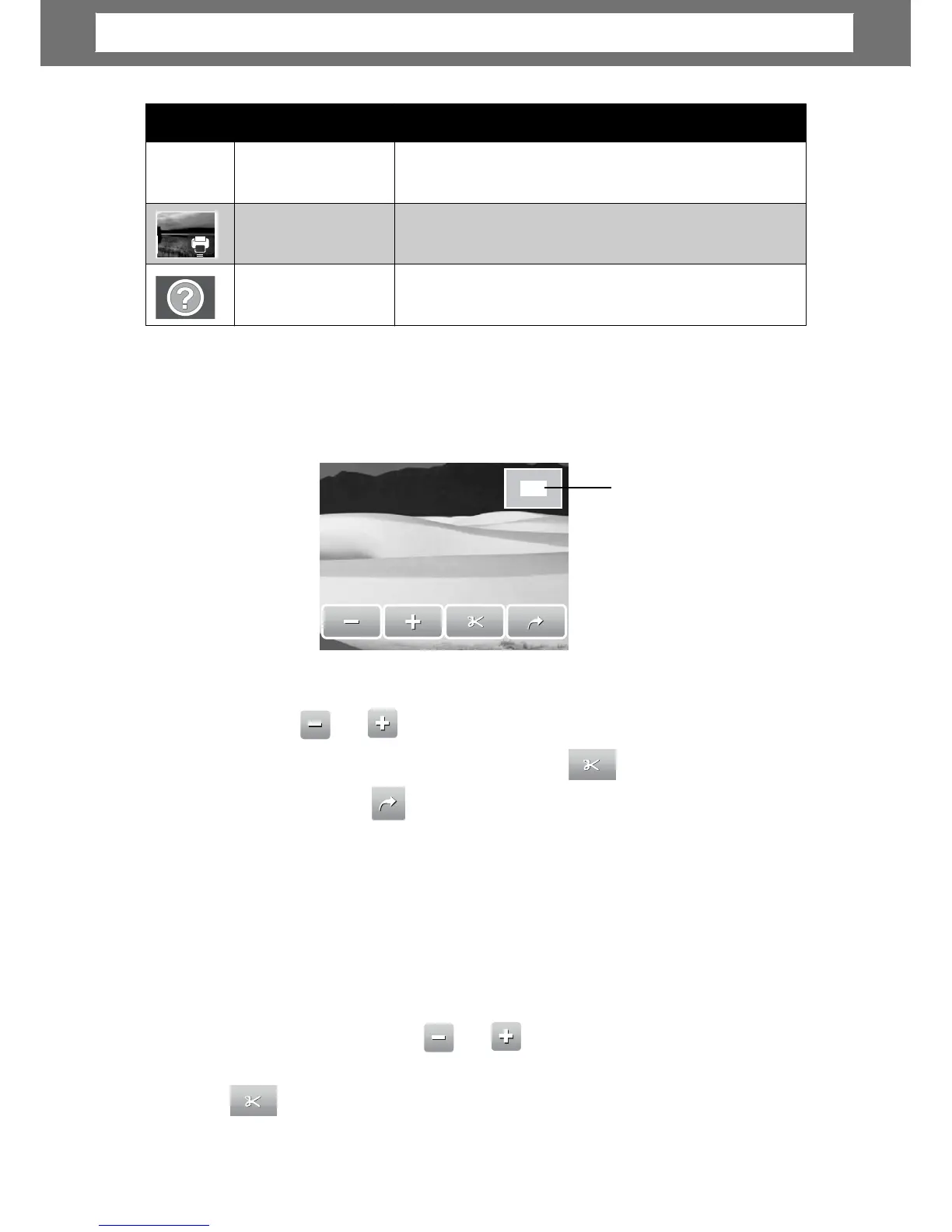
In normal view, press the T button to activate zoom function, see picture below.
Shows
zoom
location.
2.0
x
, press
the T button repeatedly to increase zoom. Press the W button to decrease zoom.
or
ou can also tap to decrease/increase zoom.
e based on selected zoom vie
unction, tap .
Trimming an Image
The Trim function allows you to trim an image to another image size. This function
is only available for still images.
1. View the image to trim.
2. Press the T button to activate zoom function.
or
3. Press the T/W button or tap
to trim.
repeatedl
e.
41
Icons Type Description
Voice Record
Indicates a voice recording file.
DPOF File
Indicates the file is marked for printing.
File Error
Indicates an error file.
Chapter
5:
Playback













 To Next Page