eset
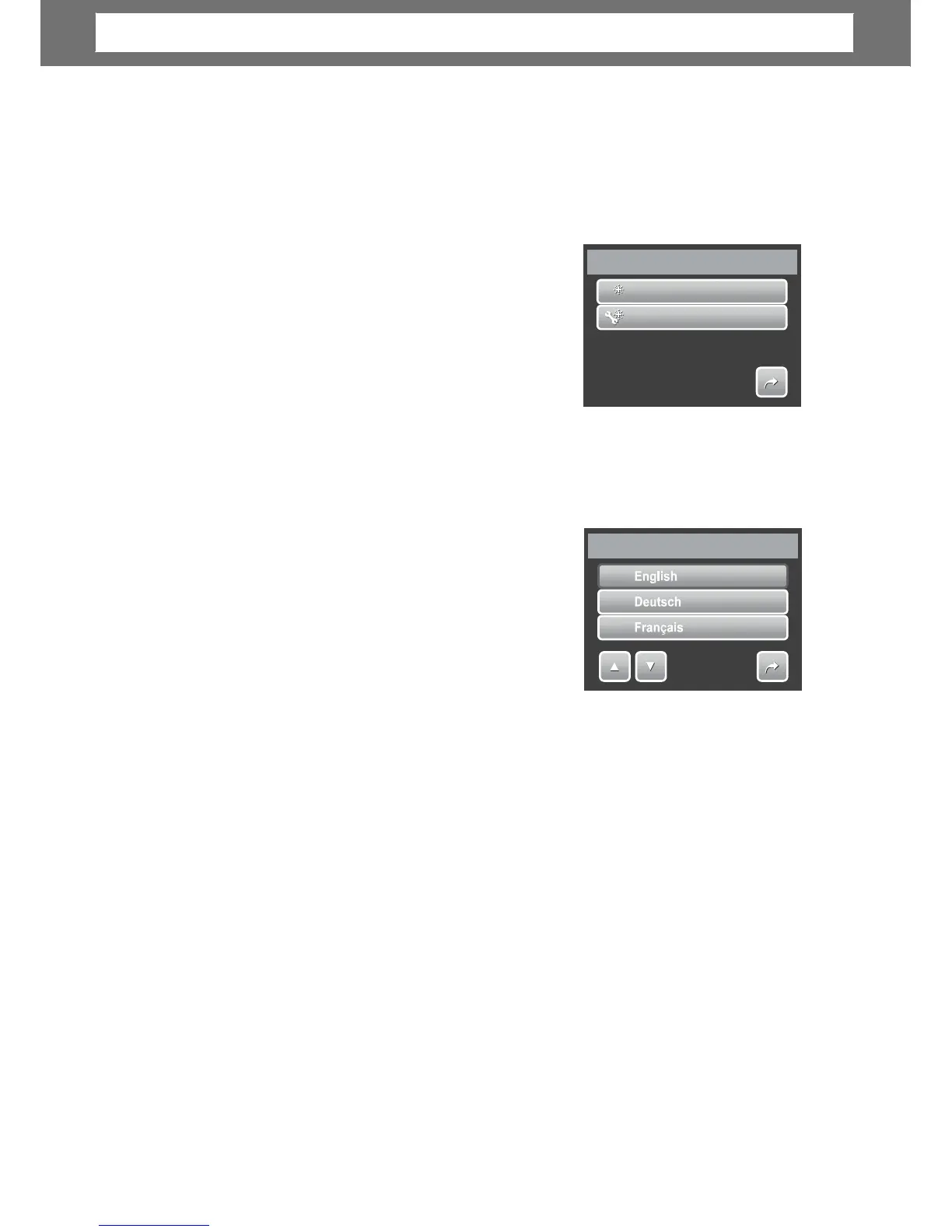
1. From the Setting menu, select Reset.
2. Tap option:
• Reset File No. Tap to reset file
numbering. To understand folder and
file structure of your camera, see
“About Folder and File Names” on
page 62.
• Reset. Tap to reset camera to initial
default settings.
3. A confirmation message appears. Tap Yes to reset. Tap No to exit submenu.
Setting Language
The Language function allows you to choose the
language of the on screen display (OSD) menu.
1. From the Setting menu, tap Language.
2. Tap to apply desired language.
58
Language
1/7
Reset
0
0
0
0
1
1
Reset
File
No.
Reset
1/1
Chapter
6:
Using
the
Setting
Me
nu













 To Next Page