Using the Setting Menu
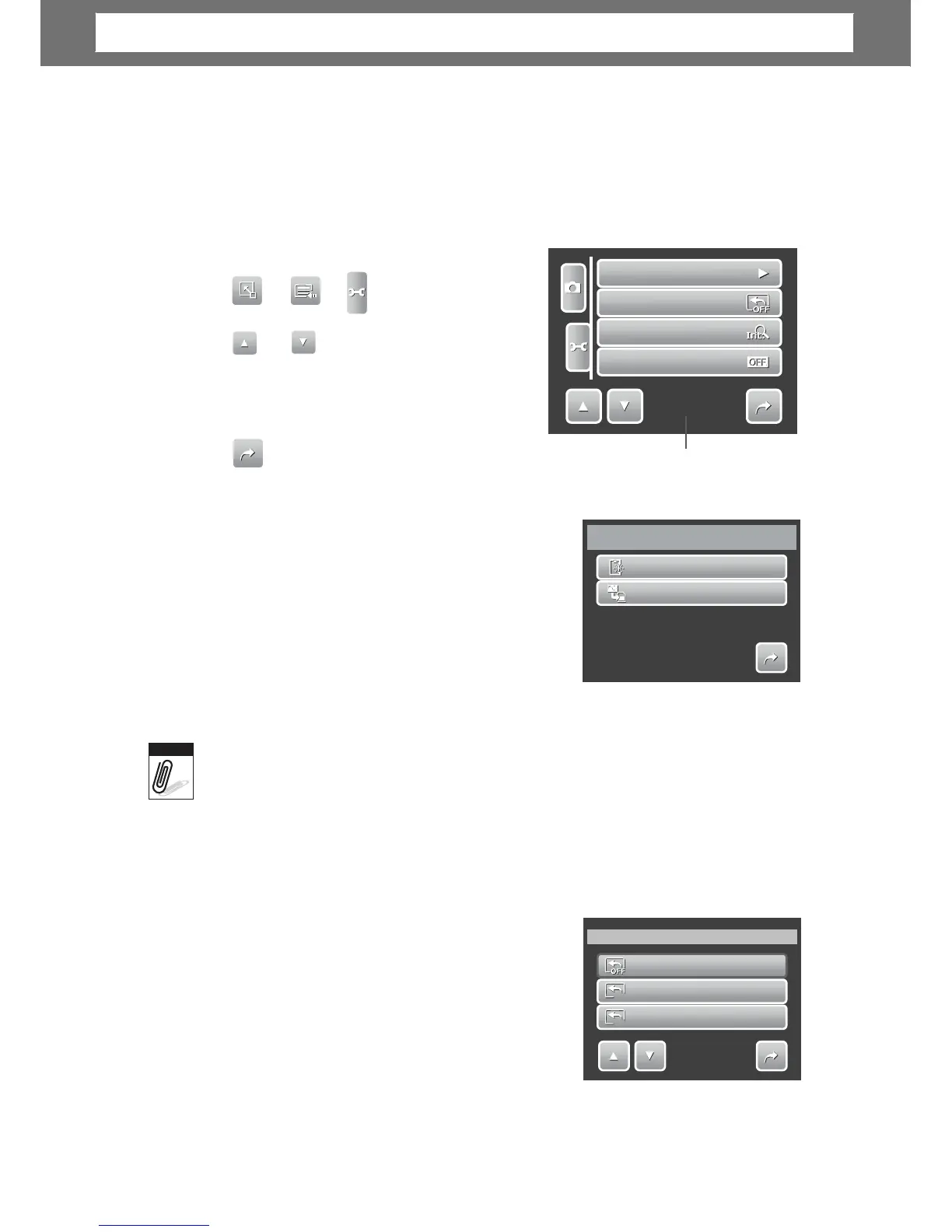
You can access the Setting menu whether you are in Record or Playback mode.
The Setting menu allows you to configure general camera settings. Submenu
options may vary depending on the current mode. Unavailable are disabled.
To go
to
Sett
ing Menu:
1.
e of menu selection.
3. Tap a submenu option to change
submenu settings.
4.
it submenu.
Indicates current
pa
al
no.
Setting Memory Kit
Use this function to manage contents of the
internal memory or memory card.
Available settings are:
• Format. Select to format currently used
memory.
• Copy to Card. Select to copy all files stored
in the internal memory to the memory card.
•
I
there
is a
memory
card
inserted in the memory slot, the camera
automatically
saves
files
to
the
memory
card.
•
If
there
is
no
memory
card
or
the
internal
memory
is
empty,
the
Copy
to
Card
functio
is disabled.
Setting Auto Review
The Auto Review function lets you view the
captured image right after shooting it.
Available settings are: Off, 1 sec., 2 sec., 3 sec.,
and 5 sec.
To
set
Auto R
eview
1. From the Setting menu, tap Auto Review.
2. Tap to apply desired settings.
This function is not available in camcorder mode.
54
Auto Review
Off
1
1
s
s
1
sec.
2
2
s
s
2
sec.
1/2
Note
Memory
Kit
Format
Copy
to
Card
1/1
Memory
Kit
Auto
Review
Digital
Zoom
System
Sound
1/4
Chapter
6:
Using
the
Setting
Me
nu













 To Next Page