5. Confirm trim, select whether to:
•
•
•
Save As. Sa
es to a new file.
No. Discard changes.
Overwrite. Save and apply changes to the current file.
Playing Movies
27/27
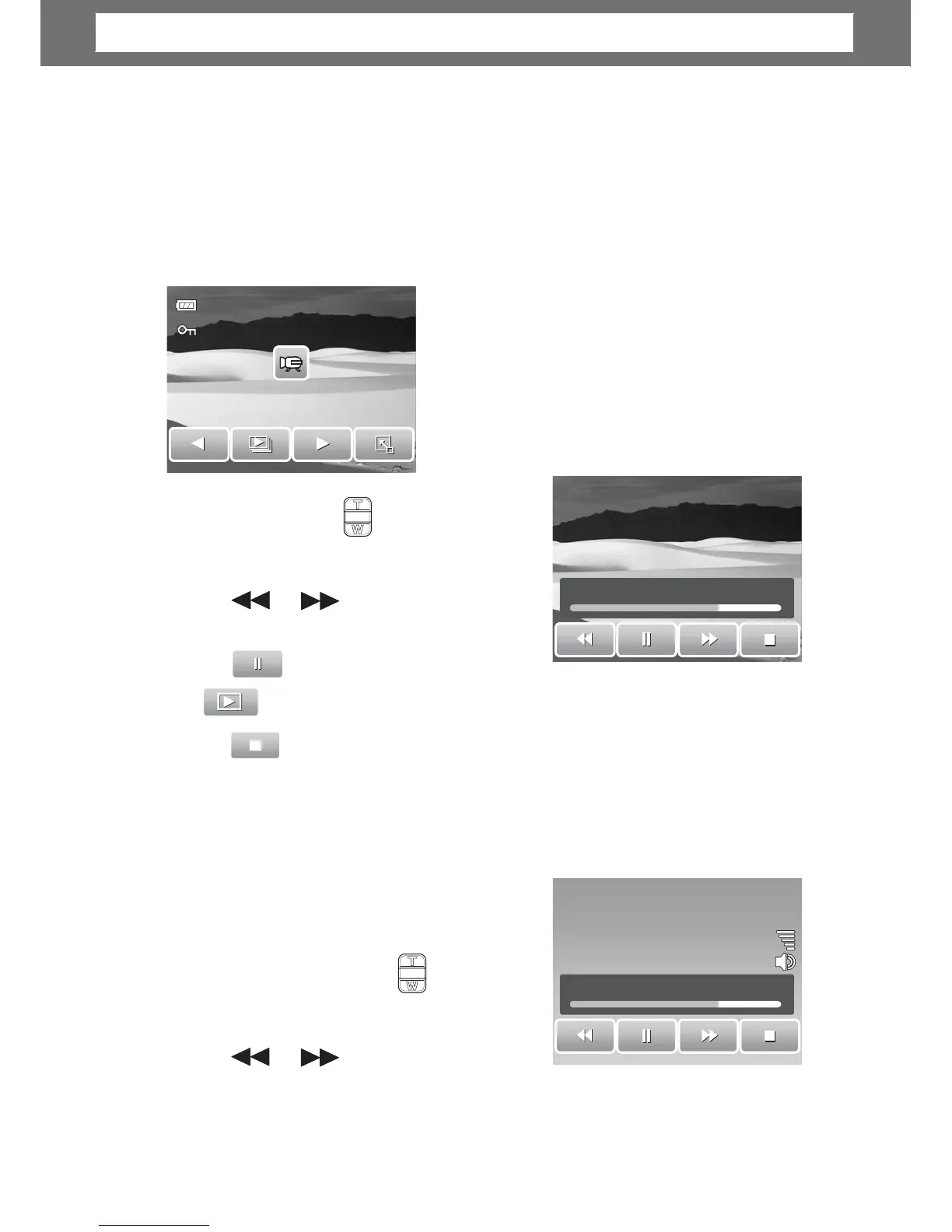
1. Select video to pla
. A video file has a video
icon displayed on screen. See picture on the
left.
2. Tap anywhere on the LCD screen to play
video.
3. During playback, tap anywhere on the LCD
screen to display the video toolbar.
4. During
playback, use the to cont
olume.
Press the T/W button to inc
ease/
decrease volume.
00:30/00:50
or
5.
ap or the slider bar to
rewind or
ap to stop playback. The LCD screen displays the movie
ation mode.
Playing Voice Recording
1. Select the voice recording file to play.
2. Tap anywhere on the LCD screen to play
recording.
3. Durin
playback, use the to control
olume. Press the T/W button to increase/
decrease volume.
or
4.
ap or the slider bar to
rewind or
.
42
00:30/00:50
Chapter
5:
Playback













 To Next Page