dding a Memo Dialog to an Image
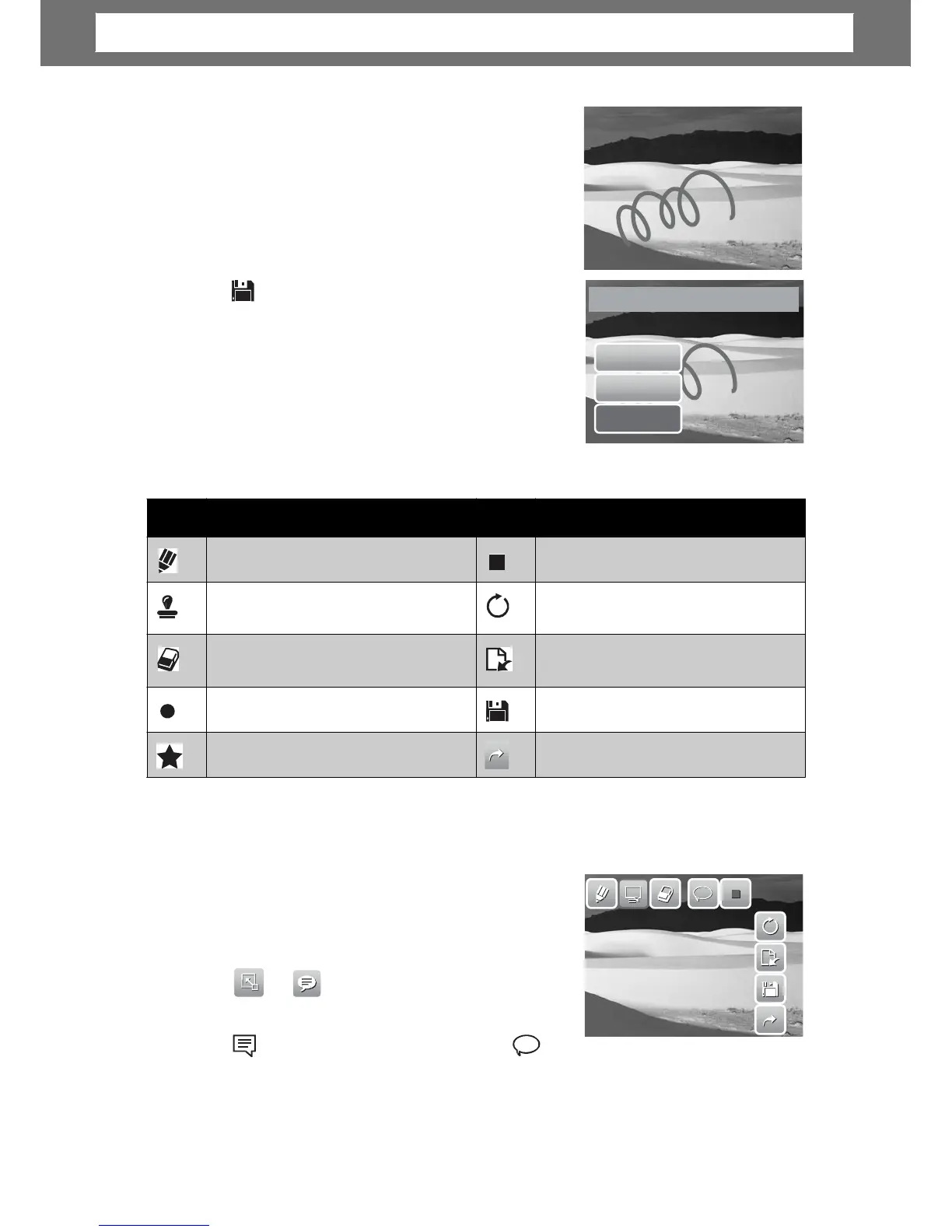
The Add Memo function lets you add a memo dialog
to a still image. This function is not available for
images captured with VGA and 16:9 HD resolution.
1. View the image to add memo dialog to.
2.
stroke.
4. Press Display button to hide the toolbar.
44
Icon Description Icon Description
Tap to draw freely on the photo.
Tap to select color.
Tap to stamp symbols on the
photo.
Tap to undo/redo last operation.
Tap to erase drawings on the
photo.
Tap to reset all operations.
Tap to select pen stroke.
Tap to save changes.
Tap to select stamp stroke.
Tap to exit My Drawing function.
Save
changes?
Chapter
5:
Playback













 To Next Page