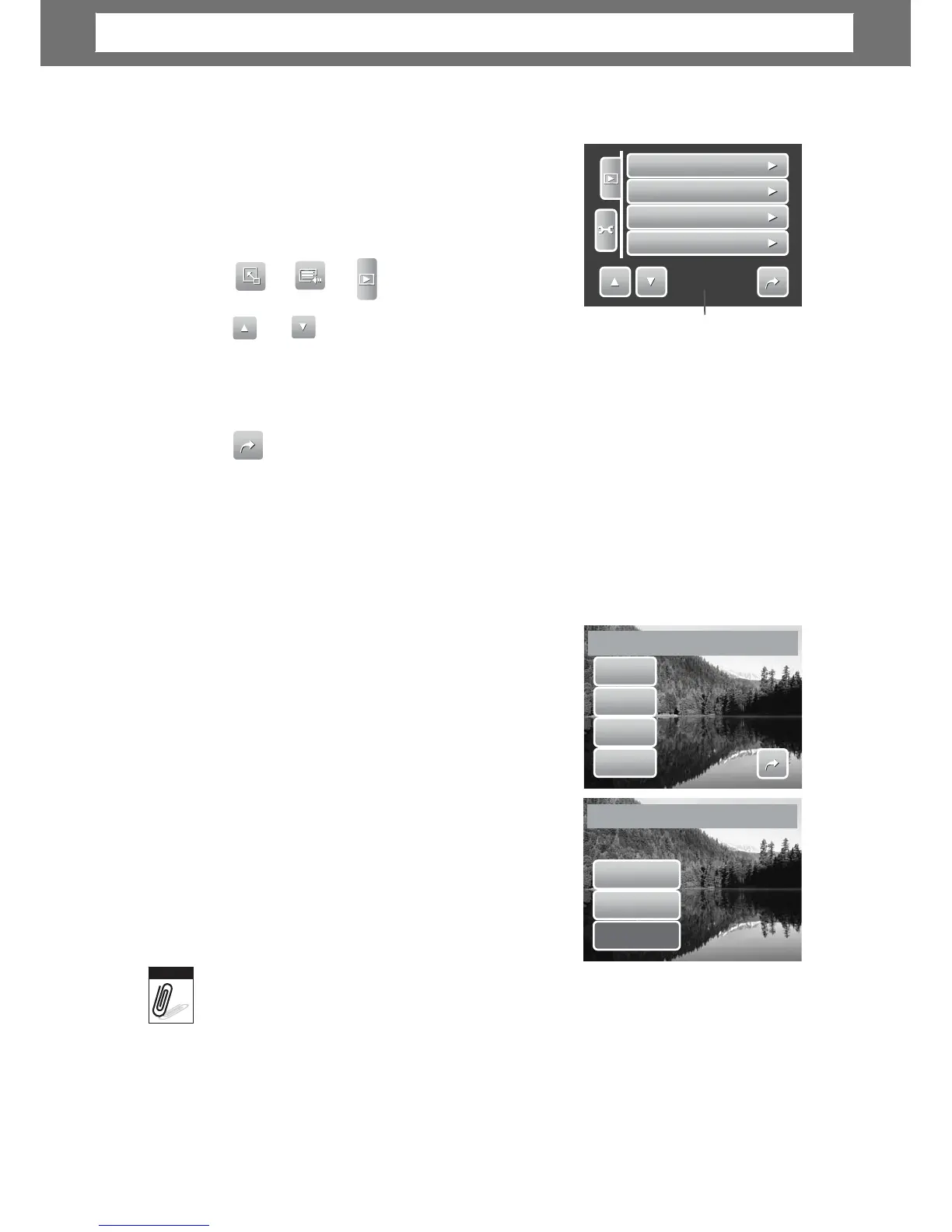
Setting Playback Menu
The Playback menu allows you to edit images,
delete files, records voice memo, and setup other
playback settings.
To go
to
Pla
yback
Menu:
1.
e no. /
total
no.
of
menu
page.
2.
e of menu selection.
3. To select an item, tap the icon.
4.
s, tap the icon of desired settin
es
i
ze
The Resize function allows you to change the ima
es to
smaller ones. This function is only available for still images.
To
resize
an image:
1. View image to resize on the LCD screen.
2. From the Playback menu, tap Resize.
3. Tap desired size. Select size among: 8M, 5M,
8M
3M, and VGA. A
s may
vary depending on original image size.
Unavailable settings appear as gray icons.
5M
3M
size, tap to confirm whether
to:
•
Save As. Sa
e the new file as a new
one.
No. Discard resize.
Overwrite. Apply and save chan
es to
the current file.
Save
s
•
•
No
Overwrite?
Resize
function is
not
available for photos with ima
e size set to VGA.
50
Note
Save
changes?
Resize
this
file?
Resize
Voice
Memo
Protect
Delete
1/3
Chapter
5:
Playback













 To Next Page