s the focus.
30
Icon Item Description
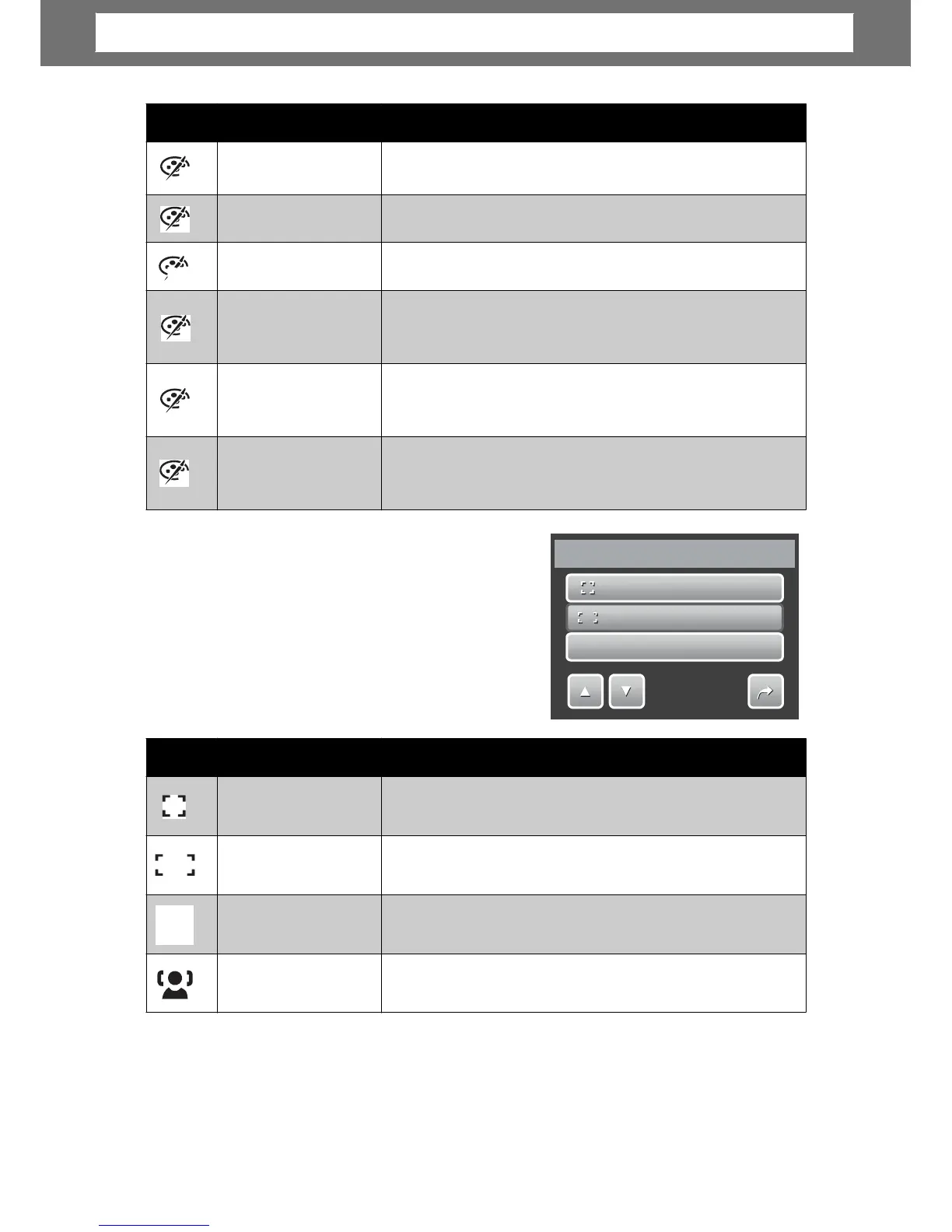
Center
The focus area is fixed on the center.
Wide
The camera automatically selects focus area within
Manual
Users manually determines the area of focus.
Face Tracking
The camera automatically detects the position of a
MF
Center
Wide
M
M
F
F
Manual
1/2
AF
Area
Icon Item Description
V
Vivid
The camera captures the image with more contrast
Sepia
Images are captured in sepia tones.
BW
B&W
Images are captured in black and white.
Vivid Red
Captured image becomes reddish. Ideally used to
record images like flowers and cars to make them
G
Vivid Green
Captured image becomes greenish. Ideally used to
record images like mountains and lawns to make
Vivid Blue
Captured image becomes bluish. Ideally used to
record images like the sky and the ocean, to make
B
R
S
Chapter
4:
Recording
Photos,
Videos
and
Voices













 To Next Page