Manual AF
Area
mode
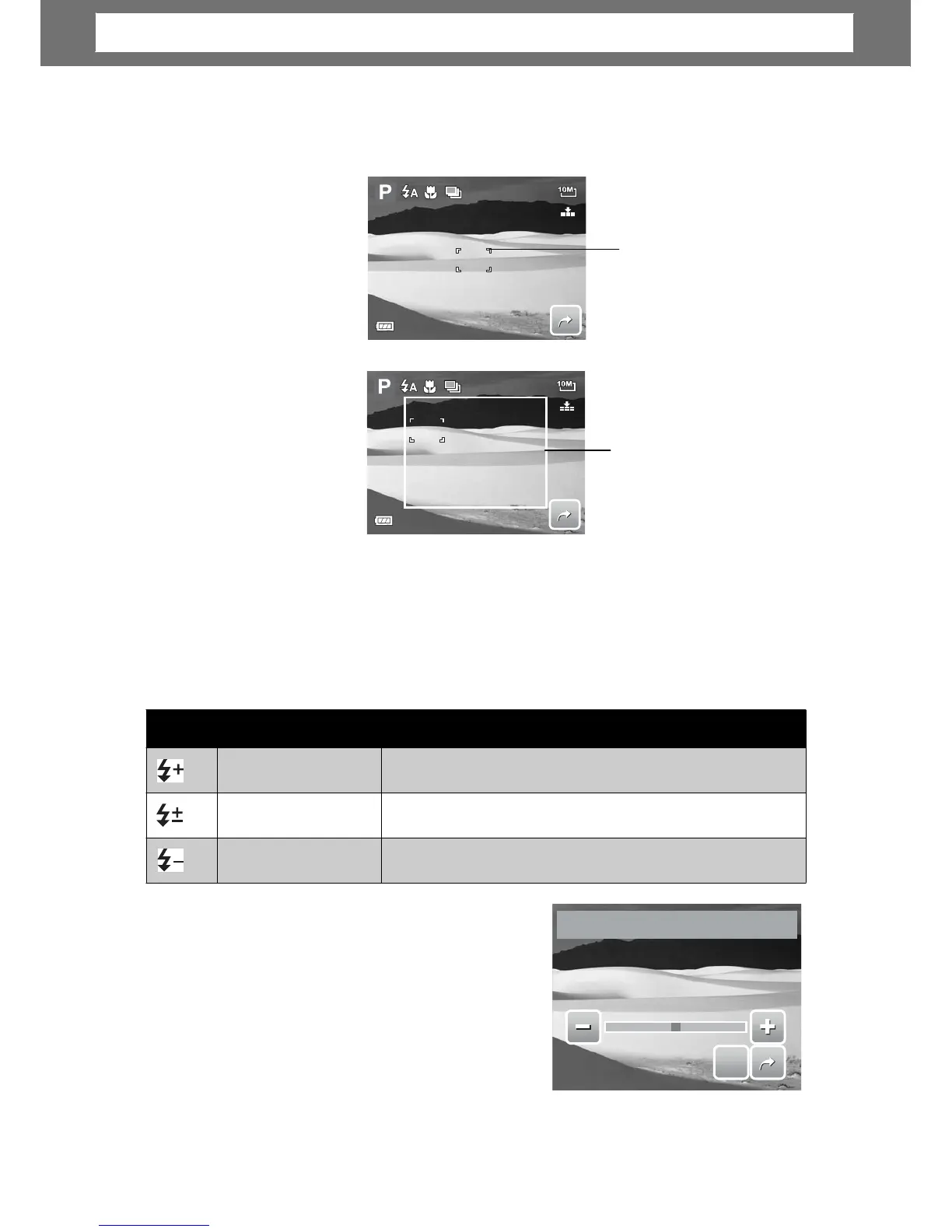
When you exit the menu after selecting manual mode, a white focus frame appears
on the LCD screen.
307
White
Focus
F
ame to display the instruction
ame within the
instruction frame.
Flash
Intensity
The Flash Intensity function allows users to adjust the intensity of flash to capture
image with a brighter or dimmer lighting effect. The table below shows the
available settings.
E
Compensation
In difficult lighting condition, the auto
exposure function of your camera may be
misled into giving the wrong readings.
Exposure Value (EV) function allows you to
adjust the exposure value and correctly
expose your images. Available for still ima
es
only.
0.0
S
S
E
E
T
T
31
EV
Compensation
Icon Item Description
High
Captures image with brighter lighting.
Normal
Normal lighting is applied.
Low
Captures image with dimmer lighting.
Chapter
4:
Recording
Photos,
Videos
and
Voices













 To Next Page