Setting Digital Zoom
This feature controls the digital zoom mode of your camera.
Your camera enlarges an image using the optical zoom first. When the zoom scale
exceeds 5x, the camera uses digital zoom.
To
set
Digital
Z
oom
1. From the Setting menu, tap Digital Zoom.
2. Tap to apply desired settings.
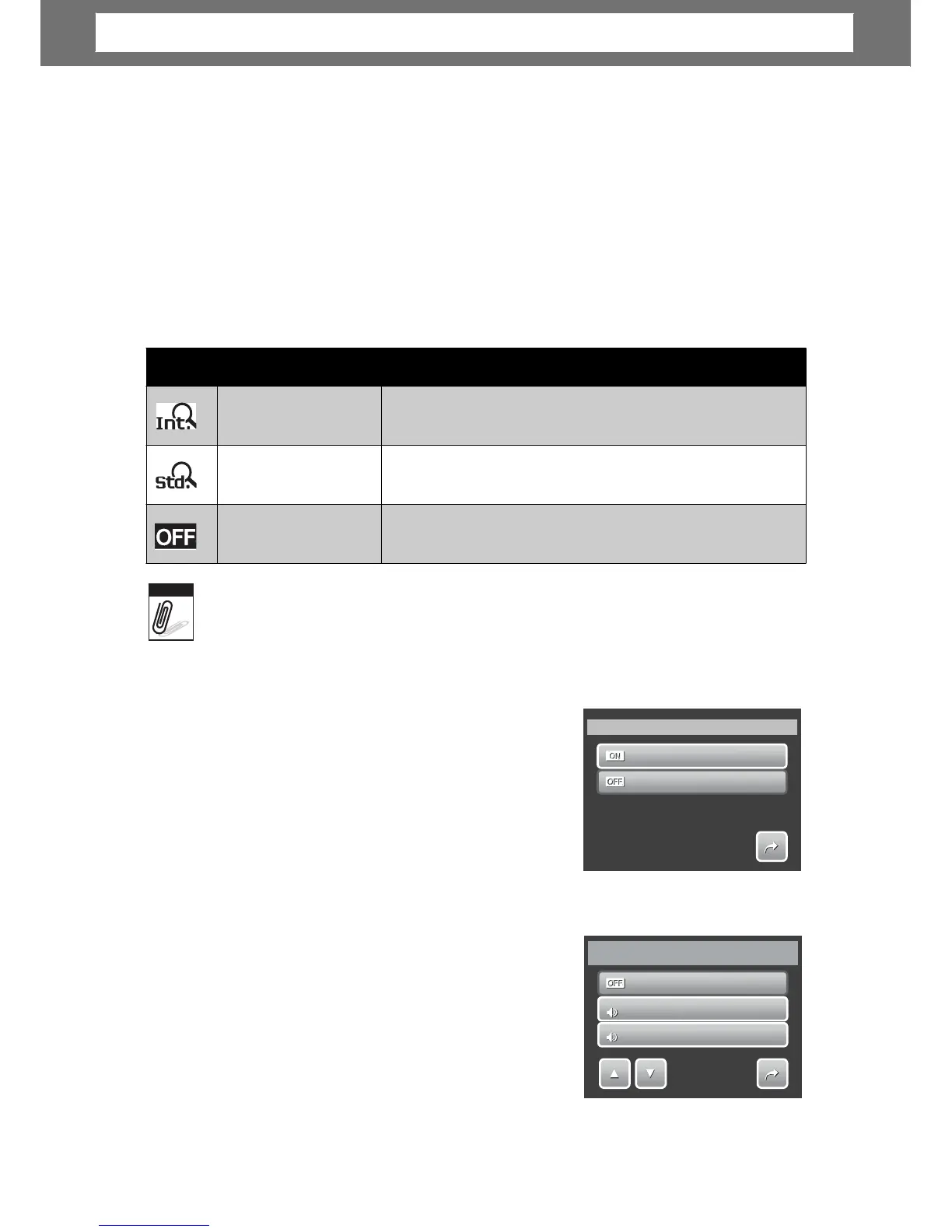
The table below shows the available Digital Zoom settings.
distortion.
but the image quality deteriorates.
e type
and
resolution.
Setting System Sound
Use the Sound menu function to enable/disable
sound when a button is pressed or tapped.
Available settings are: On, Off.
1. From the Setting menu, select System
Sound.
2. Tap to apply desired settings.
Setting Volume
Use the Volume function to control sound volume
produced by the camera. Available settings are:
Volume 0(Off), Volume 1, Volume 2, Volume 3,
Volume 4, Volume 5.
1. From the Setting menu, select Volume.
2. Tap to apply desired settings.
olume
2
55
Volume
Volume
0
1
1
Volume
1
2
2
1/2
System Sound
On
Off
1/1
Note
Icon Item Description
Intelligent Zoom
Enlarges the image digitally with almost no
Standard Zoom
Enlarges all image sizes up to a maximum of 12x,
Off
Uses the optical zoom only.
Chapter
6:
Using
the
Setting
Me
nu













 To Next Page