www.aja.com
102
FS4 Frame Synchronizer/Converter v1.1
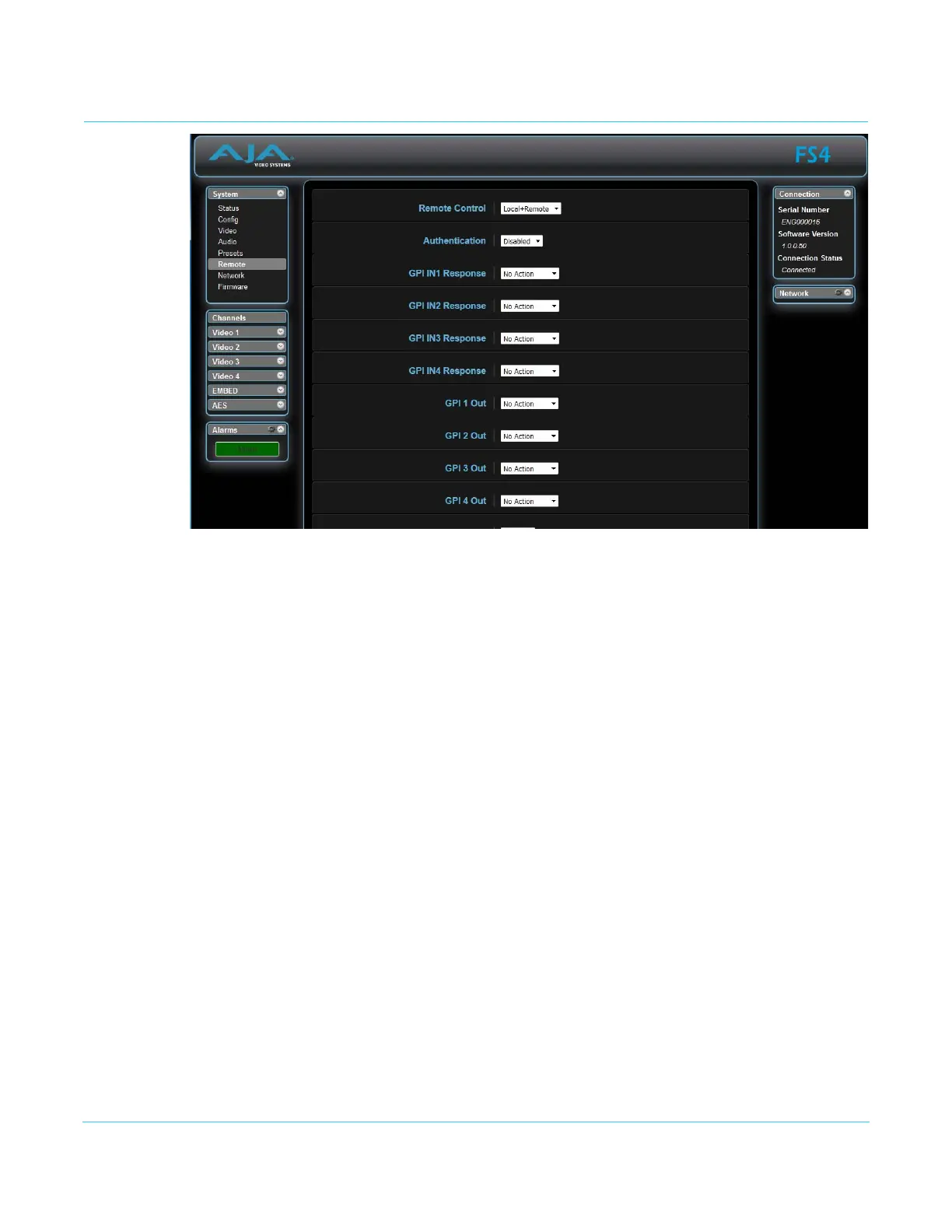
Remote Screen
The REMOTE screen contains parameters that affect how the FS4 is controlled. Control
options include the front panel, a remote computer running a browser, and GPI inputs
and outputs.
NOTE: The Remote Menu Group parameters available on the front panel interact with the browser
parameters available on an attached computer, and vice versa. For example, once the
Remote Control parameter is set to 'Local Only' from either the browser or front panel, all
future settings will only be able to be changed from the front panel. The opposite is true if set
to 'Remote Only'. However the Remote Control parameter is always available from the front
panel, regardless of how it is set.
See “REMOTE Menu Group” on page 50 for detailed information about FS4remote control
options.



 To Next Page