www.aja.com
98
FS4 Frame Synchronizer/Converter v1.1
discovered on the network. The devices will be listed in the FS4 Network window. Once
the devices appear on the network, they can connect directly to other devices and
computers without involving the FS4.
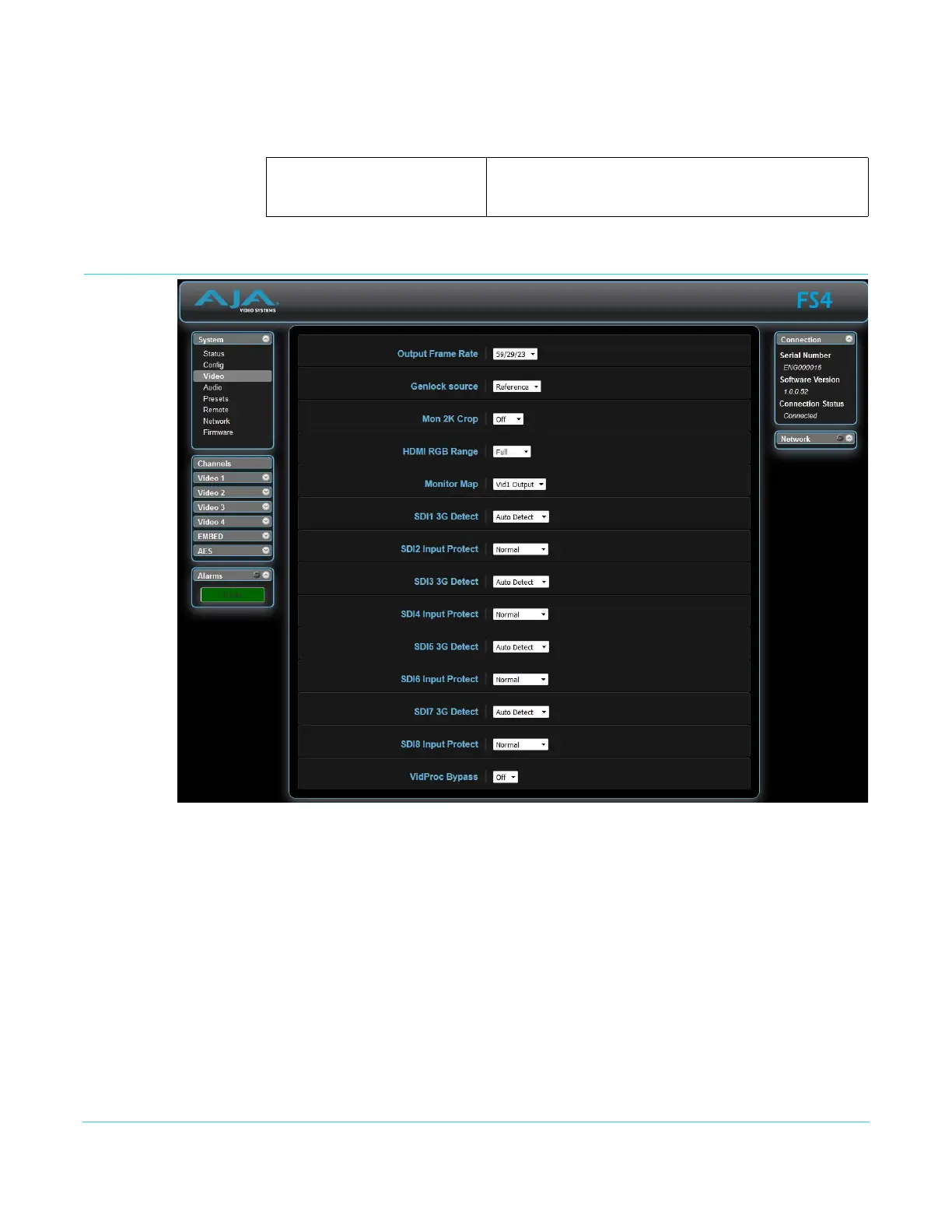
Video Screen
The Video screen controls the FS4’s system wide video signal processing. The parameters
available on the Video browser screen are essentially identical to the front panel display
menus. The only difference is parameters are set using webpage controls (drop down
menus, slider adjustments) instead of control knobs. Complete descriptions of these
parameters are accessible using the following cross references:
• “1 Output Frame Rate” on page 53
• “2 Genlock Source” on page 53
• “3.1 Mon 2K Crop” on page 53
• “3.2 HDMI RGB Range” on page 53
• “3.3 Monitor Map” on page 54
• “4.1 SDI1 3G Detect” on page 54
• “4.2 SDI2 Input Protect” on page 54
• “4.3, 4.5, 4.7 SDI3/5/7 3G Detect” on page 55
Enable (default)
Disable
Enables the FS4 to connect other AJA devices to the
network.
Disables the FS4 from serving as a proxy for AJA devices.



 To Next Page