www.aja.com
96
FS4 Frame Synchronizer/Converter v1.1
The Status screen in Four Channel Mode is the same as Single Channel Mode, except:
• Status information for only Video 1 is displayed (no Vid Proc 2, 3, or 4)
• Input and Playback Image Mapping statuses are displayed.
• Background Video status is not displayed (can only be Black or Matte)
• Audio Vid 2-4 Embed parameters are not displayed
• The following additional items are displayed:
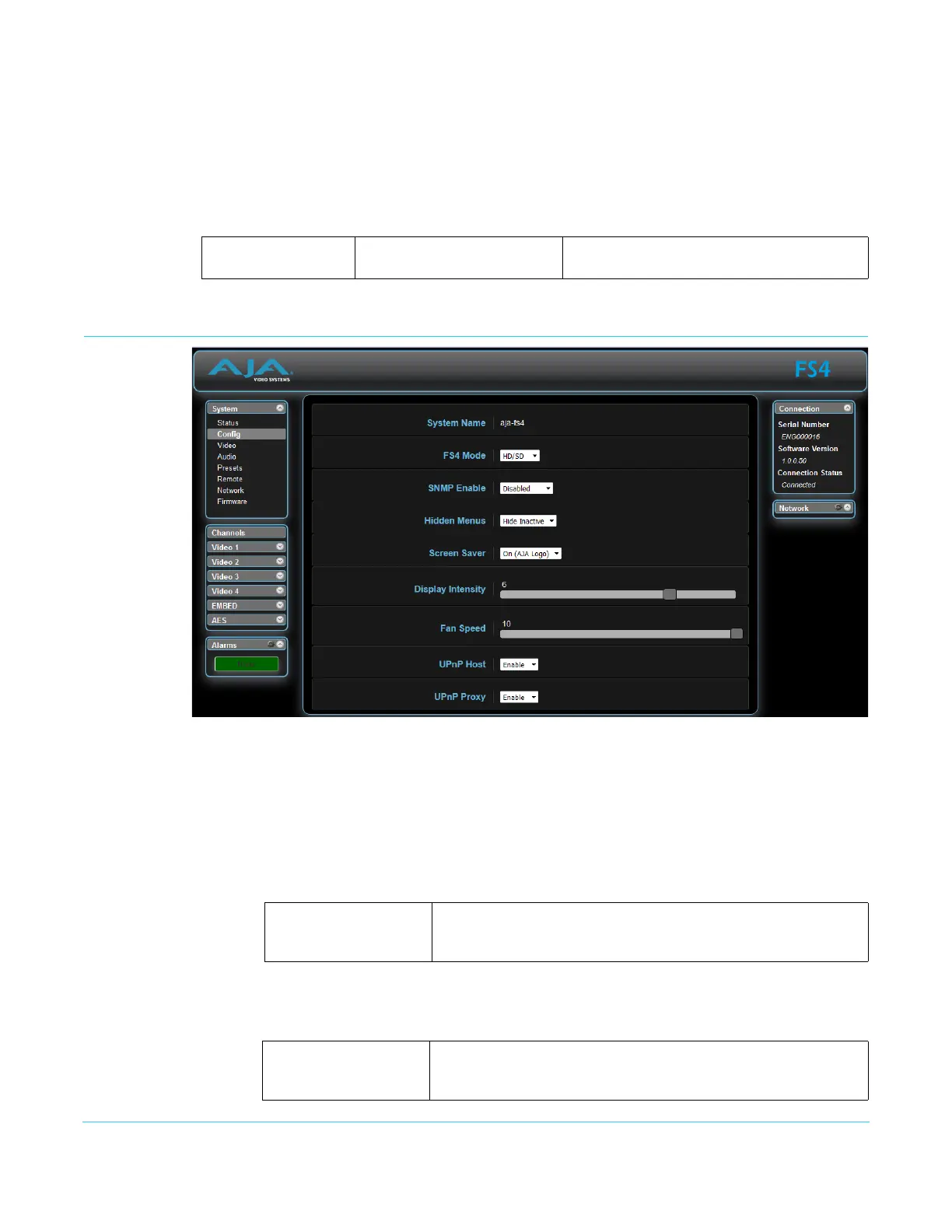
Config Screen
The Config screen includes functions to name the FS4, select the FS4 operating Mode,
hide or show unused menus, change the front panel display brightness and fan speed,
and configure UPnP.
System Name The System Name parameter sets the name of the FS4 system. To change the System
Name, click on and drag the cursor across the displayed name, and type in a new name.
Hit enter when finished or click outside the name control to cancel. The System Name is
the same for both the Four Channel and Single Channel modes of operation.
FS4 Mode Selects whether the FS4 will operate in Four Channel or Single Channel mode. A confirm
dialog displays a warning that a reboot of the FS4 system will occur.
Video 1
Input Image Mapping
Output Image Mapping
Shows either Auto, Quadrant or 2SI.
Shows either Quadrant or 2SI.
Variable Highlight the existing name and type in a new name, up to 20
characters. Allowed characters are A-Z, a-z, numerals, hyphen,
spaces, and period.
HD/SD
4K/UHD
After reboot the FS4 will operate in Four Channel (HD/SD) mode.
After reboot the FS4 will operate in Single Channel (4K/UHD)
mode.



 To Next Page