www.aja.com
82
FS4 Frame Synchronizer/Converter v1.1
3 Frame Delay This parameter adjusts Video Processor output timing.
NOTE: This delay amount is in addition to the FS4’s default video latency. In Four Channel Mode and
in Single Channel Mode with no Ultra-HD/4K up or down conversion, this default latency is
nominally two frames at low frame rates (23.98/24/25/29.97/30 fps) or four frames at high
frame rates (50/59.94/60 fps). In Single Channel Mode with UltraHD/4K up or down
conversion being performed this default latency is nominally 3 frames at low frame rates or
five frames at high frame rates.
TSTGEN Menu Group
IMPORTANT: In Four Channel Mode, the settings in this menu group apply only to the selected Video
Processor (VID1- VID 4).
1 Test Pattern Gen This parameter turns selects whether test pattern is output by that Video Processor.
NOTE: Normal output can be a version of its currently selected input, a Sidebar or Letterbox display,
Black, or a Freeze of last good video, depending on the current configuration.
2Kx1080p23.98, 2Kx1080p24 0 2749 -562 562
2Kx1080p25 0 2639 -562 562
2Kx1080p29.97, 2Kx1080p30 0 2199 -562 562
2Kx1080p50 0 2639 -562 562
2Kx1080p59.94, 2Kx1080p60 0 2199 -562 562
525i59.94, 525psf29.97 0 857 -262 262
625i50, 625psf25 0 863 -312 312
720p23.98, 720p24 0 4124 -375 375
720p25 0 3959 -375 375
720p29.97, 720p30 0 3299 -375 375
720p50 0 1979 -375 375
720p59.94, 720p60 0 1649 -375 375
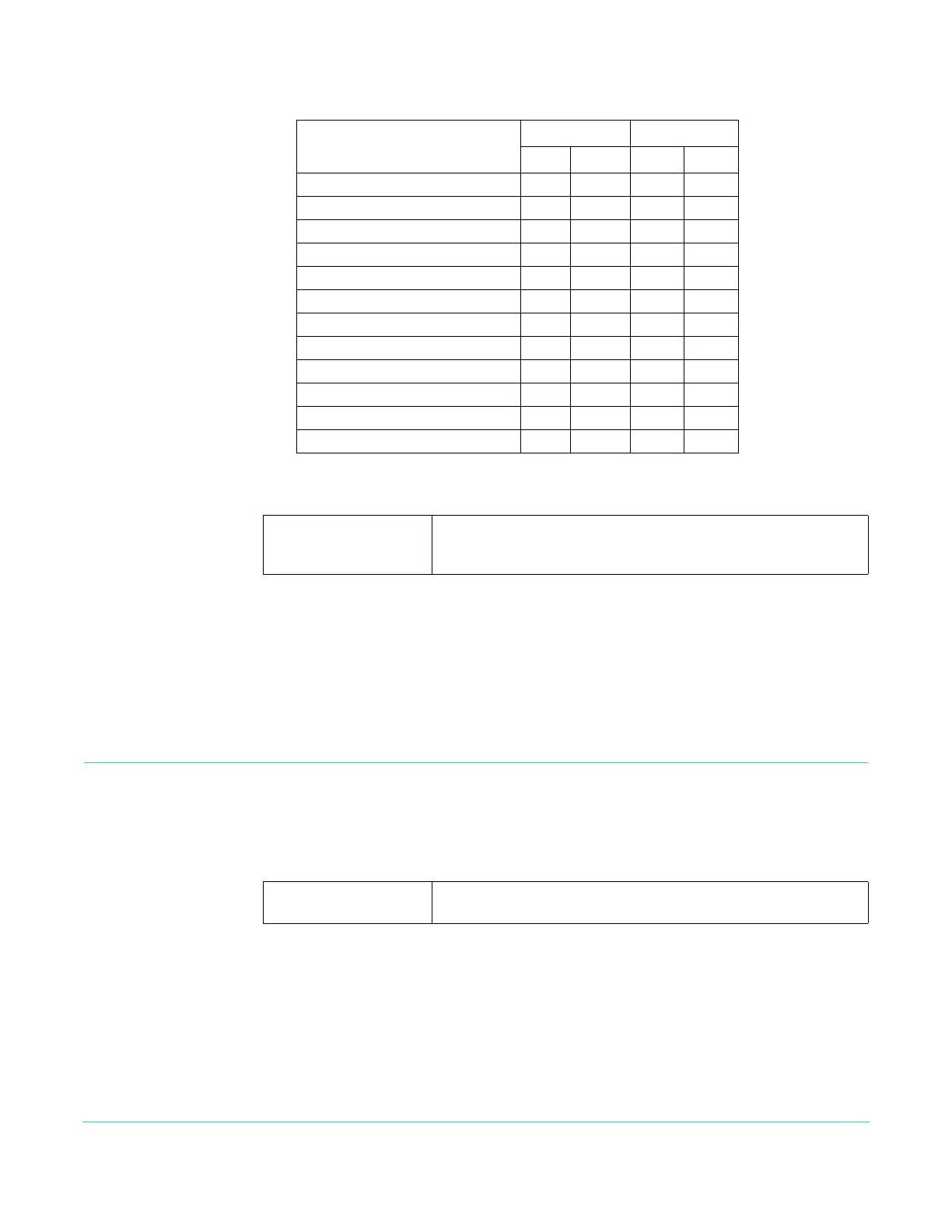
Table 10. Output Timing Ranges (continued)
Output Frame Rate
Horizontal Vertical
Min Max Min Max
Variable Adjustment output timing from 0 to 6 frames in one frame
increments.
Default: 0
Off (default)
On
Normal video is output (no test pattern).
The output is the test pattern generator.



 To Next Page