English
46
Audio Processor
Operation
Display the EQ cont. screen.
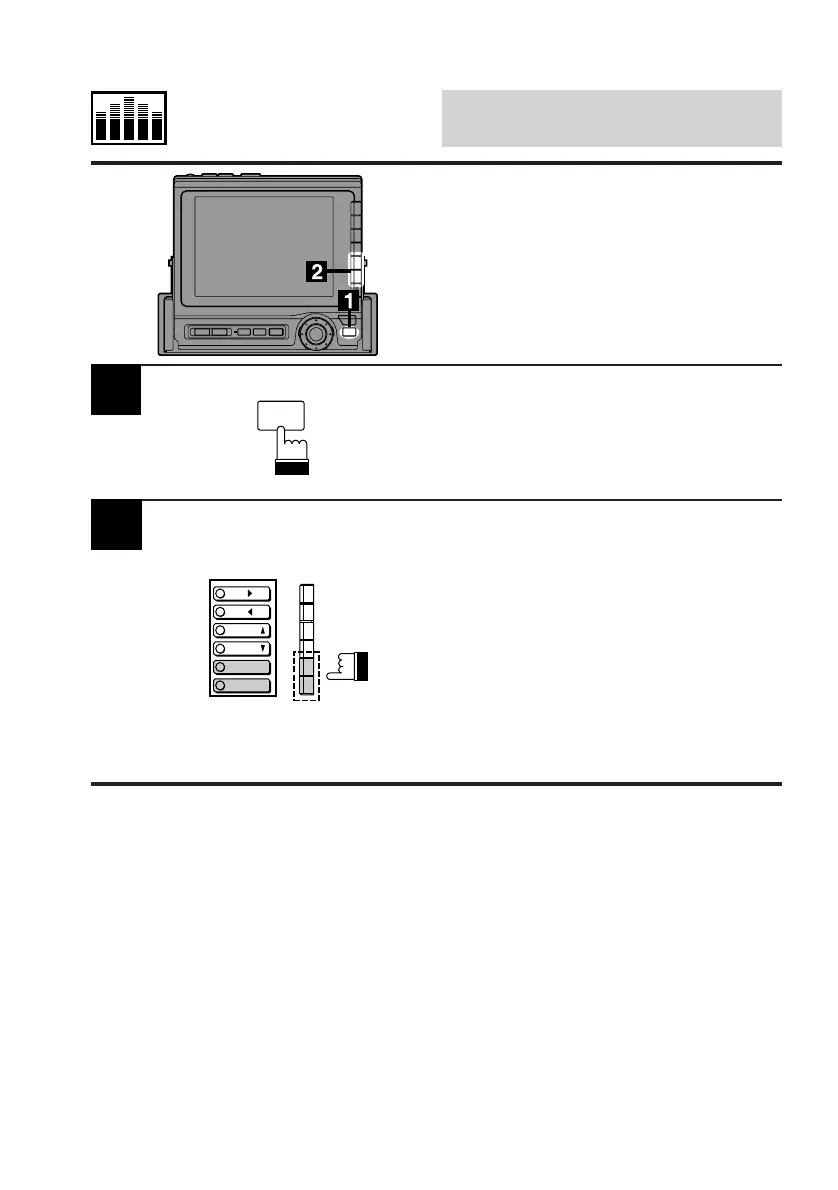
Press the FUNC button.
• Press the F5 (MAKER'S) button to activate
the Factory characteristic curves. The
display shows the Factory curves.
• Press the F6 (PRIVATE) button to activate
the Personal characteristic curves. The
display shows the Personal curves.
Note: You can toggle between the Factory
curves and Personal curves by
pressing the NEXT (0/) button while
the EQ cont. screen is displayed.
2
Switching Between
Factory (Maker's) and
Personal (Private)
Characteristic Curves
FUNC
MAKER'S
PRIVATE
P.UP
P.
DOWN
SEL
SEL



 To Next Page