47
English
Audio Processor
Operation
1
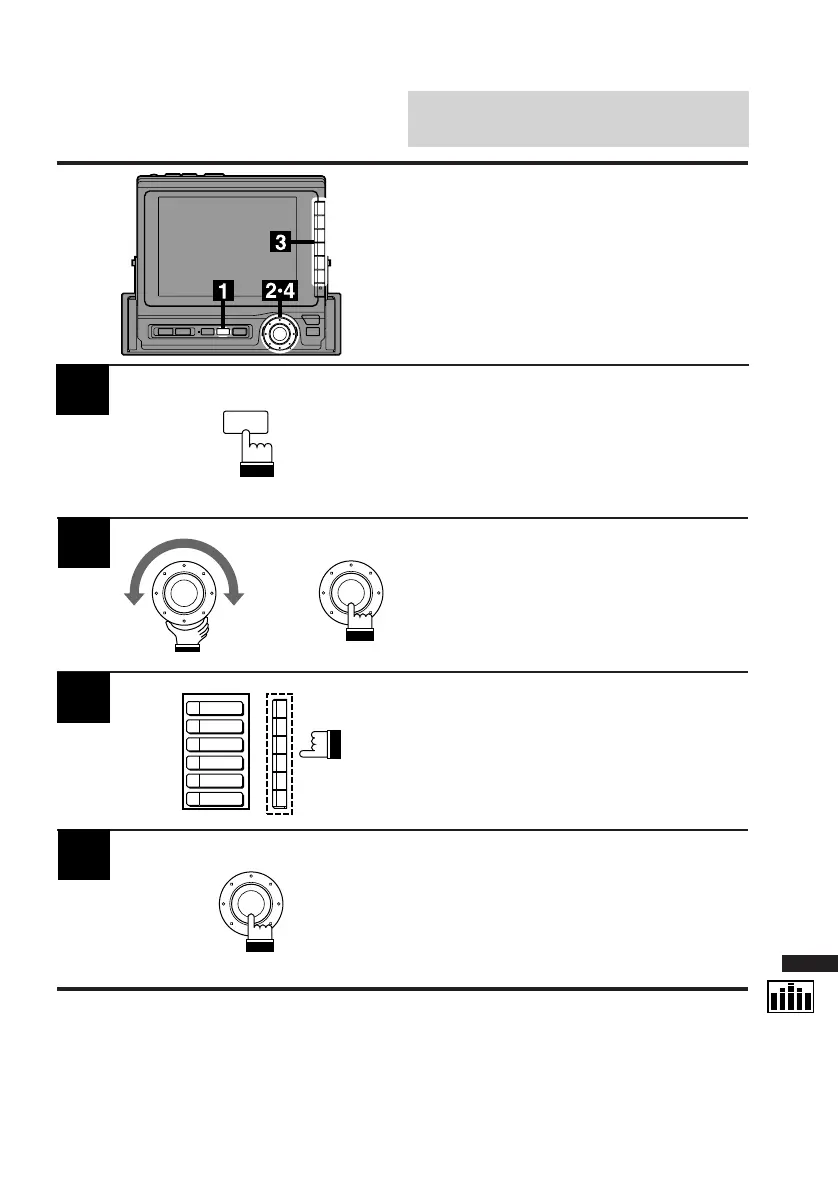
Press the SET UP button.
The Set Up screen appears.
Note: The Parking Brake must be ON to
access the SET UP screen. Trying to
access this screen while driving will
display the warning – CAN'T OPERATE
WHILE DRIVING.
Turn the rotary switch and select the SURR.
cont. menu. Press the rotary switch.
The SURR cont. (Surround Control) screen
appears.
Note: Unless you want to modify one of the
settings, the Factory Presets can be
selected before pressing the rotary switch.
Select a desired surround mode from 6 factory-
preset modes and press the corresponding
Function button (F1 – F6).
2
3
Press the rotary switch when your selection has
been made.
The display returns to the Set Up screen.
4
SET UP
x
NORMAL
STAD.
DANCE
HALL
LIVE
CHURCH
Factory (Maker's) Sur-
round Mode Preset Se-
lection Using Function
Buttons (F1 – F6)
Six surround modes are preset at the factory.



 To Next Page