English
60
Audio Processor
Operation
1
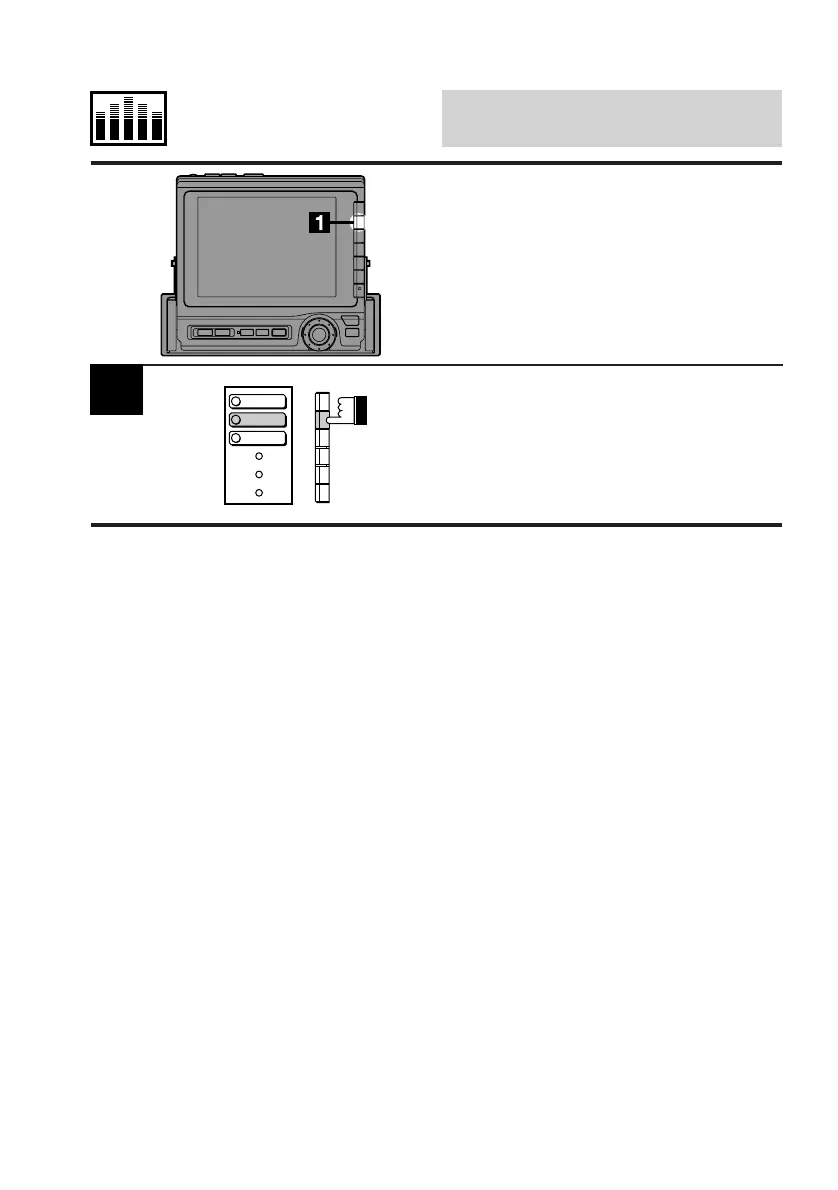
Display the Subw cont. screen.
Press the F2 (PHASE) button. Each press of
this button switches between the 0 degree
phase and 180 degrees phase.
Switching Phase of
Subwoofer
This function is operative only when an audio
processor equipped with the Phase switching
feature is connected.
OUTPUT
PHASE
LEVEL



 To Next Page