English
80
Other Useful
Features
1
Simultaneous Operation
of Audio and Video
Sources
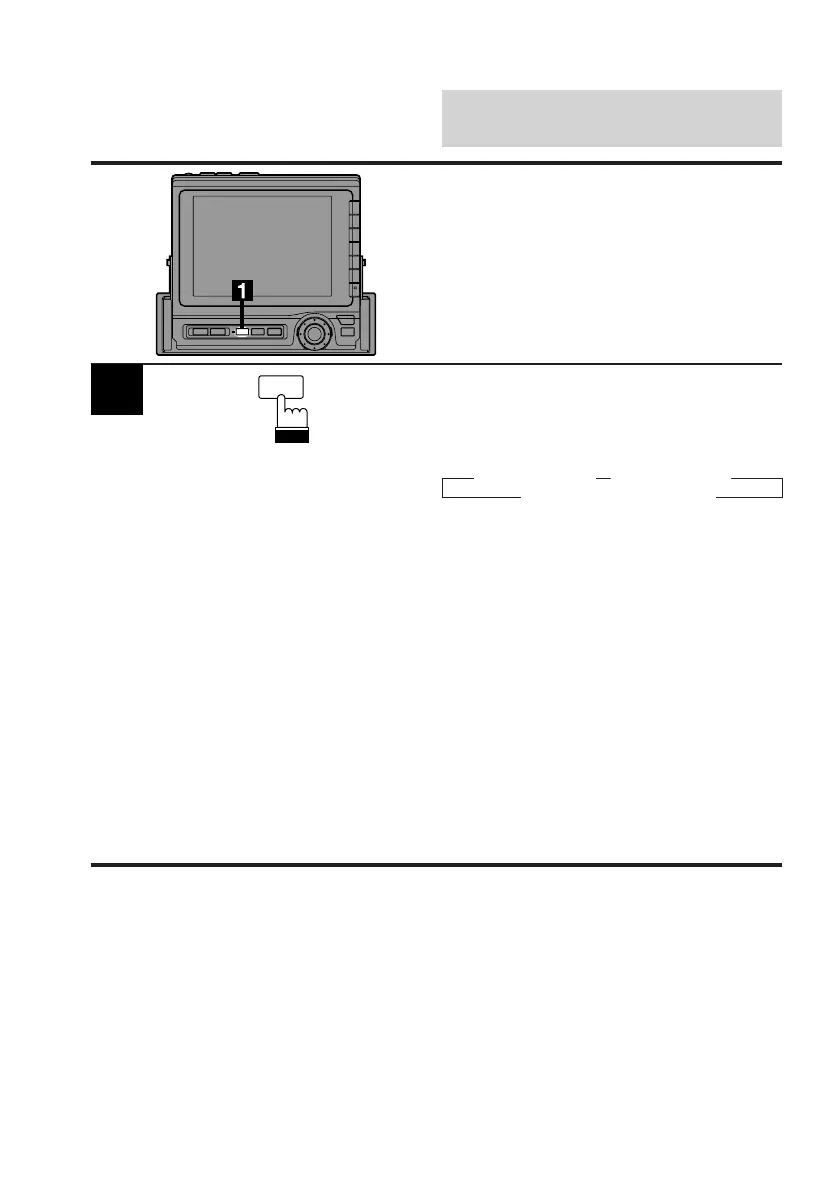
With this feature, you can change the video
source while you are listening to the current
audio source.
V.SEL
Press the V.SEL (Video Select) button when an
audio source is playing.
Each press selects the video sources and
changes the display as follows:
→ AUX1 Screen → AUX2 Screen
Current Source Screen ←
— To change the settings of the audio source
during simultaneous play, press the
SOURCE button.
— To change the settings of the video source
during simultaneous play, press one of the
Function buttons (F1-F6) or rotary switch.
Notes: • During the simultaneous play, the Title
Input mode is inoperative.
• After one switching cycle of the video
sources, the simultaneous play mode
will be turned off.
• If the source is changed during the
simultaneous play, the simultaneous
play will be canceled.



 To Next Page