81
English
Other Useful
Features
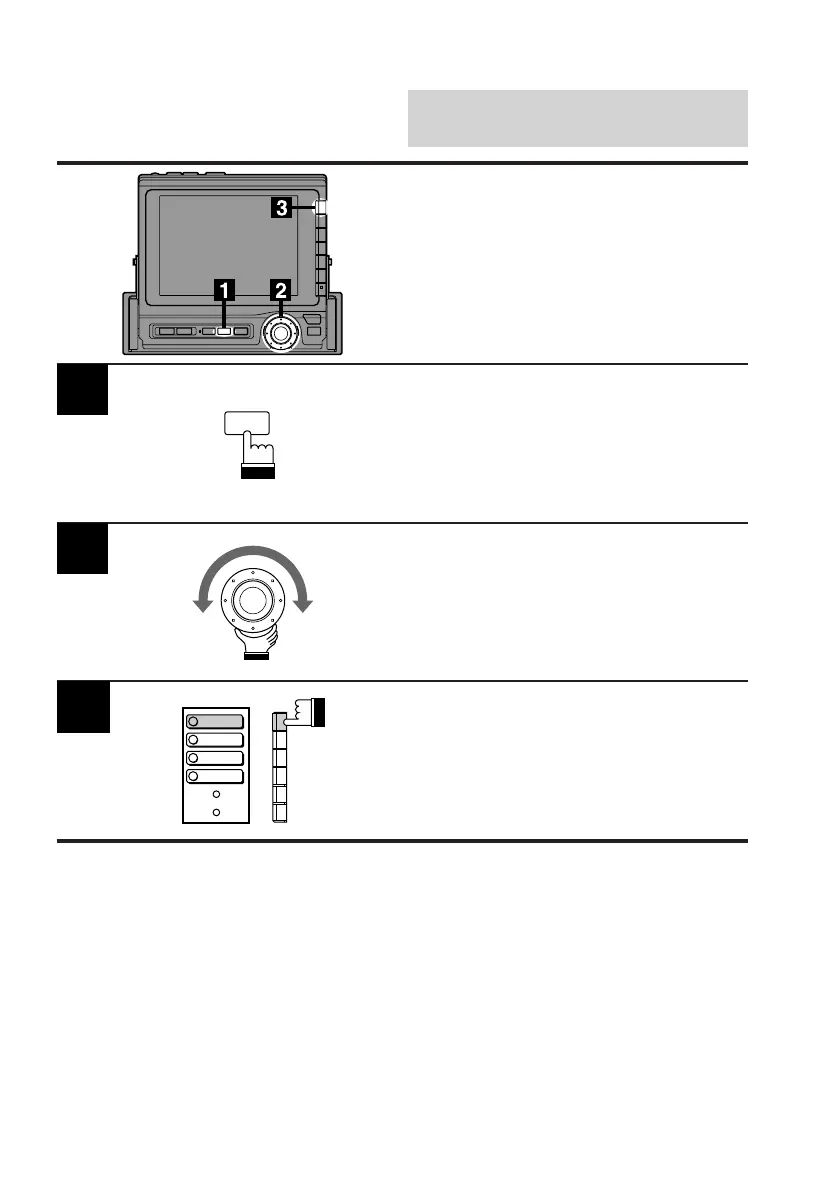
Press the SET UP button.
The Set Up screen appears.
Turn the rotary switch and select the Visual
cont. menu.
Press the F1 (BACKGND) button.
Each press changes the 4 preset background
screens one by one.
2
3
Changing Background
Screen
You can choose one of 4 background screens
preset at the factory.
They are the stone grain, sky, wood grain and
gradation screens.
SET UP
BACKGND
BRIGHT
TINT
COLOR



 To Next Page