English
82
Other Useful
Features
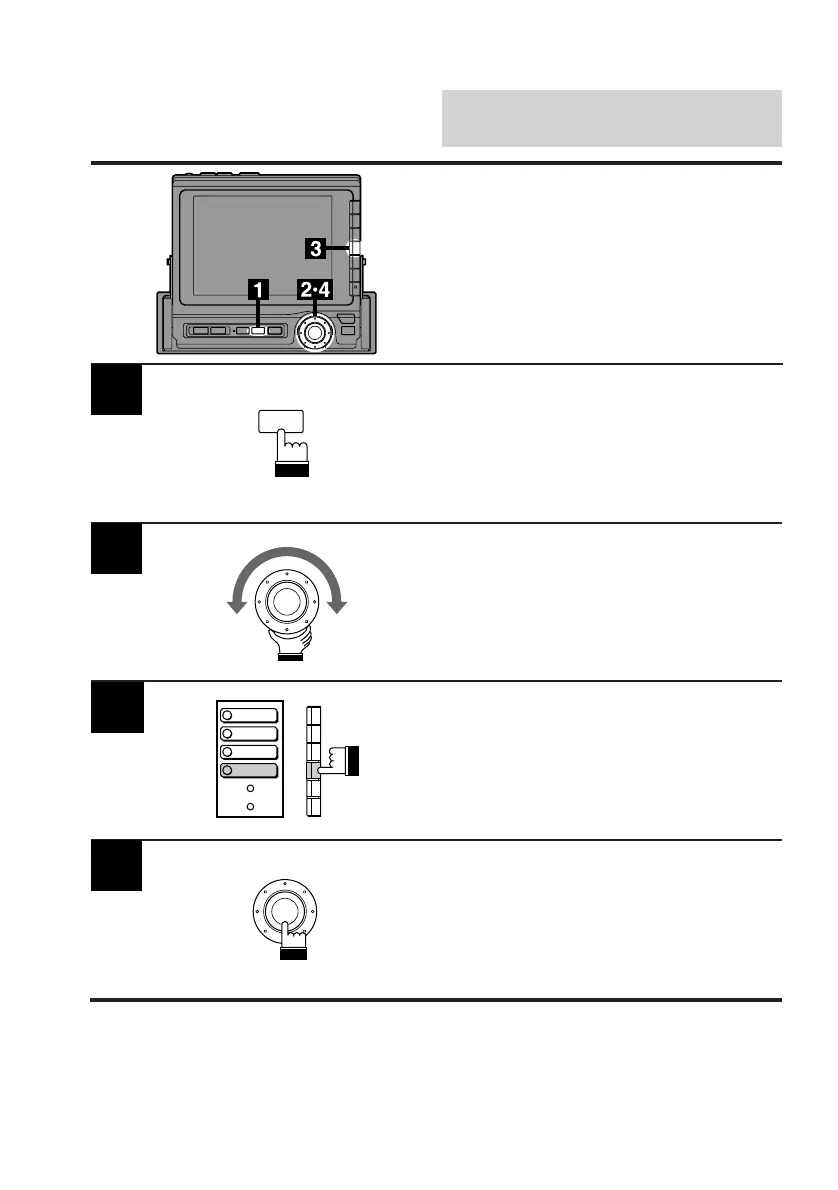
Press the SET UP button.
The Set Up screen appears.
Turn the rotary switch and select the System
cont. menu.
2
Press the F4 (DEMO) button.
The unit starts the demonstration automatically.
Note: The demonstration for the units not
connected to the CVA-1000E will not be
performed.
To end the demonstration, press the rotary
switch.
4
3
Demonstration
BEEP
SPE-ANA
CLK DISP
DEMO
SET UP



 To Next Page