Altai Technologies Ltd. All rights reserved
C1n Series WIFI AP/CPE Web-admin Configuration Manual
TPS15-003_rev1.3
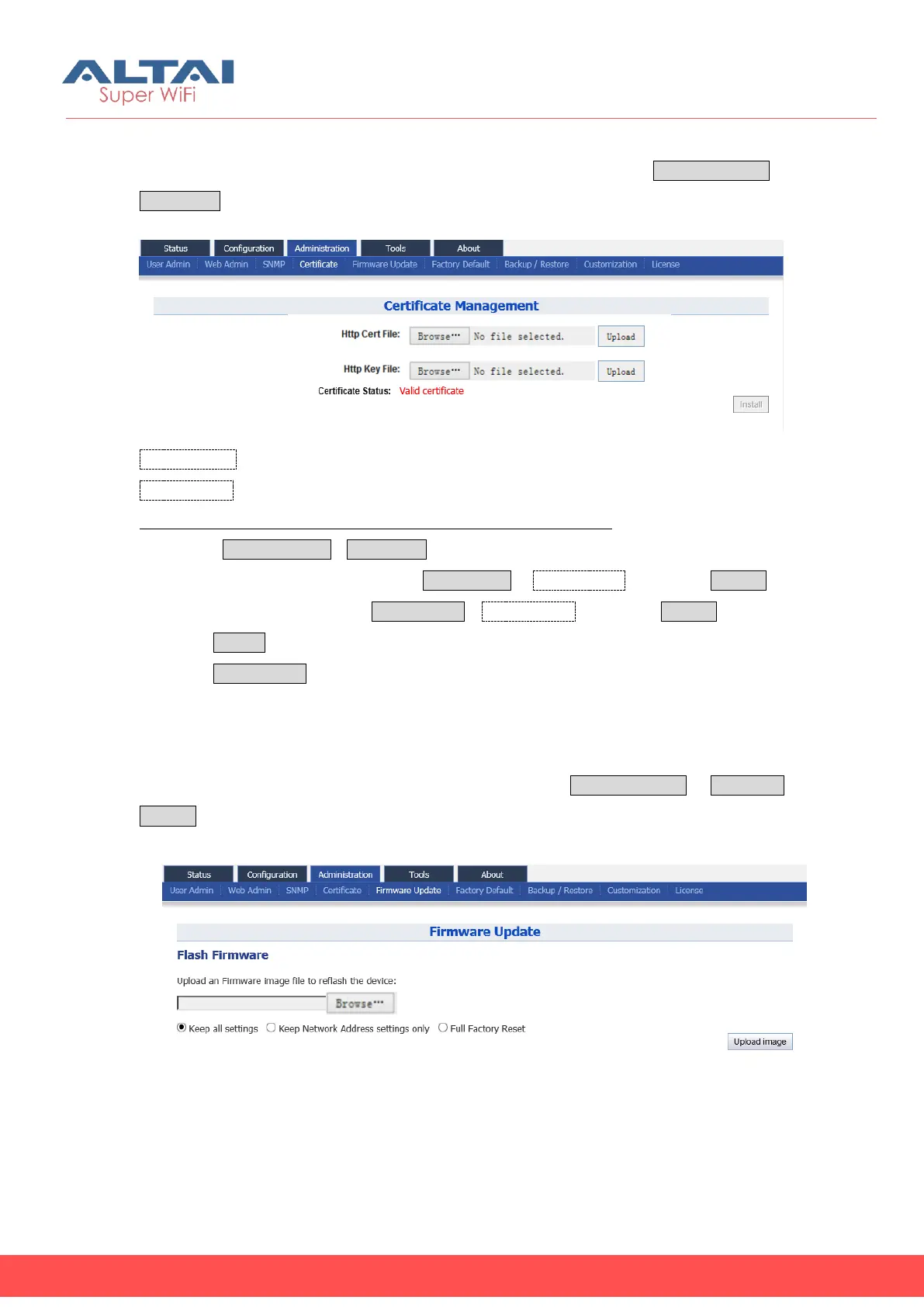
C1n support HTTPS for its web portal, user may upload his SSL certification file and key
file to C1n. User may manage SSL certification file and key file via Administration
Certificate to access Certification Management page.
Figure 6-5 Certificate Management
Http Cert File: Specify user’s certification file for HTTPS connection
Http Key File: Specify user’s key file for HTTPS connection.
Configure C1n with customized SSL certification file and key file:
1. Select AdministrationCertificate
2. Specify certificate file by clicking Choose File in Http CertFile, then click Upload
3. Specify key file by clicking Choose File in Http Key File, then click Upload.
4. Click Submit
5. Click Save&Apply to apply
6.5. Firmware Update
User upgrades or downgrades the C1n firmware via Administration-> Firmware
Update to access firmware update page. It is highly recommended that please
reboot once BEFORE performing firmware update.
Figure 6-6 Firmware Upgrade



 To Next Page