Altai Technologies Ltd. All rights reserved
C1n Series WIFI AP/CPE Web-admin Configuration Manual
TPS15-003_rev1.3
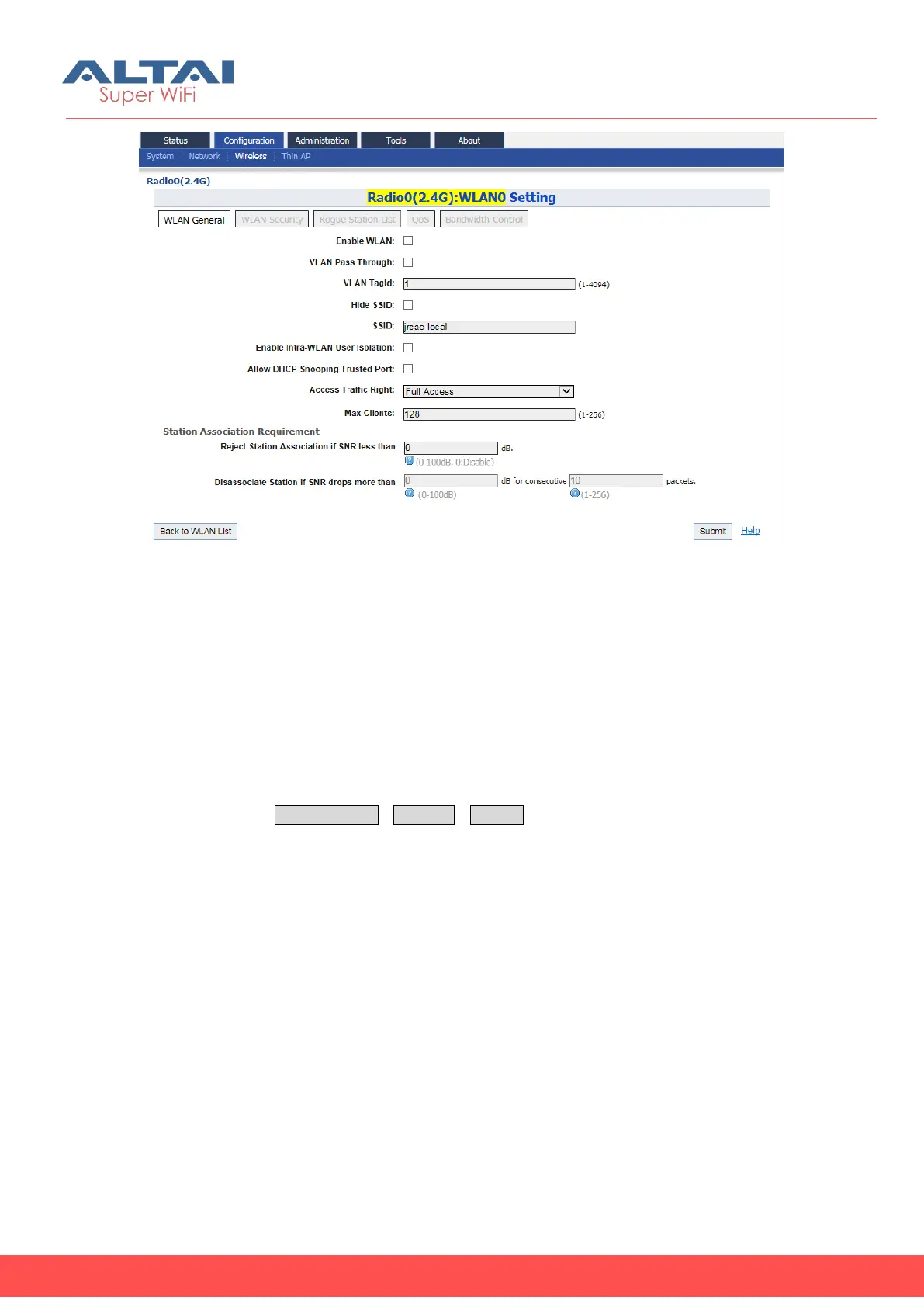
Figure 5-49 Repeater Mode - WLAN0 Setting
5.4.1.4. Radio0 Configuration – Bridge Mode(for C1an
and C1xan)
5.4.1.4.1. General Configuration
C1an and C1xan can work as wireless bridge under either 802.11a or 802.11na mode
to build up a wireless backhaul link. User may configure Radio0 as bridge in Radio’s
general page via ConfigurationWirelessRadio0. This connection is a point-to-point
connection. The setting of bridge devices MUST be the same in “Wireless Mode”,
“Radio Frequency”, and “Security”.



 To Next Page