Altai Technologies Ltd. All rights reserved
C1n Series WIFI AP/CPE Web-admin Configuration Manual
TPS15-003_rev1.3
4.3.4. Logs
In order to realize easier monitoring and diagnosis, C1n Series AP/CPE provides log
function. Selecting Status -> Logs, you will find 3 sub-items below: SysLog, Panic Log,
and Alarm Logs.
4.3.4.1. System Log
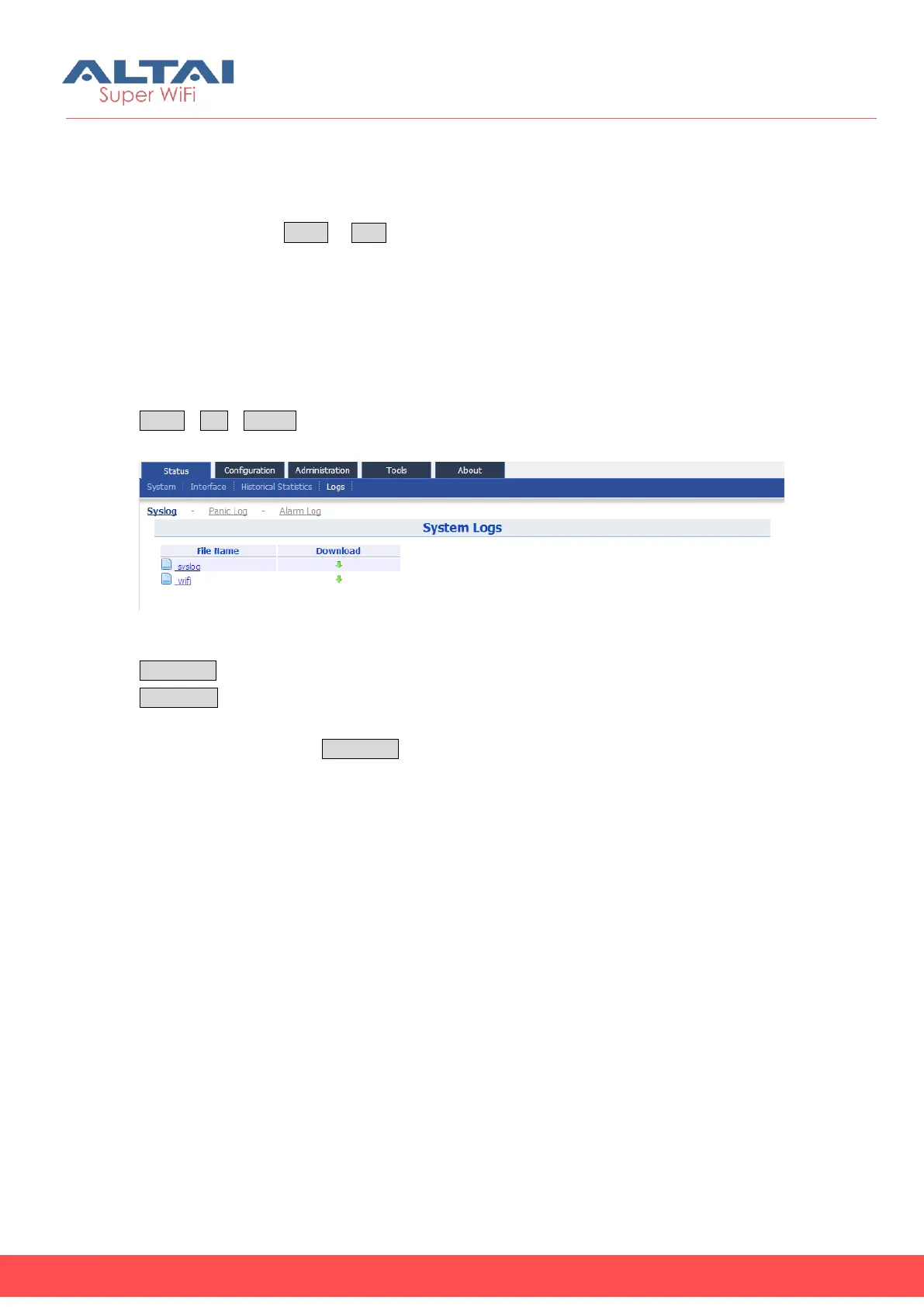
The system log gives C1n Series AP/CPE system information like: software, hardware,
system configuration, and self-checking result. User may check system log via
StatusLogSysLog.
Figure 4-11 System Log
File Name: The name of log files, you can click it to open the log file.
Download: Download log file. Please click the green downward arrow to download
the log file.
Click “syslog” under the File Name, and you will find the log page below:



 To Next Page