Altai Technologies Ltd. All rights reserved
C1n Series WIFI AP/CPE Web-admin Configuration Manual
TPS15-003_rev1.3
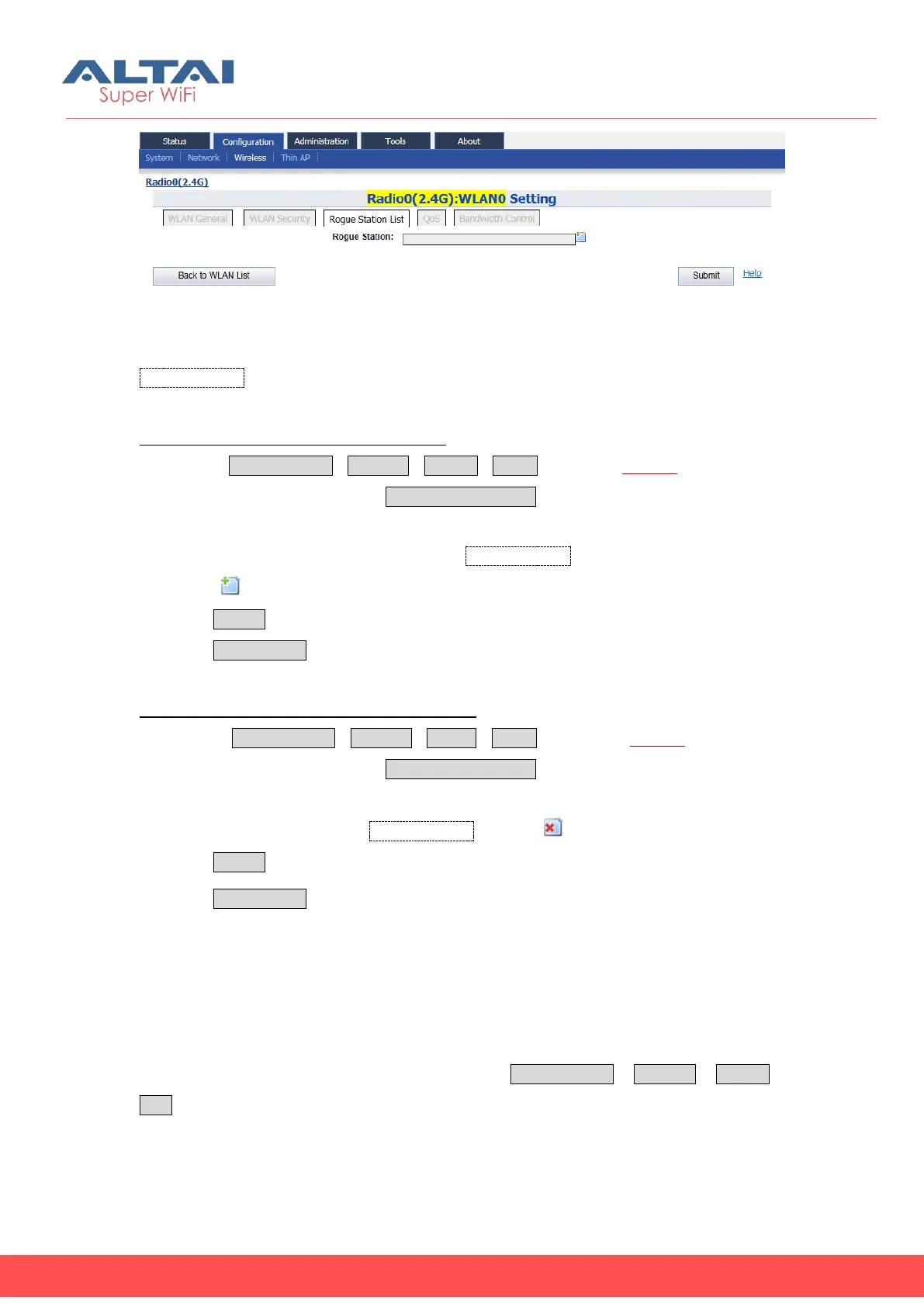
Figure 5-35 Rogue Station List
Rogue Station: Specify MAC address of rogue station.
Add a rogue station into rogue station list:
1. Select ConfigurationWirelessRadio0WLAN to edit “More…” behind the
WLAN, and then select Rogue Station List to access rogue station list
configuration page
2. Set the rogue station’s MAC address in Rogue Station.
3. Click “ ” for adding a new entry if necessary.
4. Click Submit
5. Click Save&Apply to apply
Remove a rogue station into rogue station list:
1. Select ConfigurationWirelessradio0WLAN to edit “More…”behind the
WLAN, and then select Rogue Station List to access rogue station list
configuration page
2. Clear the MAC address in Rogue Station or click “ ” of particular MAC address.
3. Click Submit
4. Click Save&Apply to apply
5.4.1.1.2.4. WLAN X (0-15) QOS
C1n supports QoS (DSCP-to-WMM Mapping) setting of each WLAN, User can specify
the DSCP value that Correspondence to BestEffort (BE), Background(BK), Video(VI)
and Voice(VO). User may manage the QoS via Configuration Wireless Radio0
QoS to access to WLAN X (0-15) QoS configuration page.



 To Next Page