225
Chapter 6 Appendix
6
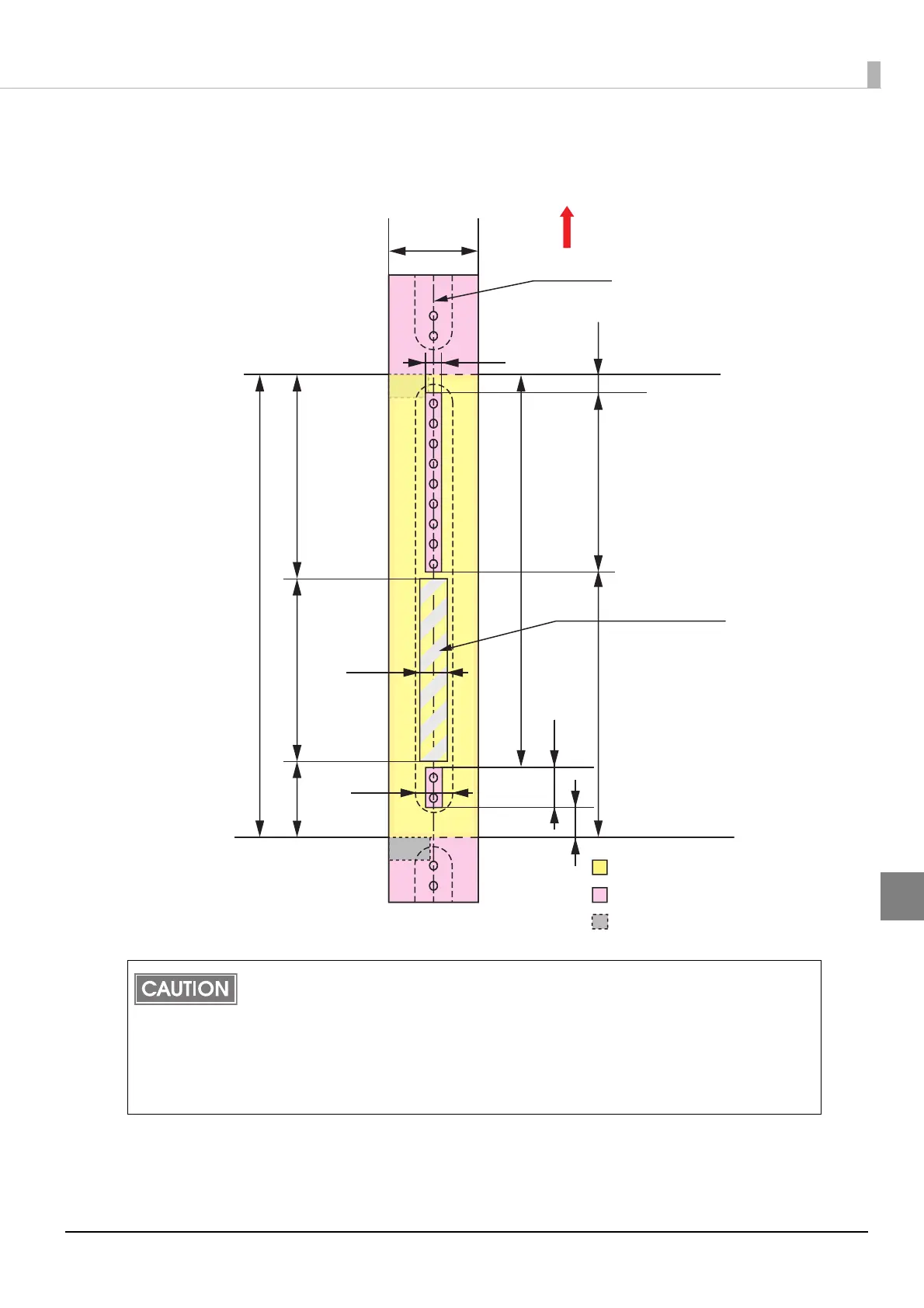
When “Borderless Printing“ is enabled
Top, bottom, left. right margins: 0 mm (Typical value)
Do not print inside or within 2 mm {0.08"} around the snap button mounting hole to pre-
vent damage to the mechanical functions.
If using the WB-S/M/L series, use the attachment (OT-WA34).
If you enabled "Borderless Printing”, printing is done with settings for no margins, but
the printing might protrude beyond the paper/label, depending on the actual print posi-
tion and the set position for the paper/label. To make sure printing does not protrude
out, ensure margins of 1.5 mm {0.06"} or more in the print data.
Paper width
Autocutting position
Print area
Paper
Autocutting position
5.5 mm
184.2 mm
11.0 mm
14.6 mm
81.5 mm
157.2 mm
105.9 mm
72.5 mm
15.0 mm
12.4 mm
30.2 mm
70.4 mm
7.9 mm
Blackmark position
(back)
36 mm
Paper feeding direction
Center of paper width
Recommended print area for text
and barcodes (*dimension)



 To Next Page