AM8a Instruction Manual (18-0037) Meter Display
0037-S06.L_43 February 10, 2000
6-1
6. METER DISPLAY
The Meter Display section of the AM8a eliminates the need for a separate Digital Volt Meter
while testing a circuit. The Meter Display allows the user to make AC and DC voltage
measurements, current measurements, and tone measurements. Idle-channel noise
measurements can also be made. When using the AM8a in a PCM mode, the Meter Display
will also give framing information and dBdsx levels.
6.1 MEASURE/SCALE MENU
After the DISPLAY METER key is pressed, the MEASURE/SCALE menu will be displayed first.
(typical analog measuring scale shown; other selections, such as "Tx1 Vcm dc..." may be
displayed):
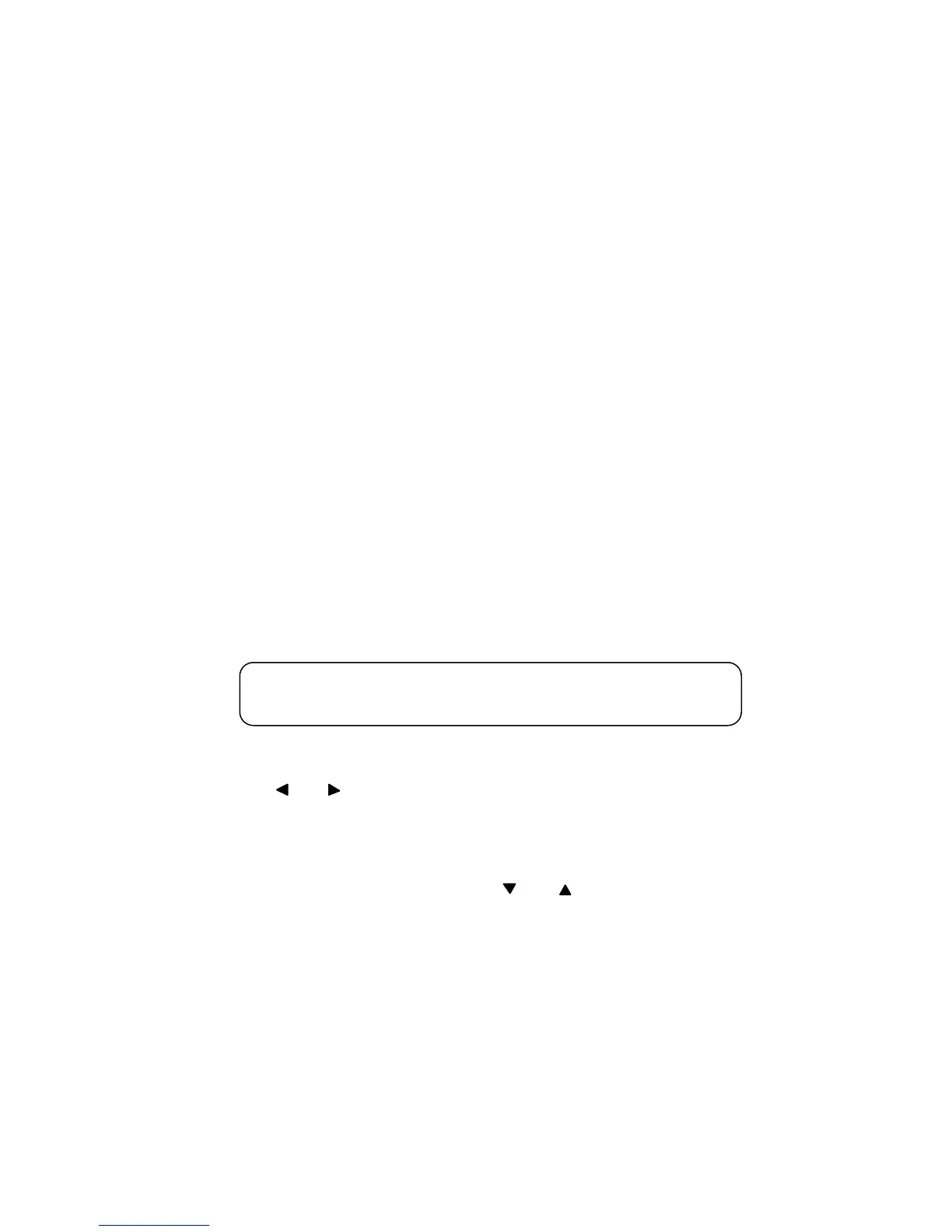
MEASURE SCALE MEASURE SCALE
Vt-r dc 100 Vr-g ac 5
This menu allows the user to select the measuring function of the meter. There are two
MEASURE selections and two SCALE selections which are selected with the FIELD left or right
arrow keys (
FIELD
). This allows DC and AC measurements to be made simultaneously.
• MEASURE allows the user to select the DC or AC measurements.
• SCALE allows the user to select the full scale range for the meter graph.
Refer to 6.3 for the details on the connections for the different MEASURE selections which are
selected by pressing the MENU down or up keys (
MENU
). The next sub-section (6.2)
describes making measurements after having set the MEASURE and SCALE parameters.
6.2 MEASURE DISPLAY (MAKING MEASUREMENTS)
The "INPUT" must be ON (SHIFT and [9]) in order to make valid measurements. Press the
MENU up key to get the measure display. This display will have measurements appropriate to
the Measure menu. A typical display for analog SCALE and MEASURE selections, that
corresponds to the selection under 6.1, follows (other displays are shown under 6.4.6, and 6.7
through 6.11).


 To Next Page