AM8a Instruction Manual (18-0037) RS232 Entries and Printouts
0037-S07.L_58 February 10, 2000
7-5
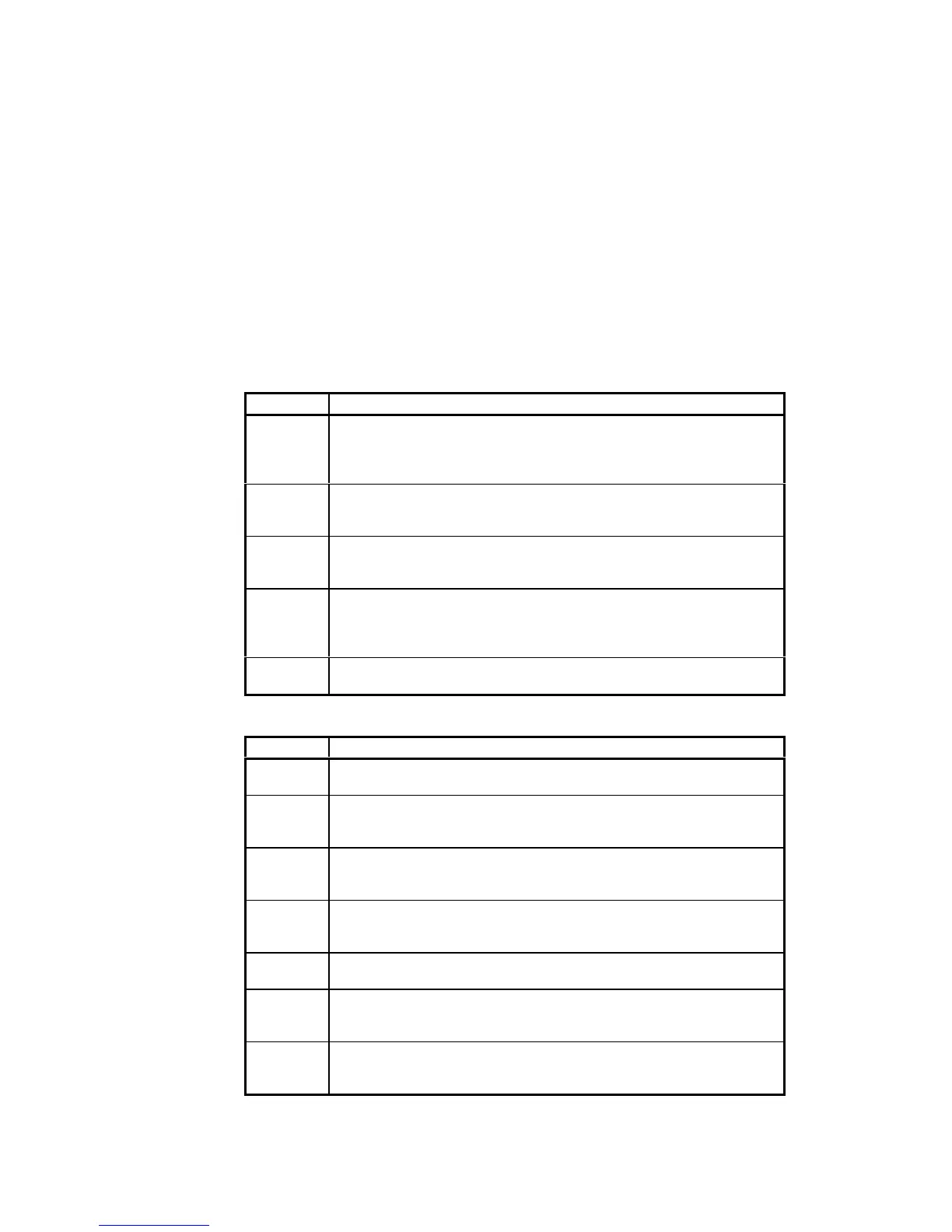
COMMAND DEFINITION
(EC-) Echo Off: When echo is off, the AM8a will not echo received characters. A terminal
will have to be set to half-duplex so the operator can monitor what is being entered.
This mode could be used for a high-speed dump of commands by a computer, but is
not recommended because error-checking cannot be implemented.
(AY+) Enable front panel display and keypad: This is the default status for the AM8a.
Any entry made at the keypad or via the RS232 port is displayed. When in operation
as a line monitor or emulator, events are displayed.
(AYK) Disable front panel keypad: This is a “safety” setting which prevents a local
operator at an AM8a from using the keypad to change entries made via the RS232
port; however, the display remains active.
(AY-) Disable front panel display and keypad: This command disables both the display
and the keypad. No further events or entries from the RS232 port will be displayed. If
this command is entered, the only way to control or monitor the AM8a is through the
RS232 port.
(AXYZxxx.x) Set new password xxx…x: The password is 30 characters maximum and can not
contain the characters “,”. “!”, or “?”.
Table 7-2. RS232 Printing Commands
COMMAND DEFINITION
(PDS) Print Display Screen: This command prints both lines of any display which has been
called up by a preceding command.
(PFL) Print Front Panel LEDs: DISPLAY/SETUP mode, INPUT, TIMS, TALK, and AUTO
indicators. Prints the status of the LEDs as ON or OFF. It is equivalent to looking at
LEDs on the front panel.
(PET) Print Events Top Line: This command prints the string of events that are displayed
on the Top Line of the display. It is equivalent to pressing [SHIFT] then [PRINT]
briefly (short print) while the EVENTS DISPLAY function is activated.
(PEB) Print Event Both-lines: This command prints Events and Details. It is equivalent to
pressing PRINT for two seconds (long print) while the EVENTS DISPLAY function is
activated.
(PMO) Print Meter Only: This command forces display of the first METER menu and prints
all meter displays that apply to the METER settings.
(PCO) Print Configuration Only: This command prints all configuration parameters. It is
equivalent to pressing [SHIFT] then [PRINT] briefly (short print) while the SETUP
CONFIG’N DISPLAY function is activated.
(PEO) Print Emulate Only: This command prints all emulation parameters. It is equivalent
to pressing [SHIFT] then [PRINT] briefly (short print) while the SETUP EMULATE
function is activated.


 To Next Page