ð Carry out a trial run.
ð Repeat the procedure if the platform still jerks when be-
ing retracted.
If the platform is too low when it retracts into the cassette:
ð Fully extend the platform from the cassette (for the op-
erating controls: see Section 2.3, page 23).
ð Raise the platform until it reaches the height of the floor
inside the vehicle.
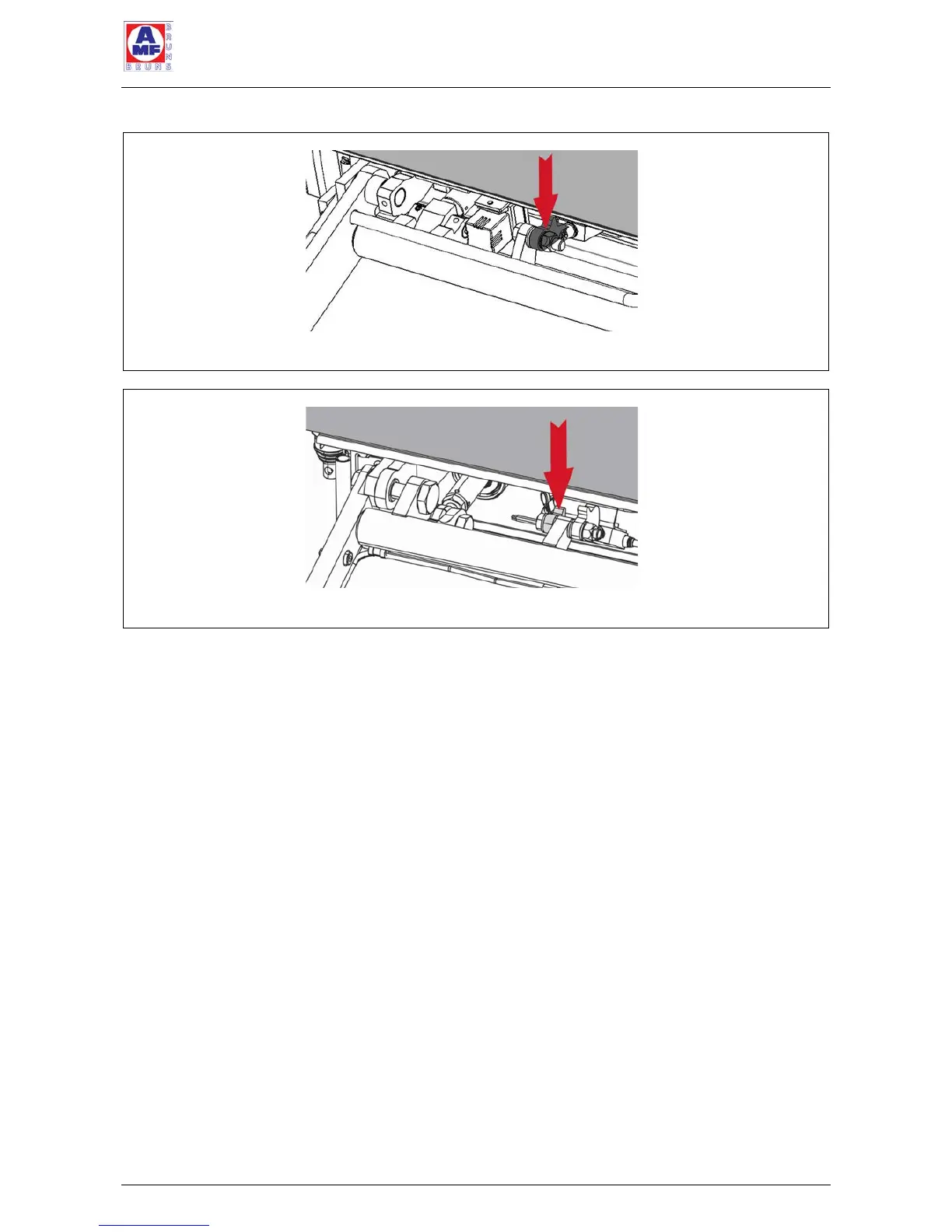
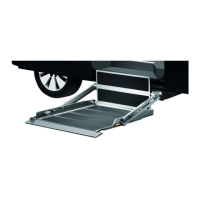
ð Adjust the switching cam by hitting it lightly with a ham-
mer from below (see Figure 45 and Figure 46, page 66).
In order to prevent damage to the switching cam, place
an aluminium block between the hammer and switching
cam.



 To Next Page