- 17 -
3378702_ATE_ut_GB ENGLISH
GB
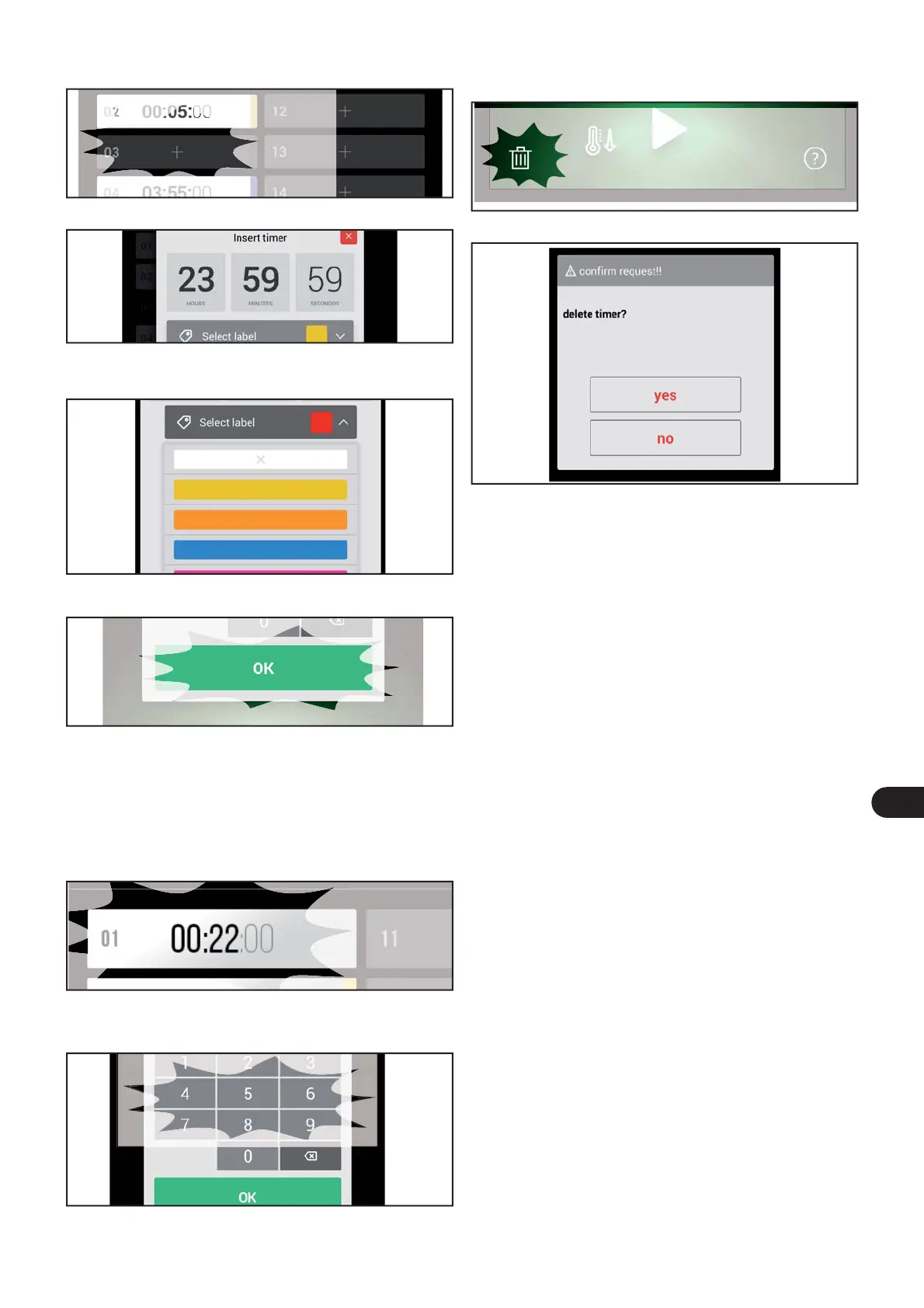
) Then con rm or discard the elimination.
) Edit the seconds, minutes and hour.
) Press OK to con rm the highlighted value.
Edit an existing Timer
) Select a preset time by pressing the zone.
) Enter the seconds, minutes and hour.
) Select a colour, from those available in the drop-down
menu, to be associated with a certain time.
) Press OK to save the selection made and exit.
Eliminate all the Timers
) Press the bin icon to eliminate one or more previously cre-
ated timers.
Add a new Timer
) Press the “+” zone to add a new Timer.



 To Next Page