- 36 -
3378702_ATE_ut_GB ENGLISH
GB
FAULT
TROUBLESHOOTING
The appliance has been tested before being put into service.
The information provided below is intended to assist in the identi cation and correction of any
anomalies and malfunctions which might occur during use.
The user can solve some of these problems himself, but for others speci c technical knowledge
or skill is required, and so they must only be carried out by quali ed sta with recognised
experience acquired in the speci c sector of operation.
Important
For all requirements contact the agents or the headquarters of Angelo Po which can be found
in the contacts section of the website http://www.angelopo.com.
Fault Cause Remedy
The appliance does not switch on
Fuse “blown”
Replace the fuse (see “installation
manual).
Safety or protection device (safety
thermostat or overload cutout)
tripped.
Press device reset button.
Electronic circuit board damaged Contact the after-sales service.
Cooking cycle does not start or
stops suddenly
Control board electronic circuit
board damaged
Contact the after-sales service.
Alarm triggered Consult the “Key to Alarms” table
The cleaning cycle does not
start or stops suddenly
Control board electronic circuit
board damaged
Contact the after-sales service.
Alarm triggered. Consult the “Key to Alarms” table
TABLE OF ALARM INDICATIONS
If the problem or fault noticed is not amongst those
listed in the table, consult the “Key to Alarms” table
provided below.
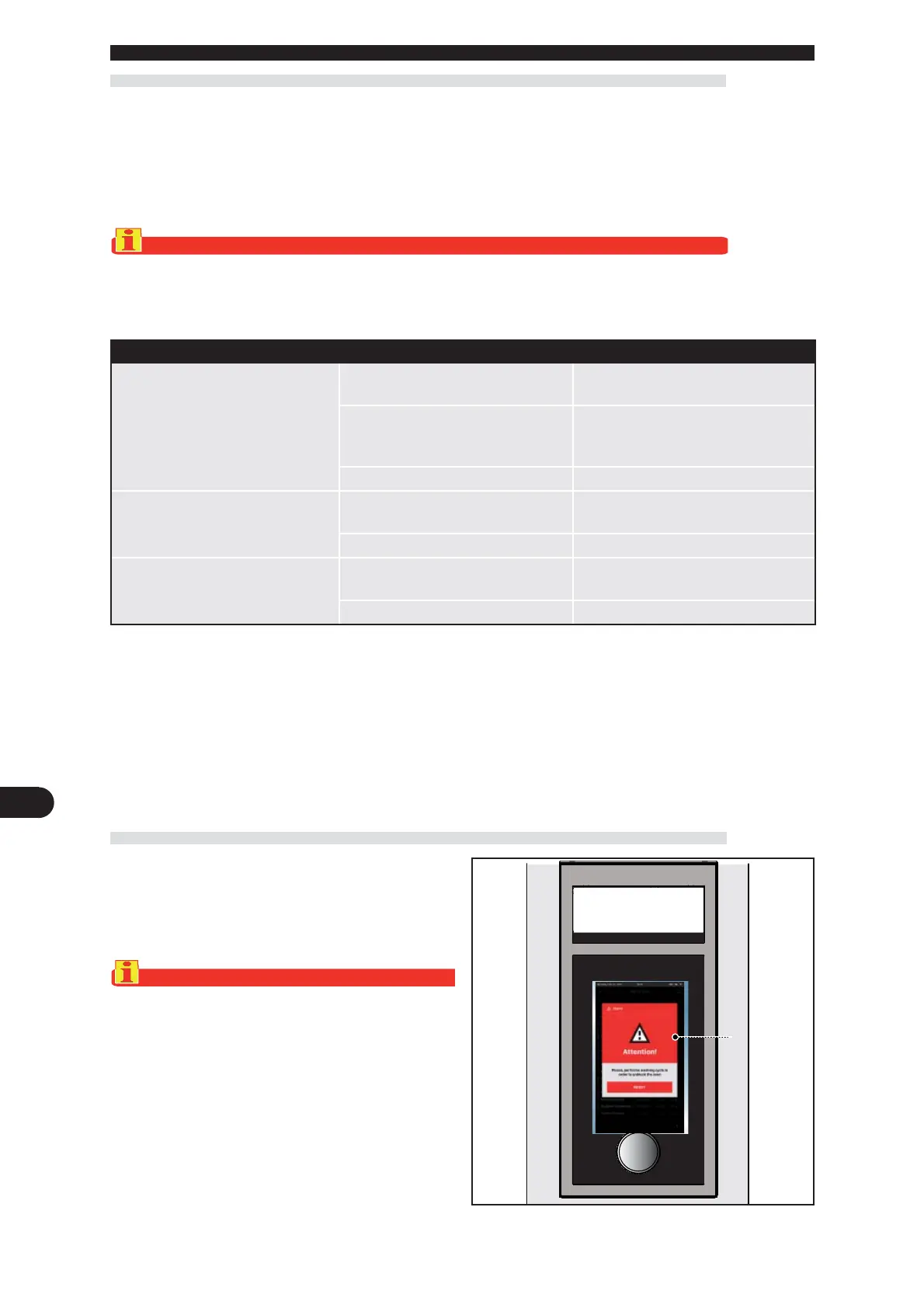
The information provided below s intended to identify
the alarm signals which appear on the display (A).
Important
Press RESET to reset the alarm and the cooking cy-
cle restarts automatically. Press START if the cook-
ing cycle does not restart automatically.
A



 To Next Page