- 22 -
3378702_ATE_ut_GB ENGLISH
GB
COOK&CHILL
) On the main menu screen, press the icon to access the “
Cook&Chill “ function.
Proceed as follows.
A screen appears on the display on which you can exe-
cute cooking in combination with the blast chiller (only
for BE-1 models).
Important
These programs can only be used if the “Blast chiller”
function is set.
To use the “blast chiller” function, please refer to its In-
struction manual.
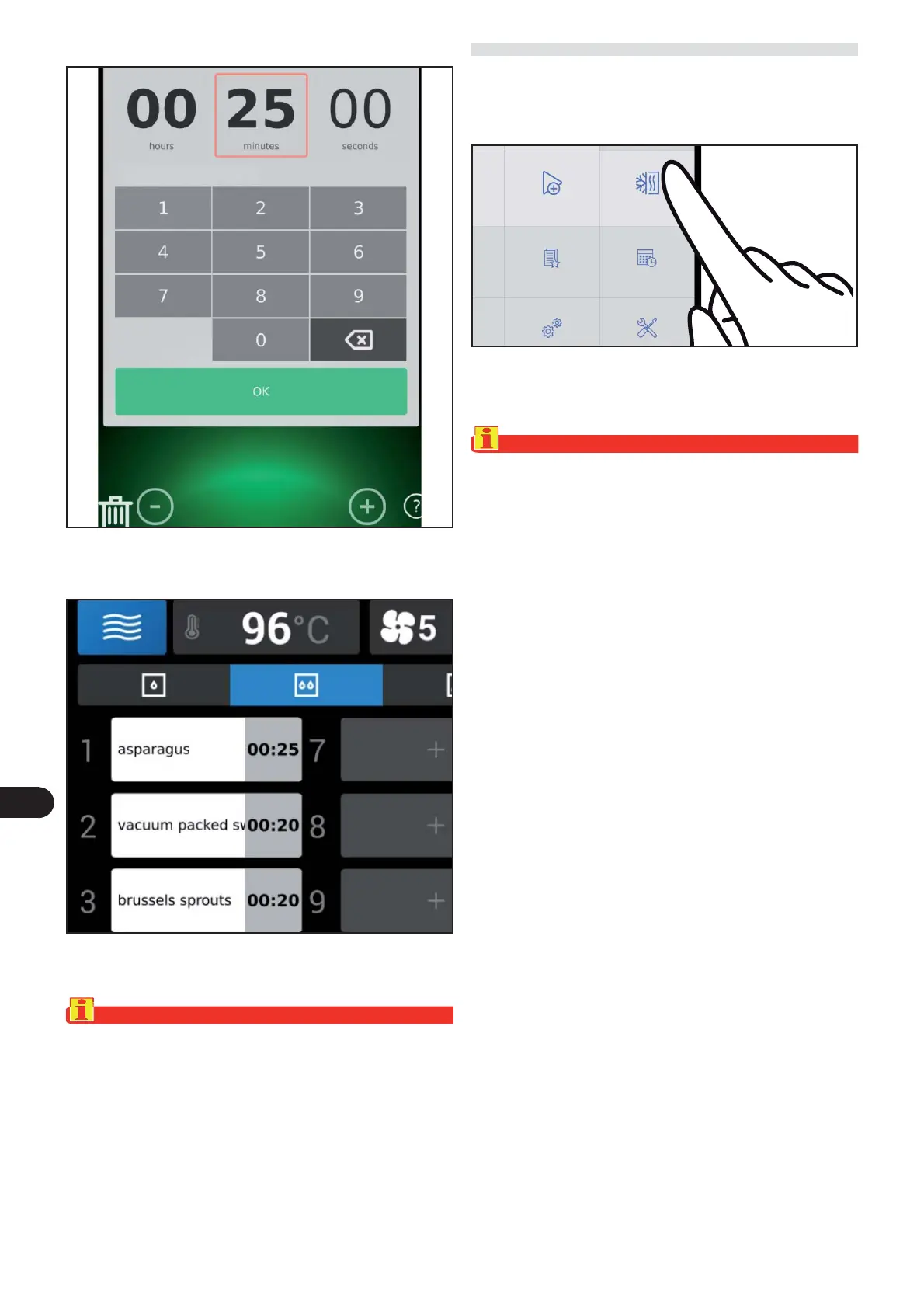
The following screen appears on the display.
) Press OK to con rm the modi ed value.
The following screen appears on the display.
) Repeat steps 1 and 2 of the procedure to edit the times of
the other cooking programs.
Important
The parameters that can be edited are fan speed, ECO
mode, humidity, copy and clear list.
oking
Special cooking Cook & Chill
Favourite Scheduler



 To Next Page