- 30 -
3378702_ATE_ut_GB ENGLISH
GB
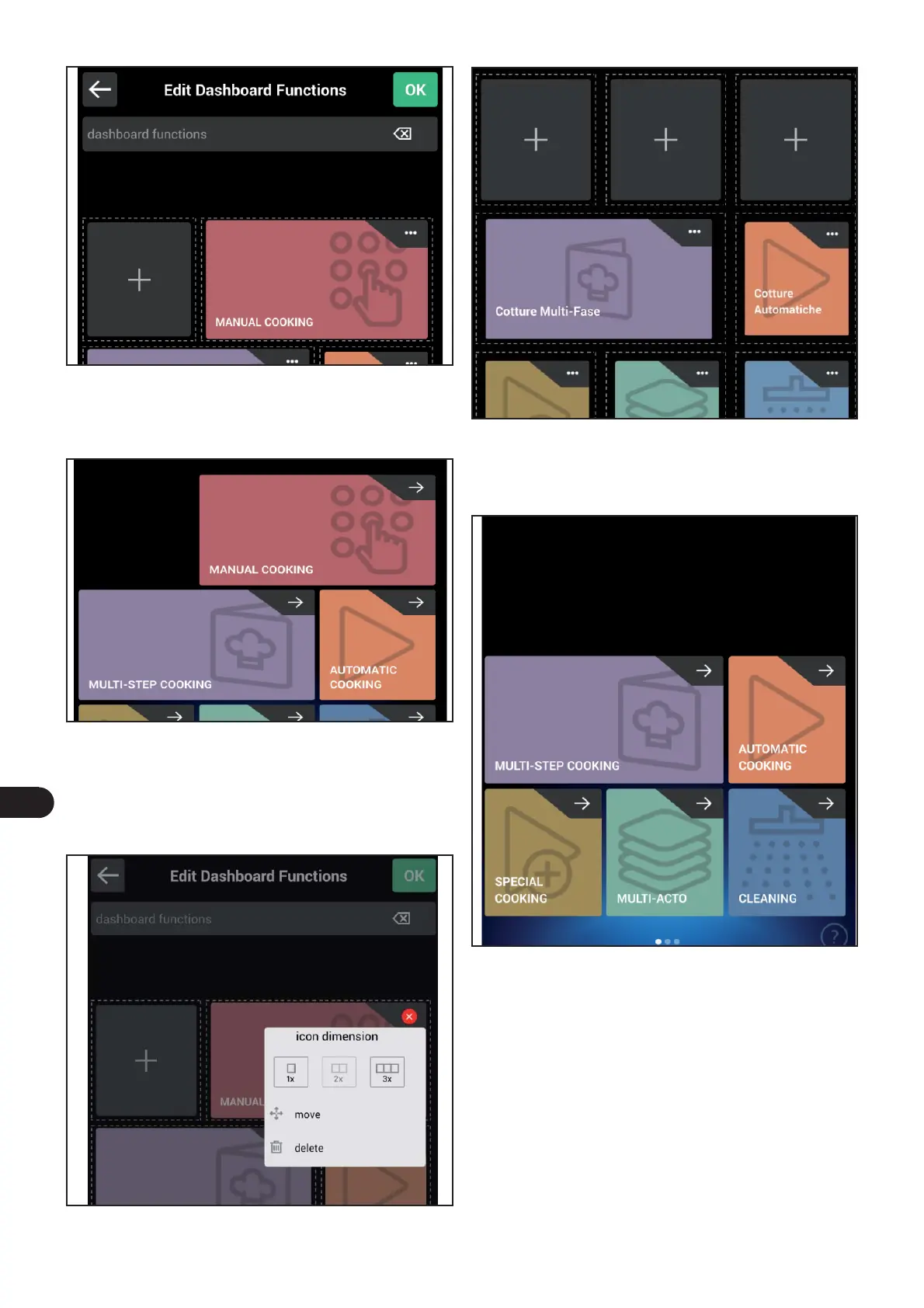
) Press OK to save the new setting and go back to the previ-
ous screen.
The following screen appears on the display.
The following screen appears on the display.
) Press the three dots in the top right corner to select the
function to be deleted.
Delete the functions icon
) Select “Delete” to delete the function.
The following screen appears on the display.
The following screen appears on the display.
) Press OK to save the new setting and go back to the previ-
ous screen.



 To Next Page