108
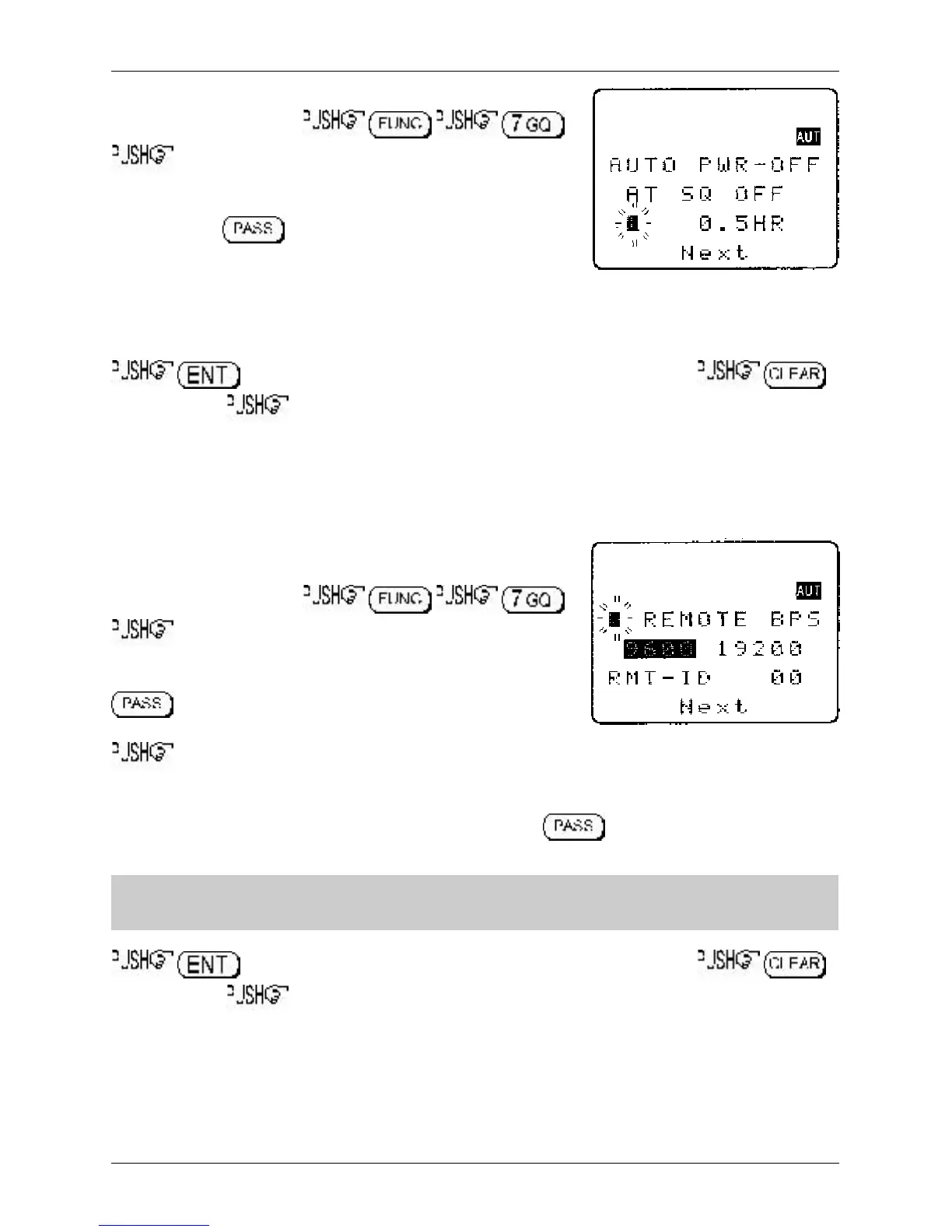
AUTO POWER OFF is setup in the CONFIG menu.
To access the config menu .
ò three times to move the cursor to the
“AUTO PWR-OFF” selection point. Use the main dial or ï ð keys
to vary the time between 0.5 hours to 9.5 hours in 0.5 hr
increments, the key may be used as a short cut to OFF.
When the AR8600 squelch closes, the CPU will wait the length of
time programmed in auto-power-off before automatically switching the AR8600 off. If the squelch opens
again before auto switch off time has elapsed, the radio will not power down and the counter will be
reset (i.e. an open squelch defeats auto power off).
to accept the data and return to a standard display. Alternatively
to abort entry or ò to move to the next item on the config menu (REMOTE BPS).
14-5 CONFIG REMOTE RS232
The REMOTE BPS menu is used to configure the RS232 computer control settings as it is important that
they exactly match those of an associated computer connection or another AR8600 (connected via a
male 9-pin to male 9-pin straight lead).
The REMOTE BPS parameters are setup in the CONFIG menu.
To access the config menu .
ò four times to move the cursor to the “REMOTE BPS”
selection point. Use the main dial or ï ð keys to vary the RS232
baud rate between 4800bps, 9600bps and 19200bps. The
key may be used as a short cut to the default of
9600bps.
ò to move the cursor to the “RMT-ID” selection point. Use the main dial or ï ð keys change
the AR8600 RS232 IDENTIFICATION ADDRESS when multiple units are connected to the same port.
It is possible to connect up to 99 units at once, each radio being assigned a different address. The
value is adjustable between 00 and 99, the default is 00. The key may be used as a short cut
00.
&Important note: It is extremely important to set the RMT-ID to 00 for normal operation
of the RS232 connection and clone of data between radios.
to accept the data and return to a standard display. Alternatively
to abort entry or ò to move to the next item on the config menu (FREQ DISP).
14-6 CONFIG FREQ DISP
It is possible to instruct the AR8600 NOT to display frequencies while in memory read, search and scan
modes (should you wish for prying eyes not to see specifically what you are listening to). Liberal use of
‘text comments’ is recommended if you disable frequency display (turned it off) unless you choose to
have really anonymous operation!
Section 14-4, 14-5, 14-6



 To Next Page