128
the key to toggle the CTCSS facility between OFF / ON / SRCH (default is off).
To abort entry and exit the menu .
&Note: You won’t be able to audibly hear a CTCSS tone due to the low frequencies
employed and audio characteristics of the AR8600 (and other receivers).
18-4-1 CTCSS tone squelch
While in the CTCSS menu, to activate the CTCSS facility (the LCD legend “ON” is
displayed in reverse highlight).
Use the main dial or ï ð keys to make selection of CTCSS tone from the 50 available, the value cannot
be adjusted when the menu is set to “OFF”. The current CTCSS tone is displayed on the last-but-one
line of the LCD, the legend “«” is displayed to the left of the CTCSS frequency when the current receive
frequency is using the displayed CTCSS tone, this assists manual selection of the correct tone.
To accept the data input , alternatively to abort entry . The selected
CTCSS tone may be used in VFO (separate CTCSS tones may be held in each VFO) and independent
CTCSS tones saved in each search bank and memory channel.
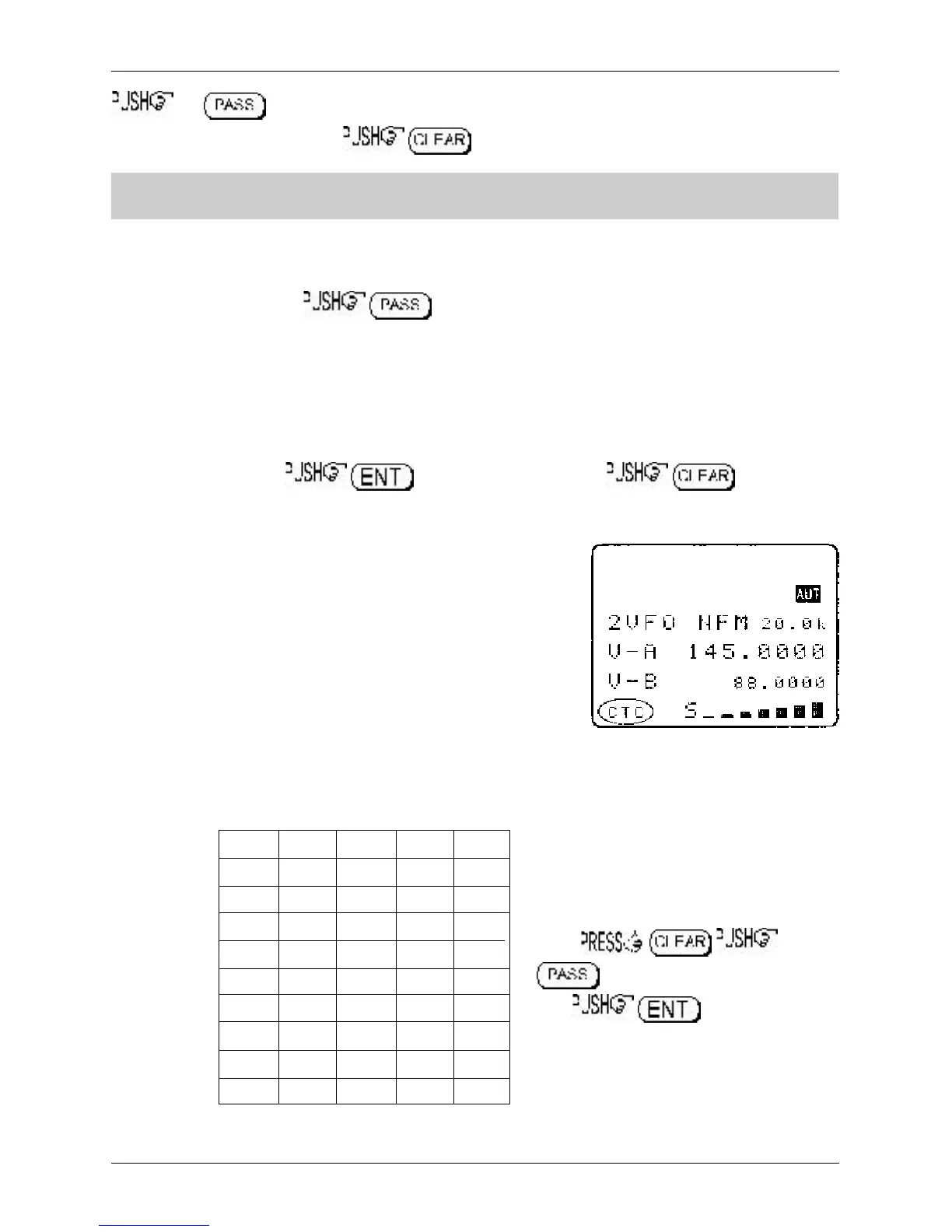
While in VFO, the legend “CTC” is displayed in the lower left
corner of the LCD to indicate that CTCSS is active. The audio will
be completely muted until a transmission occurs which contains
the specified CTCSS tone even when the squelch is set fully
anti-clockwise (open), it is normal for the occasional ‘splutter’ to
be produced as ‘CTCSS type fingerprints’ naturally occur in
everyday transmissions and background noise.
Scan & search banks: It is even possible to scan & search with
the squelch open when CTCSS is active but scan/search rates will
be reduced significantly. To achieve the best speeds, set the
squelch until the “S” legend is extinguished in the usual manner.
Refer to the CTCSS table of available tones:
94.8 100.0 103.5 107.2 110.9
114.8 118.8 123.0 127.3 131.8
136.5 141.3 146.2 151.4 156.7
162.2 167.9 173.8 179.9 186.2
192.8 203.5 210.7 218.1 225.7
233.6 241.8 250.3 67.0 71.9
74.7 77.0 79.7 82.5 85.4
88.5 91.5 97.4 69.4 159.8
165.5 171.3 177.3 183.5 189.9
196.6 199.5 206.5 229.1 254.1
To switch CTCSS off, access the CTCSS
menu
to highlight the legend “OFF”
then .
Section 18-4, 18-4-1



 To Next Page