136
Save ALL-SRCH (all search banks)
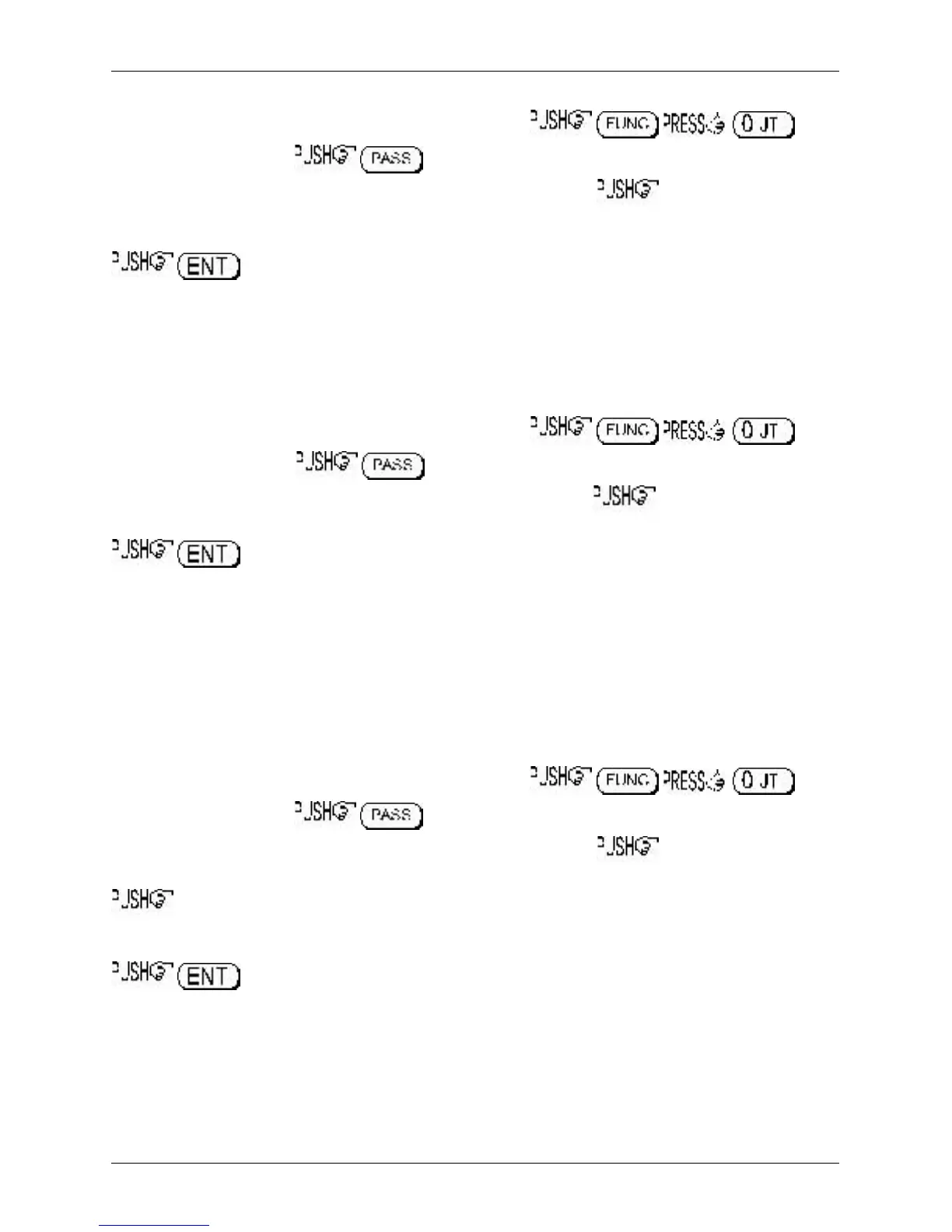
Access the COPY EXT-MEM menu using the key sequence .
Select the “SAVE” option, to toggle between load and save. Next select the EM8200
bank you wish to save using the ï ð keys or main dial (0, 1, 2 or 3). the ò key to move the
cursor to the left of the “ALL-DATA” legend, use the ï ð keys to select “ALL-SRCH”.
to start the search data save. The legend “EXT-MEM SAVING !!” will be displayed
with the exclamation marks flashing to indicate that saving is in progress. The search save process will
take a few seconds to complete. Once the save is complete, the LCD will revert to its previous display
(VFO, scan or search etc).
Load ALL-SRCH (all search banks)
It is presumed that you already have search data in one of the four EM8200 memory locations. Make
sure that global write protect is not set or the data load will be unsuccessful and no data will be loaded.
Access the COPY EXT-MEM menu using the key sequence .
Select the “LOAD” option, to toggle between load and save. Next select the EM8200
bank you wish to load using the ï ð keys or main dial (0, 1, 2 or 3). the ò key to move the
cursor to the left of the “ALL-DATA” legend, use the ï ð keys to select “ALL-SRCH”.
to start the data load. The legend “EXT-MEM LOADING !!” will be displayed with the
exclamation marks flashing to indicate that loading is in progress. The search load process will take a
few seconds to complete. Once the load is complete, the LCD will revert to its previous display (VFO,
scan or search etc).
18-7-6 EM8200 SEARCH BANK save and load
The search data ‘saved or loaded’ can be specific to one bank only.
Save SRCH-BANK (one specific search bank)
Access the COPY EXT-MEM menu using the key sequence .
Select the “SAVE” option, to toggle between load and save. Next select the EM8200
bank you wish to save using the ï ð keys or main dial (0, 1, 2 or 3). the ò key to move the
cursor to the left of the “ALL-DATA” legend, use the ï ð keys to select “SRCH -BANK”.
the ò key to move the cursor to the right of the legend “SRCH-BANK“ to enable selection of
the desired search bank to save. Use the main dial, ï ð keys or keypad to select the desired search
bank.
to start the search data save. The legend “EXT-MEM SAVING !!” will be displayed
with the exclamation marks flashing to indicate that saving is in progress. The search save process will
take a couple of seconds to complete. Once the save is complete, the LCD will revert to its previous
display (VFO, scan or search etc).
Load SRCH-BANK (one specific search bank)
It is presumed that you have already saved search data to one of the four EM8200 memory locations.
Make sure that global write protect is not set or the data load will be unsuccessful and no data will be
loaded.
Section 18-7-5, 18-7-6



 To Next Page