93
ò to move to the “MODE SET” line. Use the main dial or ï ð keys to select receive mode.
The key may be used as a short cut to “AUTO”. In auto, receive mode & tuning step will be
read from the pre-programmed auto band plan data.
ò to move to the “SET STEP” line. Use the main dial or ï ð keys to select the tuning step
size or via the keypad in kHz format (don’t push enter). The key may be used to access the
STEP-ADJUST menu.
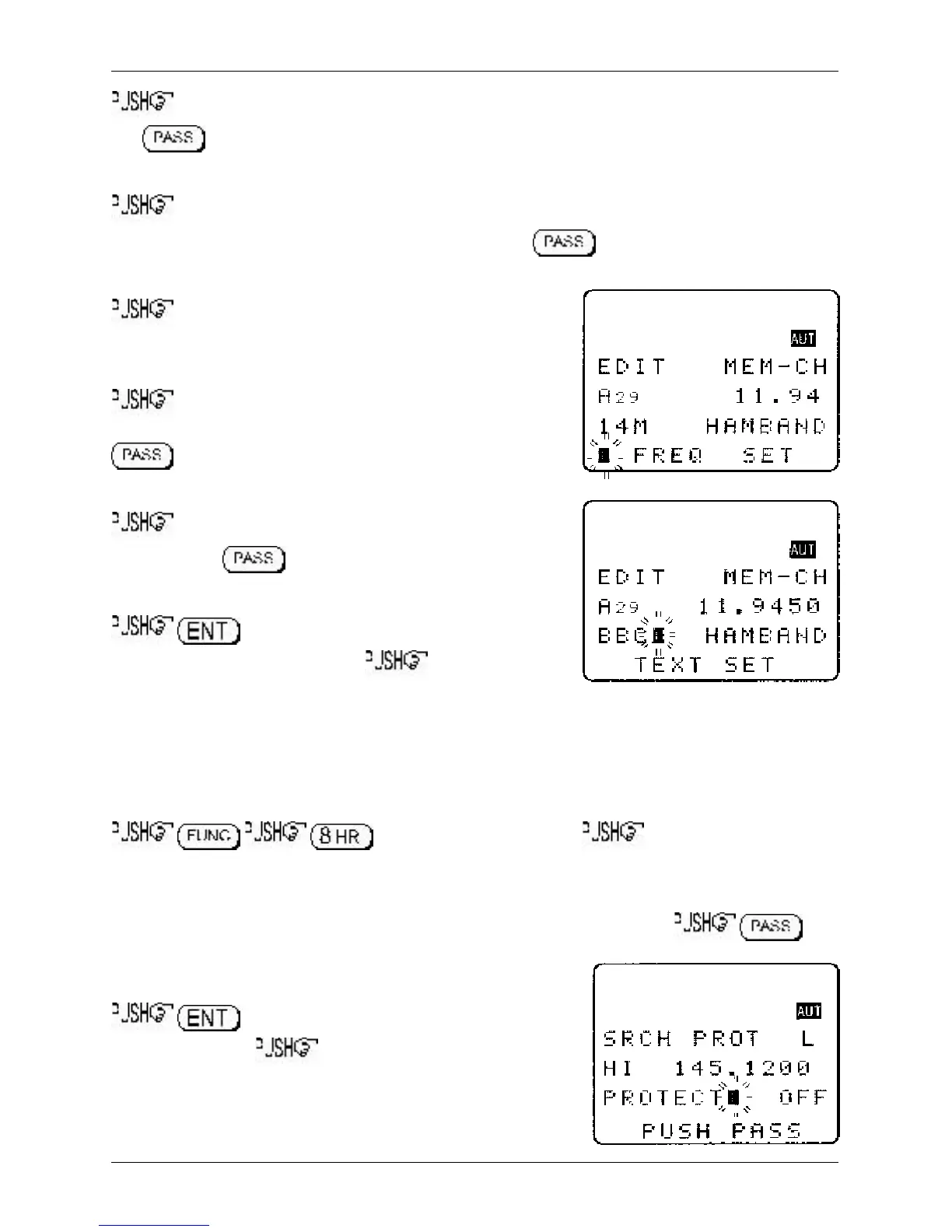
ò to move to the “FREQ SET” line. The receive
frequency may be overwritten in MHz format using the keypad
(don’t push enter).
ò to move to the “TEXT SET” line. Use the main dial,
ï ð keys and keypad to select new text (remember that the
key can be used to delete existing text from the cursor
position to the end of the line to the right).
ò to move to the “PROTECT” line. Use the main dial
or ï ð keys or key to toggle write protect status on/off
(default is off).
to accept the data and exit the menu returning
to the standard display, alternatively ò twice to move
to the “SRCH PROT” selection point.
9-7 EDIT Search protect
The SEARCH PROTECT menu enables you to toggle write protect for each search bank to prevent
accidental deletion of data. The search protect menu is the last entry of the EDIT menu.
to access the edit menu then the ò key twelve times to
move the cursor to the “SRCH PROT” selection point.
The cursor will be positioned on the upper line of the display. Use the main dial or ï ð keys to select
the required search bank, alternatively type in the required bank via the keypad. to
toggle the write protect status on/off (default off). The process
may be repeated for other locations.
to exit the menu returning to the standard
display, alternatively ò to loop to the top of the edit
menu displaying “COPY MEM-CH”.
Section 9-6, 9-7



 To Next Page