34
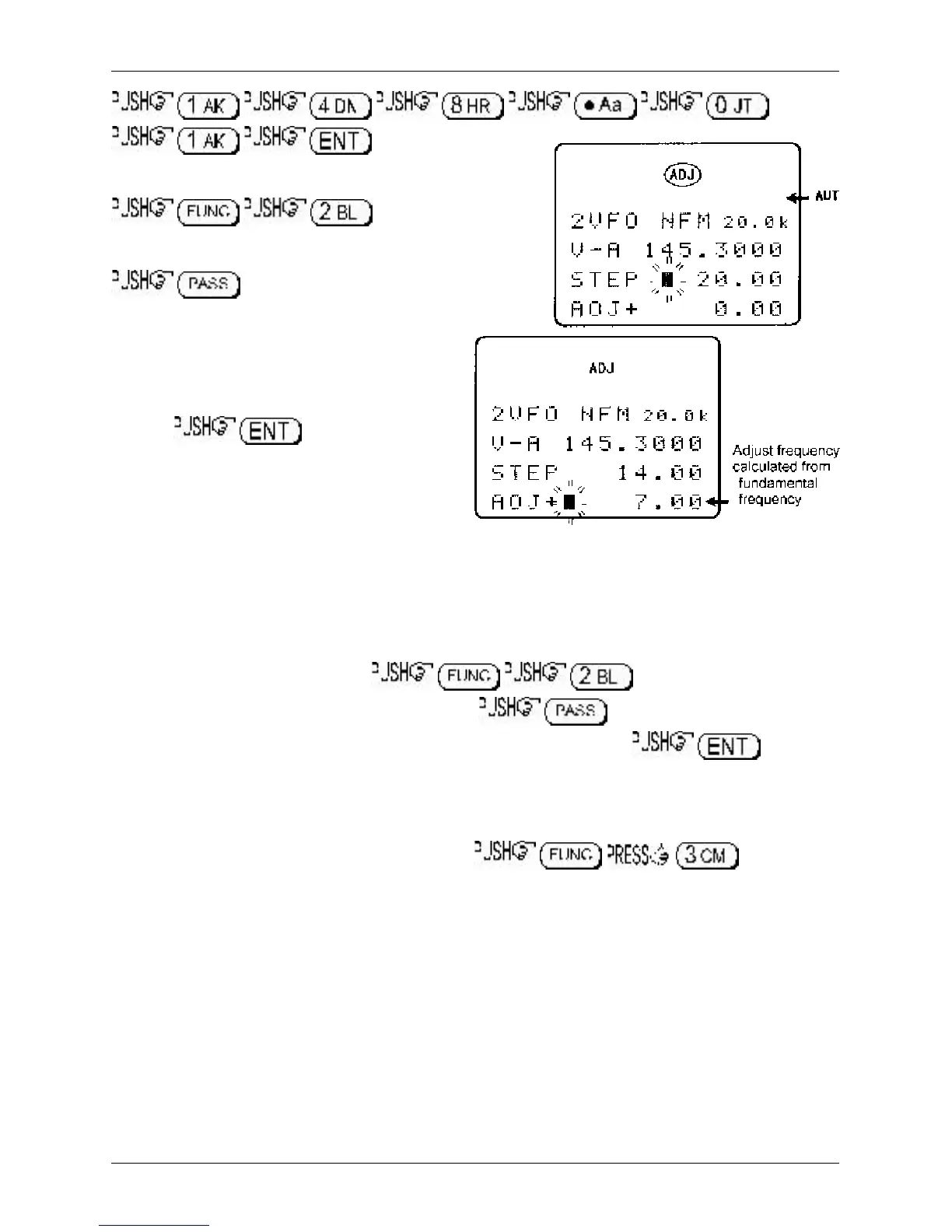
Access the STEP menu using the key sequence
. Use the main dial to
select a step size of 20 kHz (do NOT press enter!).
to access the STEP-ADJUST menu.
Accessing this menu will activate the step-adjust facility,
the “ADJ” legend will be displayed on the LCD
to confirm selection. You will note that the
calculated step adjust value is displayed on the
bottom of the LCD as “ADJ+ 10.00” representing
a positive offset of +10 kHz with a step size of
20 kHz. to accept the
displayed data.
The display will return to VFO mode with 148.010
MHz displayed. The main dial will now correctly
follow the required bandplan.
3-9-2 Cancelling step-adjust
There are two ways to cancel step-adjust
1. Access the STEP menu. , the step-adjust data will be
immediately displayed along with step size. to remove the step-adjust data
from the display, the “ADJ” legend will be removed from the LCD. to accept
the changes. Step-adjust will be cancelled.
2. Presuming that you have manually selected step-adjust (step-adjust has not been set by the
auto-mode bandplan), reselect AUTO-MODE which will reinstate the auto-mode step size, step-
adjust, frequency offset and receive mode. . The “ADJ”
legend will be removed from the LCD and the auto-mode “AUT” legend will be displayed.
3-9-3 Manual setting of step-adjust
The AR8600 usually correctly ‘guesses’ what step-adjust you require, often this is a half step but manual
intervention is possible!
Example 2:
Assume that you wish to tune from 58.445 MHz in 15 kHz steps (i.e. 58.445, 58.460,
58.475, 58.490, 58.505 etc). When manually tuning, the AR8600 would normally correct the frequency
display to read 58.455 then step upward in 15 kHz steps. Tuning back downward will skip 58.445 MHz
(the starting point) as the original frequency was not divisible by step size… it was offset by +5 kHz.
Usually the frequency must be divisible by the tuning step size.
Section 3-9-1, 3-9-2, 3-9-3



 To Next Page