71
as a short cut to ALL (which is the default) which will cause all receive modes to be
scanned in the specified scan group. Use the main dial or ï ð keys to select the receive mode:
ALL, WFM, NFM, SFM, WAM, AM, NAM, USB, LSB, CW.
to accept the changes and return to the display
prior to accessing the scan environment menu. The ò key loops
back to the top of the SCAN-GROUP menu.
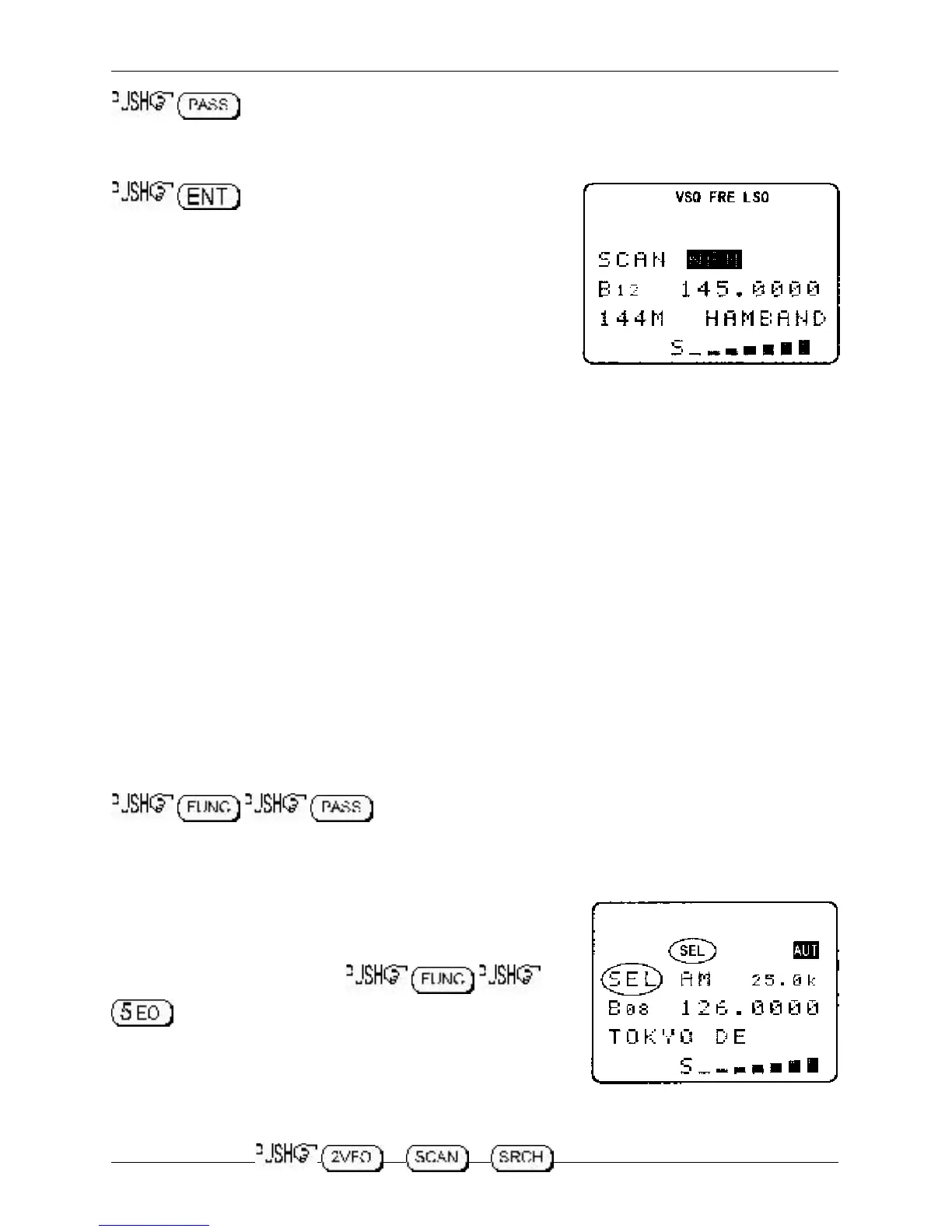
While scanning, only memory channels with the corresponding
receive mode will be scanned. The legend “SCAN NFM” or
“SCAN AM” etc will be displayed indicating that only specific
modes will be scanned, the modes are displayed in REVERSE
CONTRAST highlighting. If no channel contained within the bank
group matches the specified receive mode, the scan will be
aborted and the display will return to 2VFO mode with an error
beep sounding (if the beep is enabled).
7-8-6 Write protect of memory channels & banks
It is possible to write protect memory channels, whole memory banks, search banks and ‘globally
protect’ memory to prevent data being accidentally over-written. Refer to
section 11
of this manual
regarding the write protect options.
7-9 Select scan
Select scan enables you to ‘tag’ memory channels to make a temporary list of up to 100 channels for
scanning in a separate list called the SELECT SCAN LIST. Memory channels from any of the 20
memory banks may be mixed together in any order and added to the select scan list.
7-9-1 Adding select scan channels in memory read
In memory read mode or when paused on an active channel in scan mode use the key sequence
to toggle the select scan tag on/off, the legend “SEL” confirms
selection. Even memories marked as channel pass may be added to the select scan list, the pass
status will be ignored by select scan.
7-9-2 Starting / stopping select scan
To start select scan you must first have at least two memory
channels tagged for select scan.
to start select scan. The legend “SEL” will be displayed
on the left hand side of the LCD to indicate that select scan is in
progress. The memory channels will be displayed as select scan
progresses and each memory channel will display the legend
“SEL”. The direction of scan can be reversed using the main dial
or ñ ò keys.
To stop select scan, or or
Section 7-8-5, 7-8-6, 7-9, 7-9-1, 7-9-2



 To Next Page