98
(11) Write protect
It is possible to write protect memory channels, whole memory banks, search banks and ‘globally
protect’ memory to prevent data being accidentally overwritten.
11-1 Memory CHANNEL write protect
It is possible to protect memories while writing new data, toggle the protect status of previously stored
memory channels and to delete all memory channel protect tags in one go.
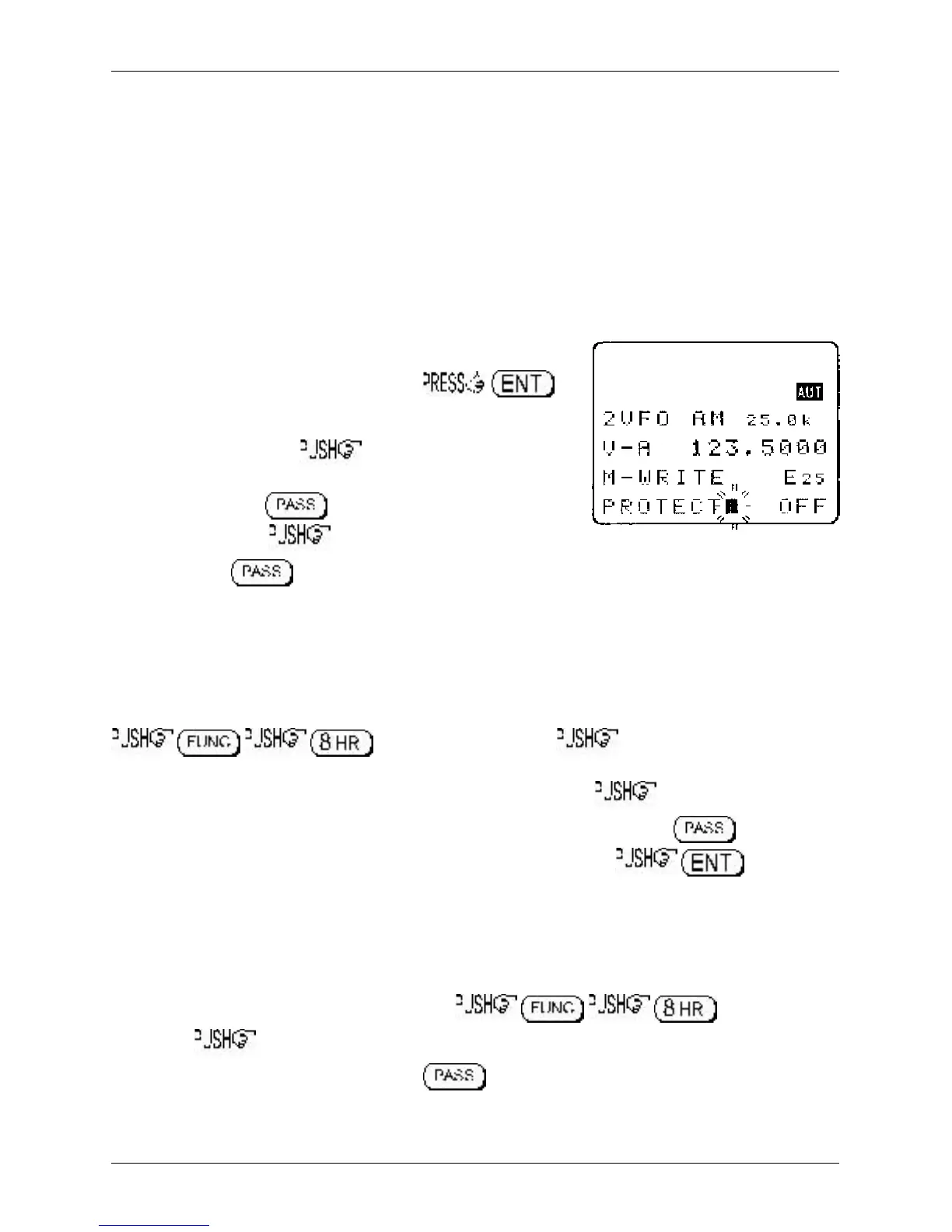
11-2 Write protect during memory input
While in VFO mode, select a frequency then to
access the memory input menu. Key in a three digit location for
memory storage or use the ï ð keys to select bank and main dial
to select channel number. ò to move to the text input
menu, add text as desired using the ï ð keys to move the
position left and right, blanks the line from the current
character to the right. ò to move on to CHANNEL
PROTECT. The key or the ï ð keys may be used toggle write protect status on/off
(default is off). When protect is ON, the memory channel cannot be overwritten while entering new
memories or when copying, swapping and moving specific memory channels.
11-3 Channel protect status for existing memory channels
Existing memory channel write protect status may also be toggled on/off via the EDIT menu.
to access the edit menu. the ò key ten times to display
the “EDIT MEM-CH” menu. Key in a three digit location to recall the desired memory channel or use
the ï ð keys to select bank and main dial to select channel number. the ò key four times
(passing through MODE SET, FREQ SET, TEXT SET and on to PROTECT. The key or the
ï ð keys may be used toggle write protect status on/off (default is off). to save the
changes and exit the menu.
PROTECT - Quick method for several channels
If the required memory channel is recalled in memory read mode, you may move directly to the
PROTECT menu using the following key strokes: to access the
edit menu. the ò key eleven times to display the “MEM PROTECT” menu (the memory
channel just recalled will be displayed). The key is used toggle write protect status on/off.
It is still possible to select other memory channels by keying in a three digit location to recall the desired
memory channel or use the ï ð keys to select bank and main dial to select channel number.
Section 11, 11-1, 11-2, 11-3



 To Next Page