72
7-9-3 Select scan environment
The select scan environment may be customised in respect of DELAY, LEVEL, VOICE, FREE and
MODE. The current SCAN-GROUP selection is used by select scan. To access the scan group
environment menu . For further information regarding the scan
group environment please refer to
section 7-8
of this manual.
7-9-4 Editing the contents of the select scan list
Although it is possible to review all 1,000 memory channels using
memory read to assess which memory channels are tagged for
select scan, a quicker method is available via the select scan
menu.
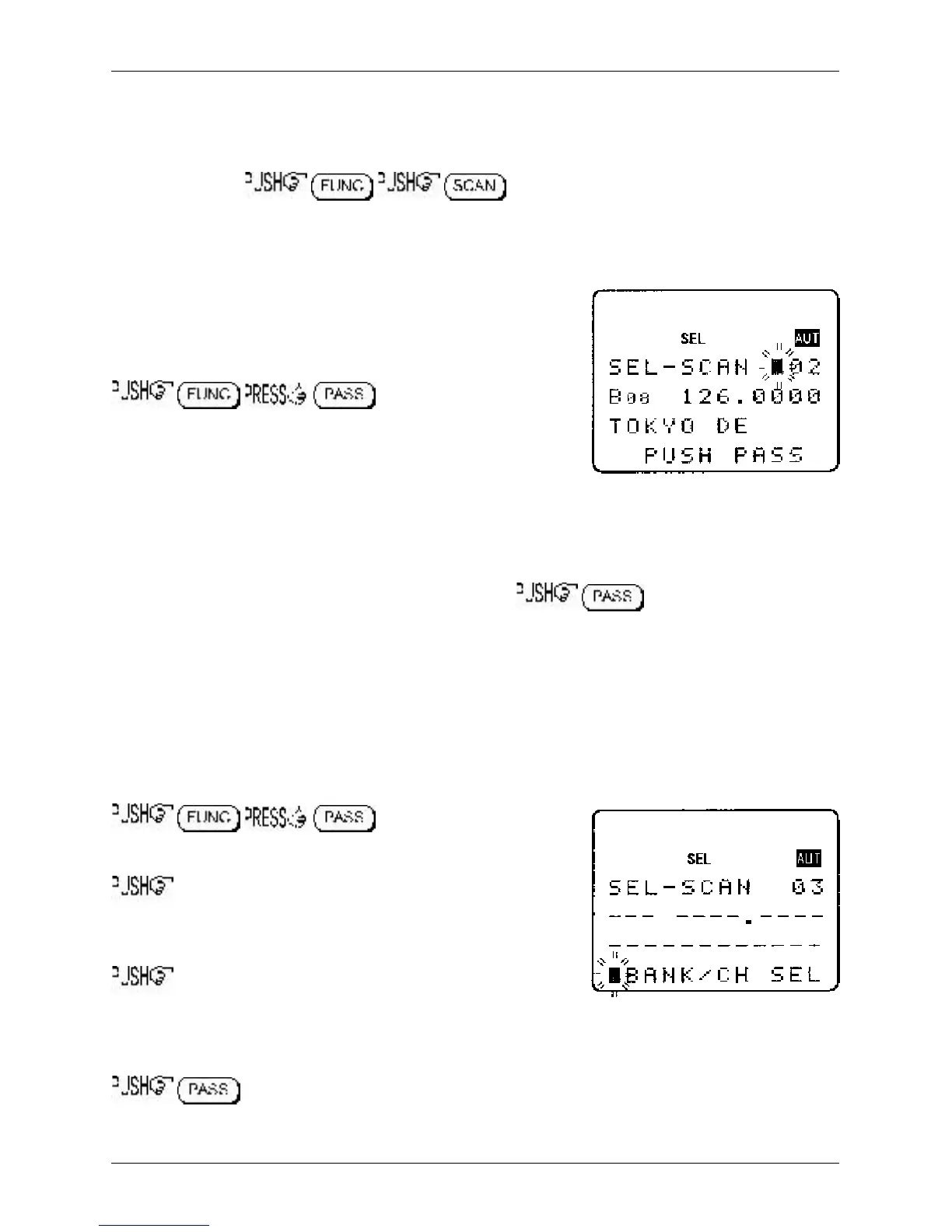
to access the “SEL-SCAN”
menu.
One hundred select scan channels are available and numbered
from 00 to 99. Use the main dial or ï ð keys to scroll through the
select scan list contents. The select scan numbers are allocated in the order in which they were tagged
in memory read mode, the memory bank/channel number, frequency and any text comment is displayed.
Deleting singe select scan channels
To remove the displayed channel from the select scan list . The frequency is
removed from display (“SEL” tag is removed from the memory channel) and the position in the select
scan list will be filled with the next highest select scan channel number. For example, if you have five
select channels listed and delete number “03”, channel number “04” will slide down to take its place
(any gap is filled) so that “04” will be renumbered as “03”, “05” will become “04” and so on.
Adding new select scan channels
It is possible to tag select scan memories in memory read mode, it is also possible to add additional
select scan channels using the select scan menu.
to access the select scan
menu.
the ï key to wrap around to the end of the select scan
list, the legend “SEL-SCAN xx --- ----.---- ------------“ will be
displayed where “xx” is the next available select scan channel.
The ‘dashes’ indicate that the channel is currently unused.
ò to display the legend “BANK/CH SEL” inviting you to
select a memory channel to add to the select scan list.
Select the desired memory channel by keying a three digit location via the keypad or scroll through the
memory banks using the ï ð keys and main dial to scroll through the memory channels.
to accept the displayed memory location to be added to the select scan list.
The memory data will appear alongside the select scan number.
Section 7-9-3, 7-9-4



 To Next Page