129
Section 18-4-2, 18-5
18-4-2 CTCSS search
If you are uncertain what CTCSS frequency is in use, but you think there may be one present, you may
use the CTCSS SEARCH facility to discover what frequency is employed.
Place the AR8600 into VFO mode then to access the CTCSS menu.
to highlight the “SRCH” legend then to accept the input and exit
the menu.
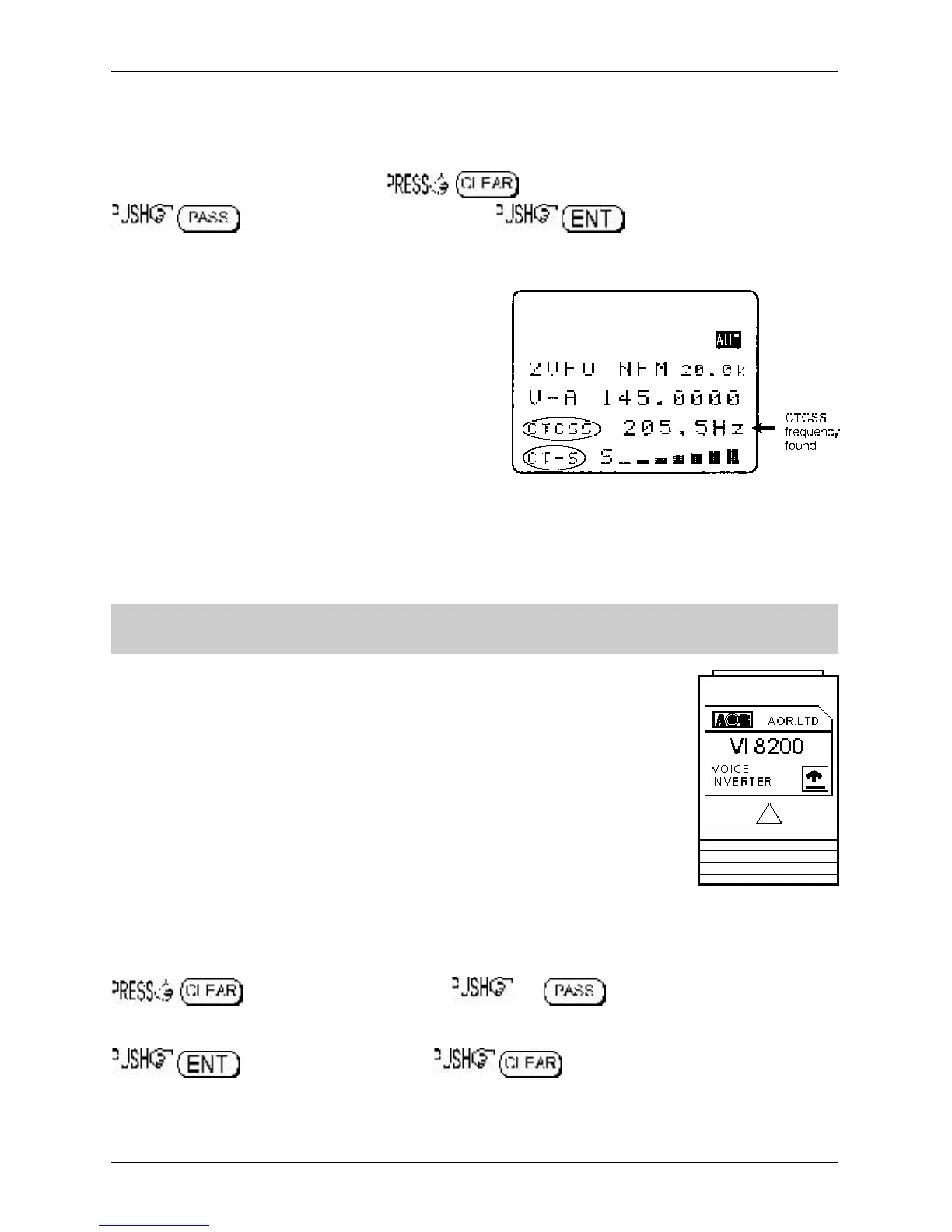
The LCD legend “CT-S” will be displayed in the bottom
left corner of the LCD to indicate that CTCSS SEARCH
is in operation. While in 2VFO mode, the standby
frequency will be replaced with the legend
“CTCSS 205.5 Hz” when a CTCSS tone of 205.5 Hz
has been located, otherwise the appropriate CTCSS
frequency will be displayed.
Each memory channel, VFO and search bank can hold
different CTCSS frequencies and different settings of
CTCSS squelch and CTCSS search (i.e. you can have
CTCSS search active in VFO but CTCSS squelch
active in memory channels).
If you are uncertain where CTCSS may occur and wish to experiment with CTCSS search, simply
activate the CTCSS SEARCH facility while monitoring a broadcast frequency (such as Band-II) which
has a rich audio range (playing music etc).
&Note: As CTCSS search has to check all 50 possible frequencies, it may take up to 15
seconds for the CTCSS tone to be identified.
18-5 VI8200 optional voice inverter slot card
The VI8200 enables the AR8600 to recover intelligible audio from certain types of
analogue transmission which would otherwise sound scrambled. They operate by
splitting up the audio spectrum and ‘flipping’ the upper and lower tones around a
certain frequency point. The VI8200 enables 157 different ‘flip points’ to be
selected in the frequency range of 2.4 kHz to 5.6 kHz.
Register the VI8200 slot card
Insert the VI8200 slot card and switch the AR8600 on and REGISTER the VI8200
card via the OPTION SELECT registration menu.
Refer to section 18-2 and the
example for the TE8200 shown in section 18-3.
To use the VI8200
Insert the VI8200 slot card and switch the AR8600 on, select VFO mode.
to access the VI8200 menu. the key to toggle the voice inverter
on/off (default off). Use the main dial to make selection of tone in 157 steps from 0 to 156, the ï ð
keys are used to increment selection by 10. To accept the data input (when audio is intelligible)
, alternatively to abort entry .



 To Next Page