138
the ò key to move the cursor to the left of the “ALL-DATA” legend, use the ï ð keys to
select “B-SCOPE”.
to start the band scope data load. The legend “EXT-MEM LOADING !!” will be briefly
displayed, the band scope load process will only take a second to complete. Once the load is complete,
the LCD will revert to its previous display (VFO, scan or search etc).
Recalling a stored band scope for viewing
The loaded band scope may be recalled to LCD, the key sequence depends upon whether the EM8200
is still fitted or not.
With EM8200 ‘not’ fitted: Use the key sequence to recall the
loaded band scope to LCD.
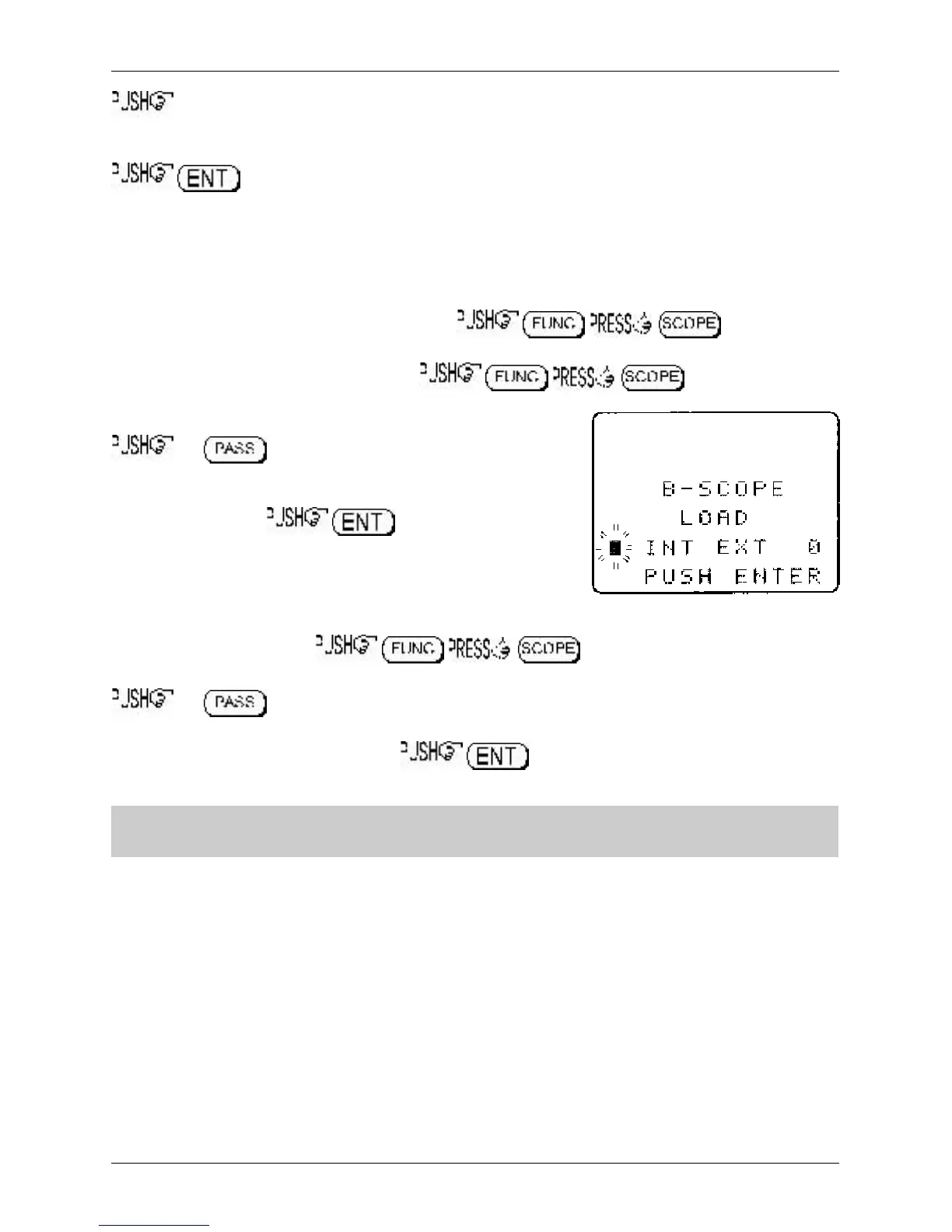
With EM8200 fitted: Use the key sequence to access the band
scope load menu, the legend “B-SCOPE LOAD” will be displayed.
the key to toggle the memory selection
between INTERNAL “INT” and EXTERNAL “EXT”, the default is
“EXT”. As band scope data has been transferred to internal
memory select “INT”. to recall the trace to
LCD.
Loading a band scope directly from external memory for viewing
It is possible to load a band scope directly from EM8200 external memory for immediate display on the
LCD. Use the key sequence to access the band scope load
menu, the legend “B-SCOPE LOAD” will be displayed.
the key to toggle the memory selection between INTERNAL “INT” and EXTERNAL
“EXT”, the default is “EXT”. Select “EXT” then use the main dial or ï ð keys to select one of the
EM8200 memory locations (0, 1, 2 or 3). to recall the trace directly to the LCD for
immediate viewing.
&Note: For further information regarding the band scope, please refer to
section 15
of this
manual.
Section 18-7-7



 To Next Page