Chapter 8 Powering Off the 7300/7500/7500 Fast System
Performing a Short-Term Shutdown
Applied Biosystems 7300/7500/7500 Fast Real-Time PCR System Installation and Maintenance Guide 103
Notes
8
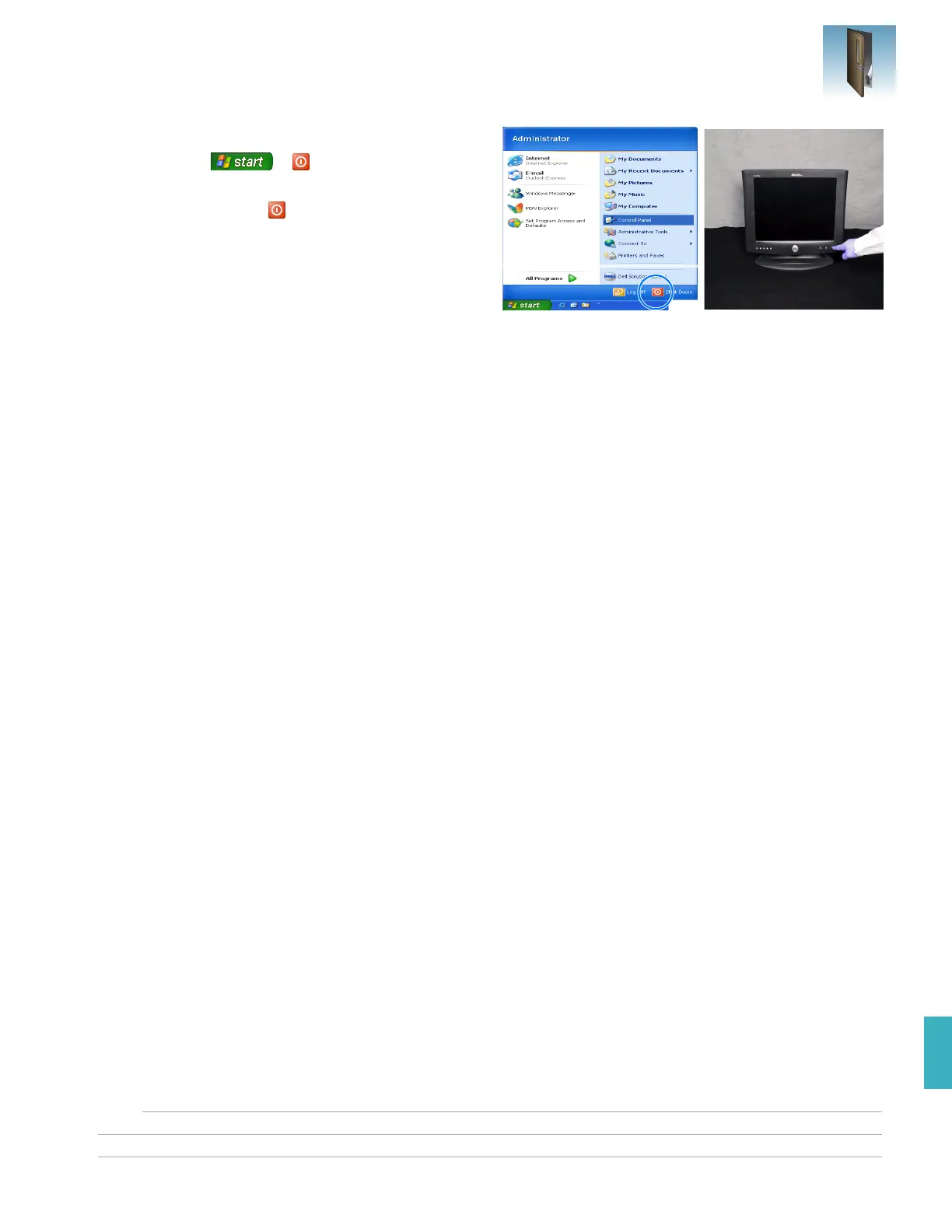
4. Power off the computer and monitor:
a.
Select
Shut Down
.
b. In the Shut Down Windows dialog box (not
shown), select
Shut Down
.
c. Power off the monitor.












 To Next Page