Chapter 4 Performing the Regions of Interest (ROI) Calibration
Creating a Plate Document for the ROI Calibration
42 Applied Biosystems 7300/7500/7500 Fast Real-Time PCR System Installation and Maintenance Guide
Notes
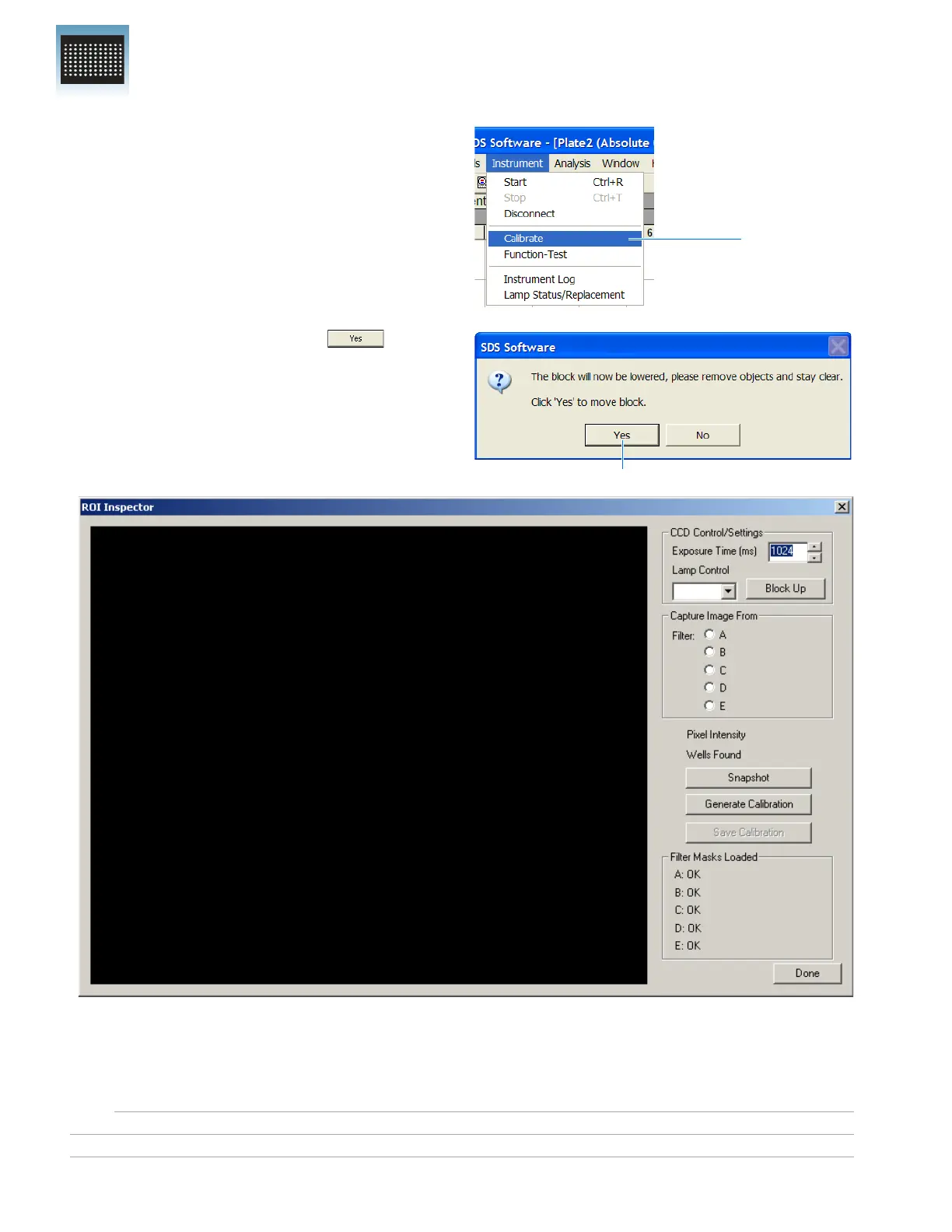
3. In the SDS software, select
InstrumentCalibrate.
4. In the warning dialog box, click to
lower the sample block.
The ROI Inspector dialog box opens.
Select
Click
ROI Inspector












 To Next Page