44 The Setup Menus
7.8.6 Programmable Pulse – Slow Code
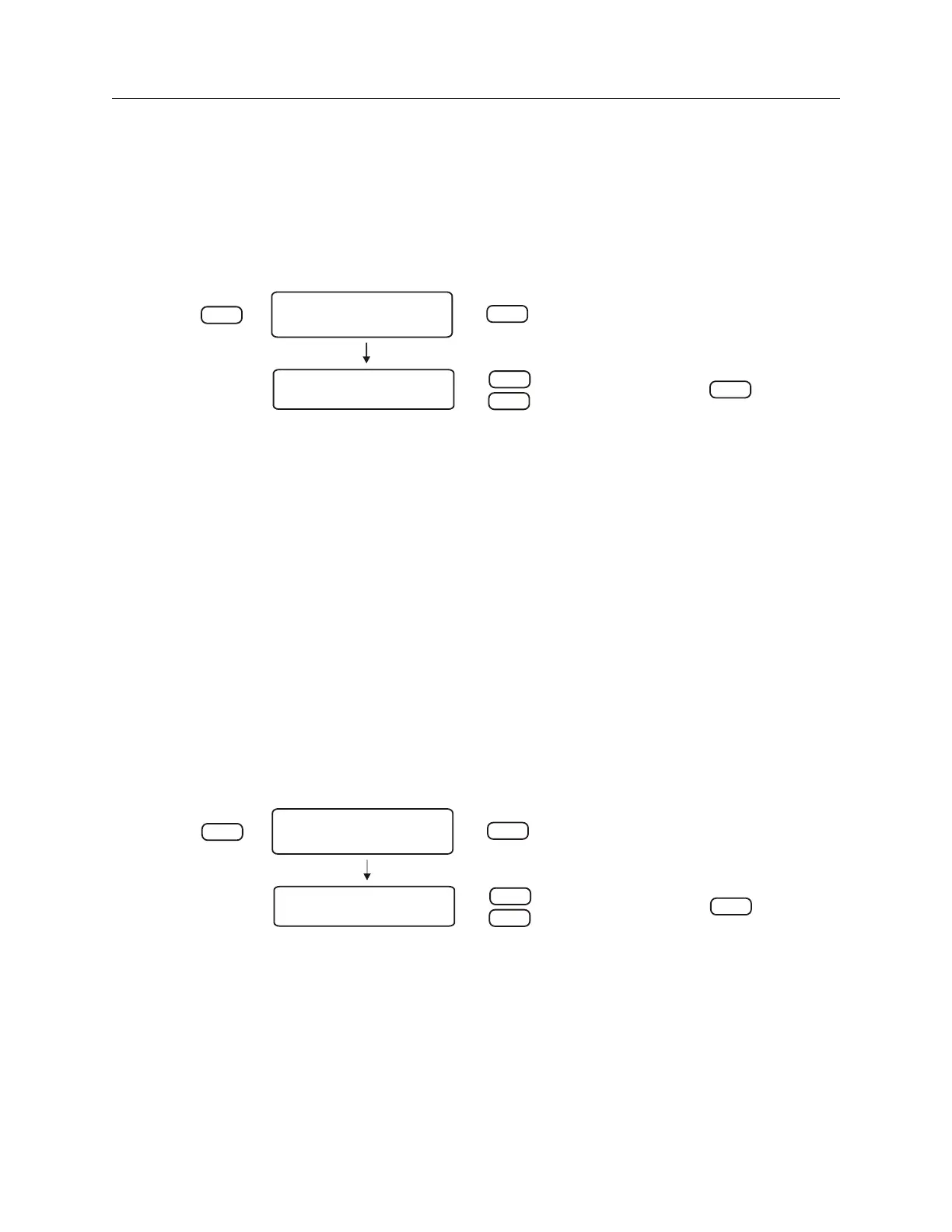
The “Slow Code” mode causes the output voltage to be held high and go low for six seconds on
the day, four seconds on the hour and two seconds on the minute. For RS-232 command, see
Section 10.2.12.
SET PROG PULSE?
ENTER
SETUP
PROG. PULSE MODE?
SLOW CODE UTC?
DOWN
UP
ENTER
(-) POLARITY?
(+) POLARITY?
SLOW CODE LCL?
SLOW CODE UTC?
SINGLE TRIGGER?
PULSE PER DAY?
PULSE PER HOUR?
SEC. PER PULSE? *
* = Default
Figure 7.14: Slow Code Setup
7.8.7 Programmable Pulse – Pulse Polarity
Use “Pulse Polarity” to change the pulse’s OFF-to-ON behavior as follows:
1. Positive: the voltage is held low (0 VDC) when the pulse is off and transitions high (5 VDC)
when on.
2. Negative: the voltage is held high (5 VDC) when the pulse is off and transitions low (0 VDC)
when on.
To set up the pulse polarity, first set up the programmable pulse mode (e.g. Single Trigger) and
then go back into the Prog Pulse menu and set up the polarity separately. For RS-232 command,
see Section 10.2.12.
SET PROG PULSE?
ENTER
SETUP
PROG. PULSE MODE?
(+) POLARITY?
(-) POLARITY?
(+) POLARITY?
SLOW CODE LCL?
SLOW CODE UTC?
SINGLE TRIGGER?
PULSE PER DAY?
PULSE PER HOUR?
SEC. PER PULSE? *
* = Default
DOWN
UP
ENTER
Figure 7.15: Pulse Polarity Setup


 To Next Page