146 Options List
Network Settings and Information
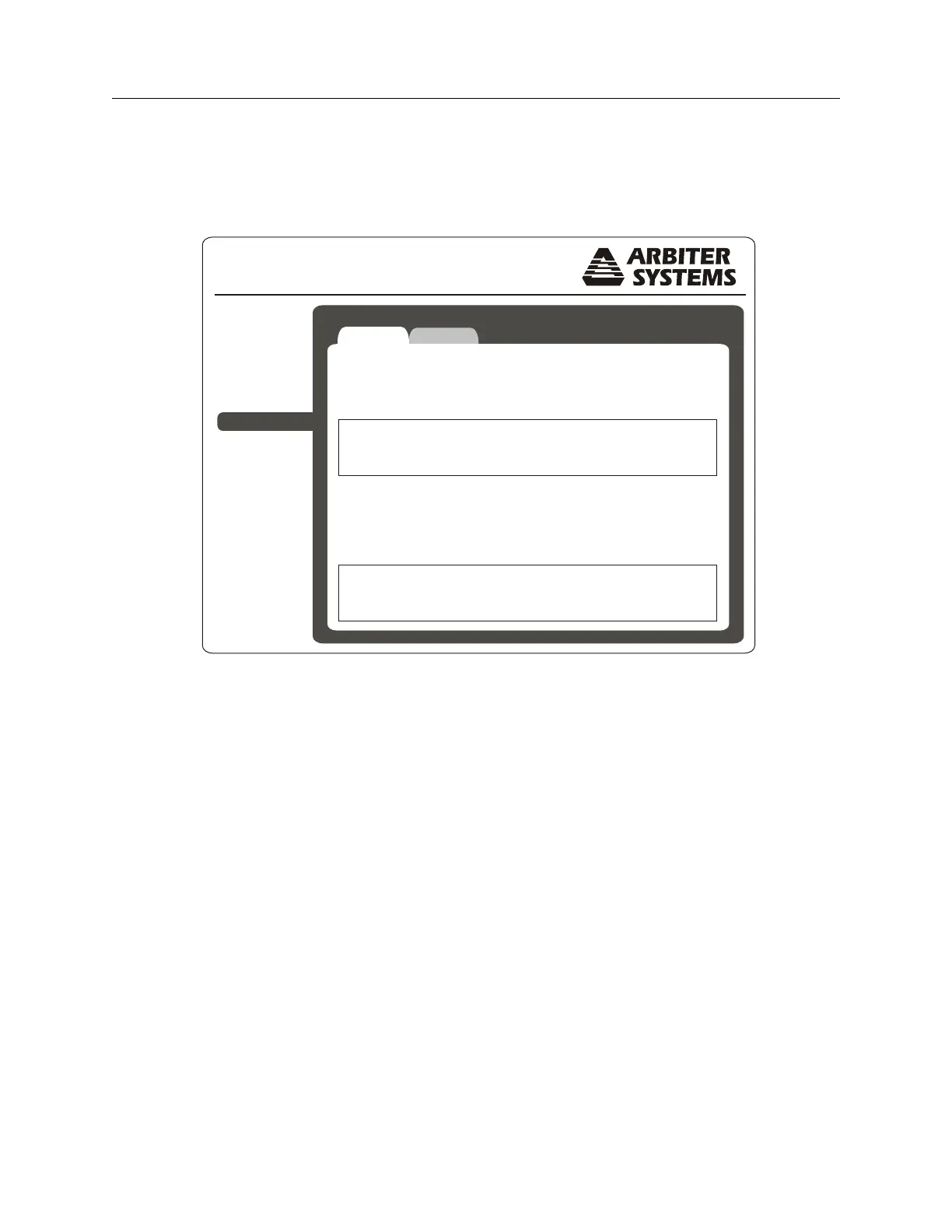
To view the network status of your Option 34 follow these instructions. Figure C.19 displays
network status for both Ethernet ports, 1 and 2. This includes the IP addresses, MAC addresses
and some standard data traffic statistics.
Option 34 Network Time Module
Status
Configure
NTP
PTP
SNMP
Clock
System
Support
Logout
Network
Ethernet Port 1
IP Address 10.10.1.59
MAC Address 64:73:E2:00:00:0B
Bytes Packets Errors Dropped
746214455 9503596 20 34534
98631446 1026146 11 0
Rx
Tx
Ethernet Port 1
IP Address 192.168.0.65
MAC Address 64:73:E2:00:00:0C
Bytes Packets Errors Dropped
0 0 0 0
1692476 24730 3 0
Rx
Tx
Figure C.19: Checking Network Status


 To Next Page