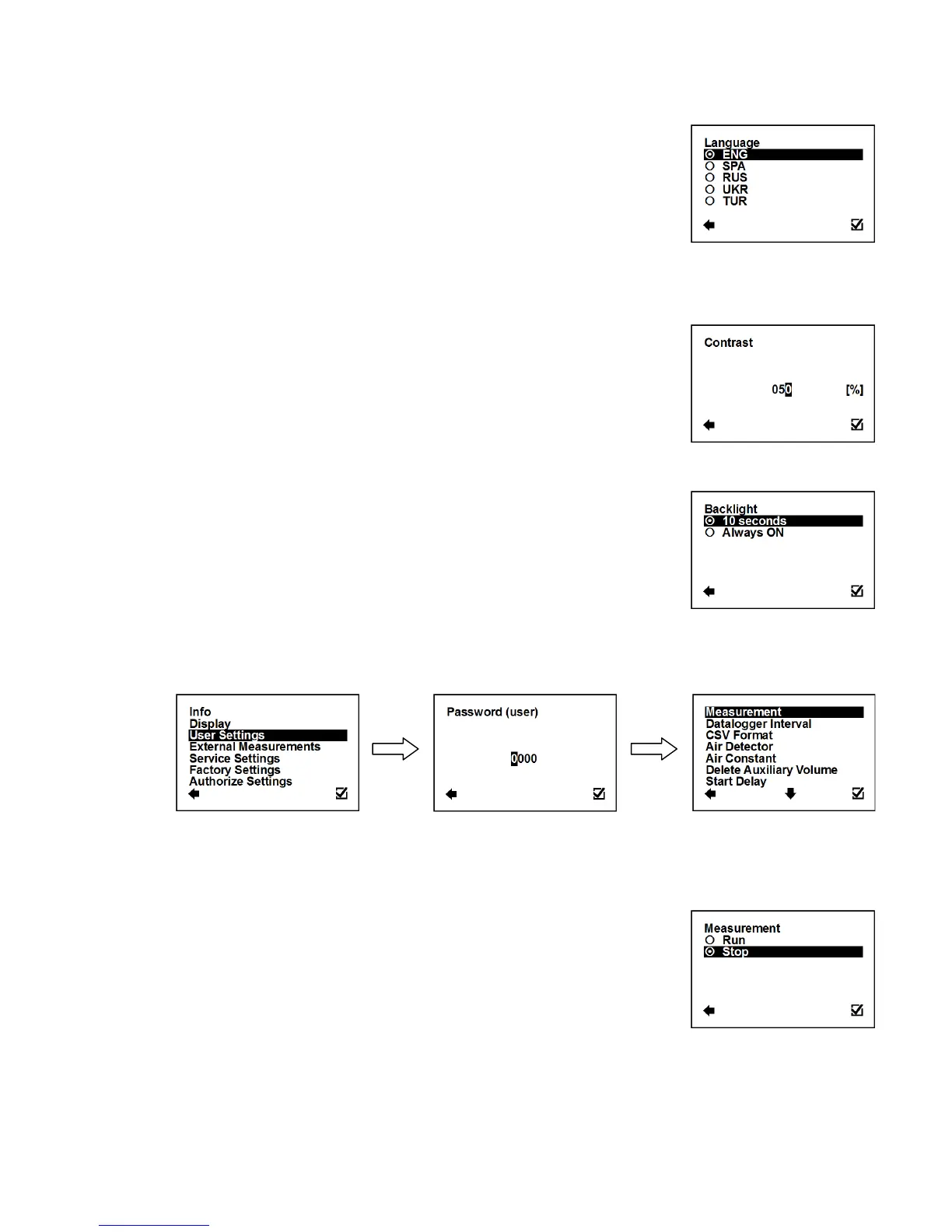
3.4.5. Display > Language
Setup of the language for flowmeter menu.
Confirmation of setup and saving to memory
3.4.6. Display > Contrast
Contrast of the display setup.
Possible range: 0 – 100 %
Selection of digit position
Confirmation of setup and saving to memory
3.4.7. Display > Backlight
Setup of the backlight for flowmeter display.
Confirmation of setup and saving to memory
The backlight would turn off 10 seconds after the last
button touch
The backlight will be always on
To enter this part of the menu, it is necessary to enter the User Password.
The default factory setting is 1111. See page 26. for user password settings.
3.5.1. User Settings > Measurement
This option allows selecting flow measurement to be on or off.
Confirmation of setup and saving to memory
The device is measuring, the totalizers are active
The display will show a value, yet the totalizers are off



 To Next Page