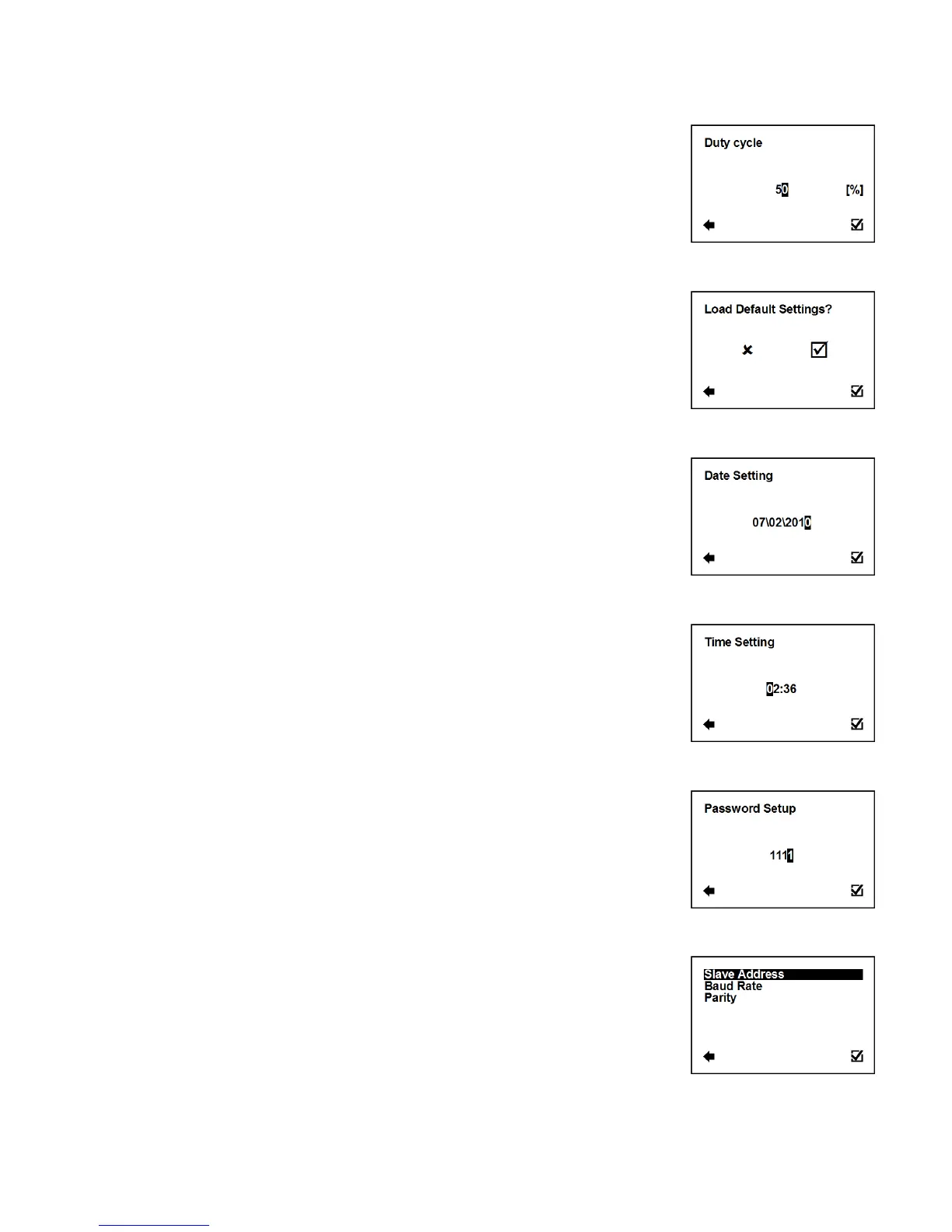
User Settings > Frequency output > Duty Cycle
Function to set duty cycle of the Frequency output. Percentage of
high level.
Selection of digit position
Confirmation of setup and saving to memory
3.5.15. User Settings > Load Default Settings
This function will load default factory settings.
3.5.16. User Settings > Date Setting
Selection of digit position
Confirmation of setup and saving to memory
3.5.17. User Settings > Time Setting
This function serves to set current time.
Selection of digit position
Confirmation of setup and saving to memory
3.5.18. User Settings > Password Setup
This function serves to setup the flowmeter user password.
Possible range: 0000 – 9999
Selection of digit position
Confirmation of setup and saving to memory
3.5.19. User Settings > Modbus
Enter this part of the menu



 To Next Page