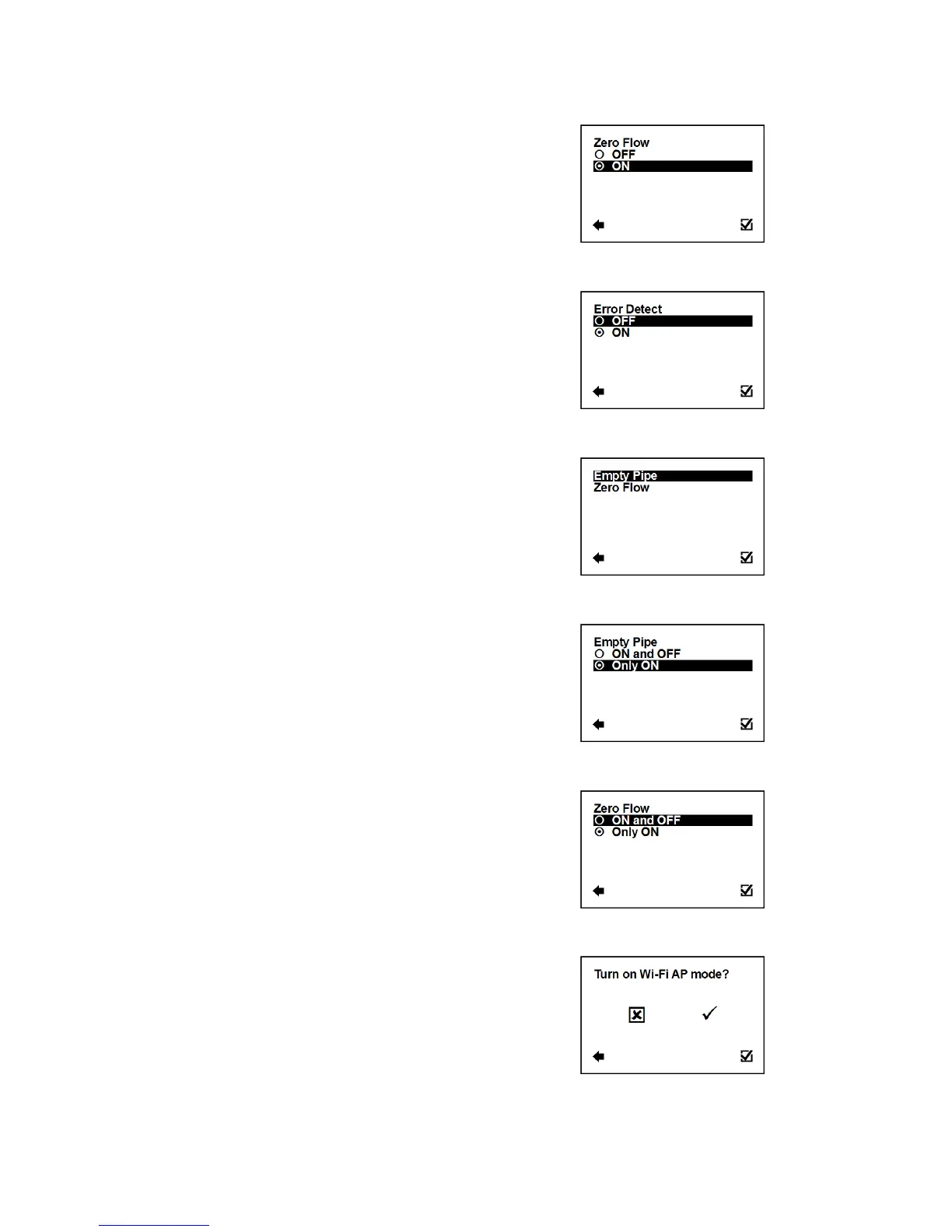
User Settings > GSM Settings > GSM Set Event > Zero Flow
Confirmation of setup and saving to memory
User Settings > GSM Settings > GSM Set Event > Error Detect
Error detect event sending.
Confirmation of setup and saving to memory
User Settings > GSM Settings > GSM Sending Event
Select sending options for each event.
Enter this part of the menu
User Settings > GSM Settings > GSM Sending Event > Empty Pipe
Select options sending for Empty Pipe event.
Confirmation of setup and saving to memory
User Settings > GSM Settings > GSM Sending Event > Zero Flow
Select options sending for Zero Flow event.
Confirmation of setup and saving to memory
3.5.23. User Settings > Wi-Fi AP mode
Allowing Wi-Fi module to AP mode - prepares the module to be set
for operation from external PC or mobile device. For more
information please refer to P31 MAGX2 Wi-Fi module installation
procedure.



 To Next Page