Industrial Automation, Industrial Process Control, Peripheral - PC and Terminal.
Electrical Specifications
BASIC CIRCUIT CONNECTIONS:
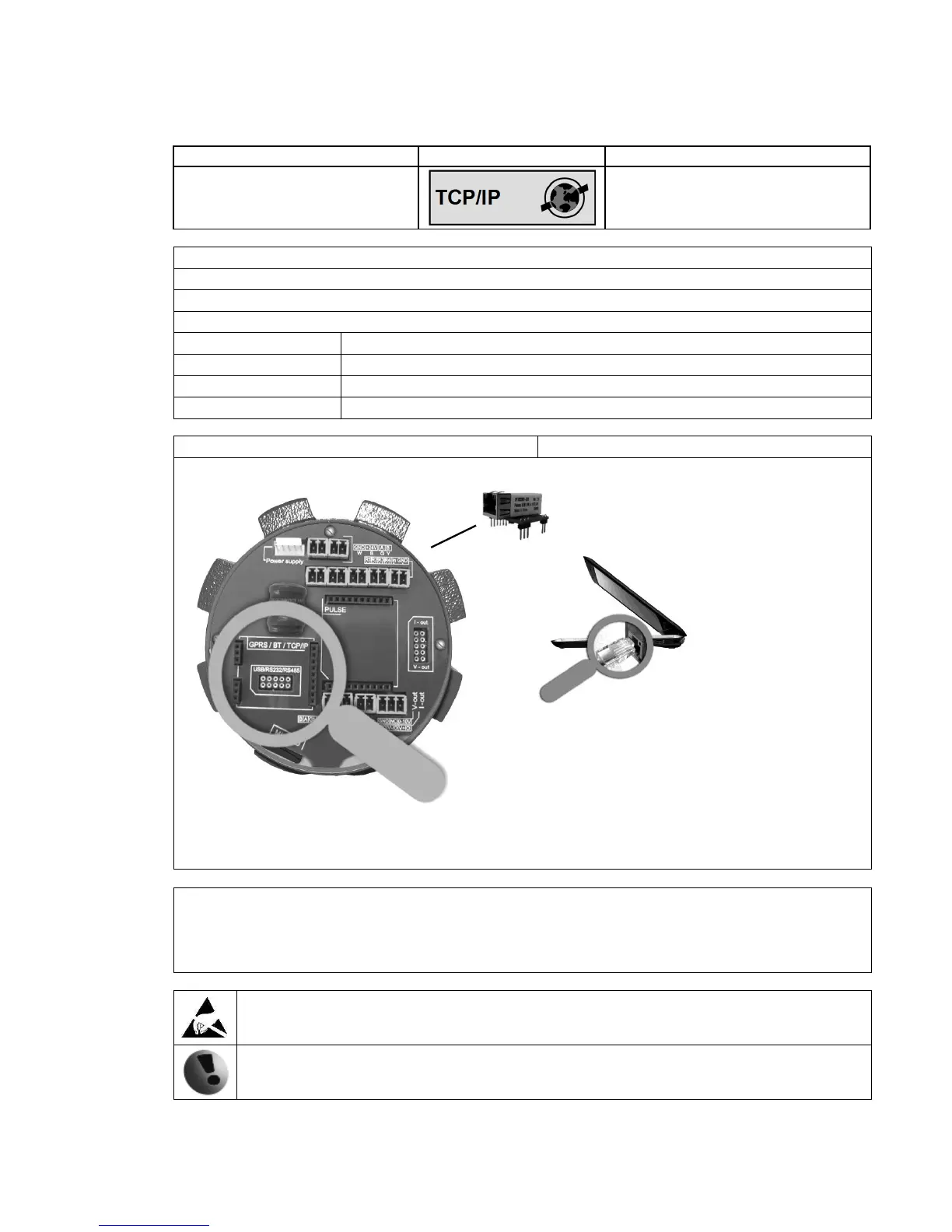
See TCP/IP installation manual.
Warning electrostatic sensitive device.
Any connection or disconnection of any module has to be done with the network power to the
meter switched off.
Warning!: There is a condition that must be fulfilled for the TCP/IP module to be able to operate correctly:
line speed of the communication protocol Modbus must be set up on 19200Bd, Parity none, 1
stop bit. If there is a different setting the communication will not work. You can find the setting
in the following MAGX2 flow meter menu: "Menu / User settings / Modbus / Baud rate" and
"Menu / User settings / Modbus / Parity".



 To Next Page